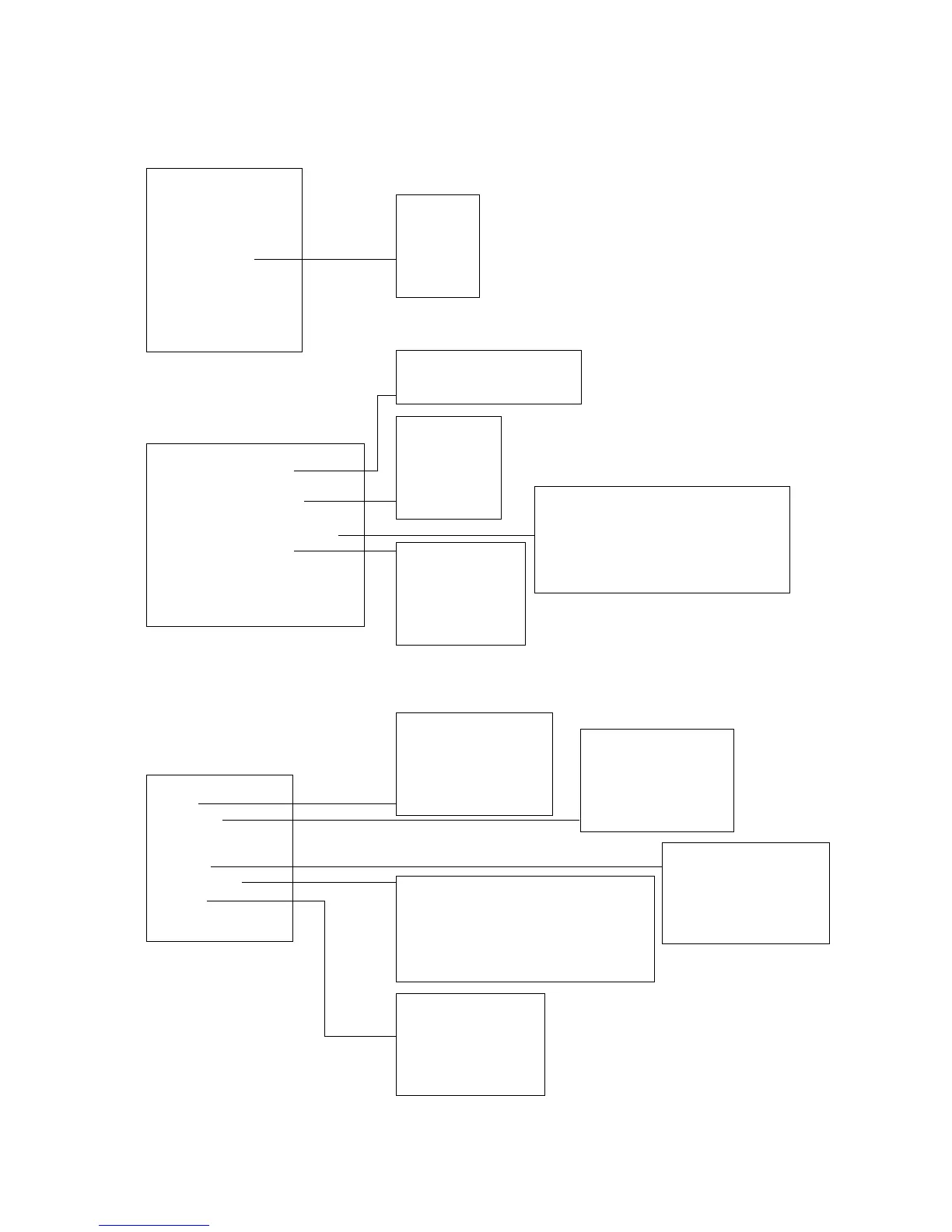
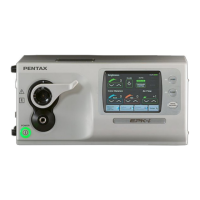
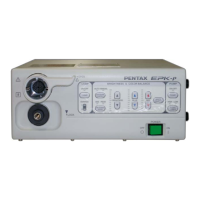
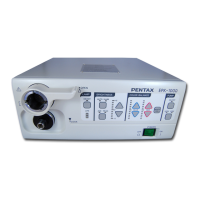
keys + ctrl
F1 : image parameter
F2 :
F3 : enhancement level
F4 :
F5 : scope button assignment
F6 : color adjustment
F7 :
F8 :
F9 : reset characters
F10 : help on/off
Operation from Scope
Bright
Stopwatch
Copy
Freeze
Enhance
Scope Button
Chroma
X-Lum
Esc
keys
F1 :
F2 : color bar on/off
F3 : character on/off
F4 : pointer on/off
F5 : stopwatch
F6 : sec adjustment
F7 : time setting
F8 :
F9 :
F10 : help on/off
Stopwach
Start
Stop
Restart
Reset
Esc
Stopwatch from Scope
Start
Stop
Restart
Reset
Esc
Enhancement
High
Middle
Low
Off
Esc
Enhancement from Scope
High
Middle
Low
Off
Esc
Color Adjustment
Blue : 128
Red : 128
White Balance
Reload
Esc
Brightness from Scope
Bright up
Bright down
Auto/Manual
Ave/Cent
Esc
Chroma from Scope
Blue up
Blue down
Red up
Red down
Esc
Scope Button from Scope
C Button Select : none out 1 out 2 both
Freeze Release : On Off
V Button Select : none out 1 out 2 both
Freeze Release : On Off
Esc
Scope Button
C Button Select : none out 1 out 2 both
Freeze Release : On Off
V Button Select : none out 1 out 2 both
Freeze Release : On Off
Esc
Image
Freeze Mode: Field Frame
Esc
(1) CONTROL FROM THE KEYBOARD
(2) CONTROL FROM THE ENDOSCOPE
8. FUNCTION SUMMARY DIAGRAM


 To Next Page