53
3
Basic Operations
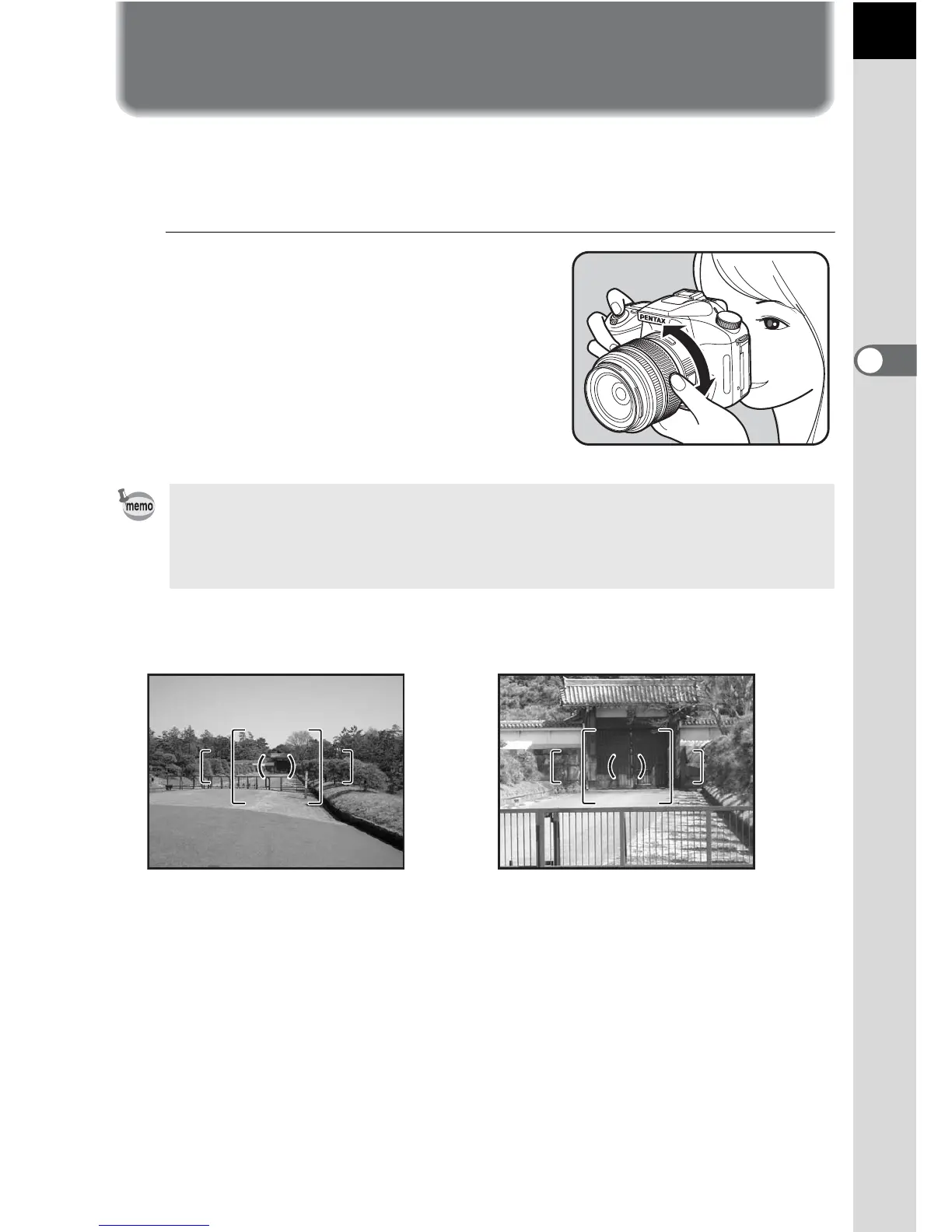
Using a Zoom Lens
Enlarges the subject (telephoto) or captures a wider area (wide angle) with
a zoom lens. Adjust it to the desired size and take the picture.
1
Turn the zoom ring to the right
or left.
Turn the zoom ring clockwise for
telephoto and counterclockwise for
wide angle.
• The smaller the number of the displayed focal length, the wider the angle.
The larger the number, the more magnified the image appears.
• Power Zoom functions (Image Size Tracking, Zoom Clip, and Auto Zoom
Effect) are not compatible with this camera.
Wide Angle Telephoto


 To Next Page