122
Shooting Functions
4
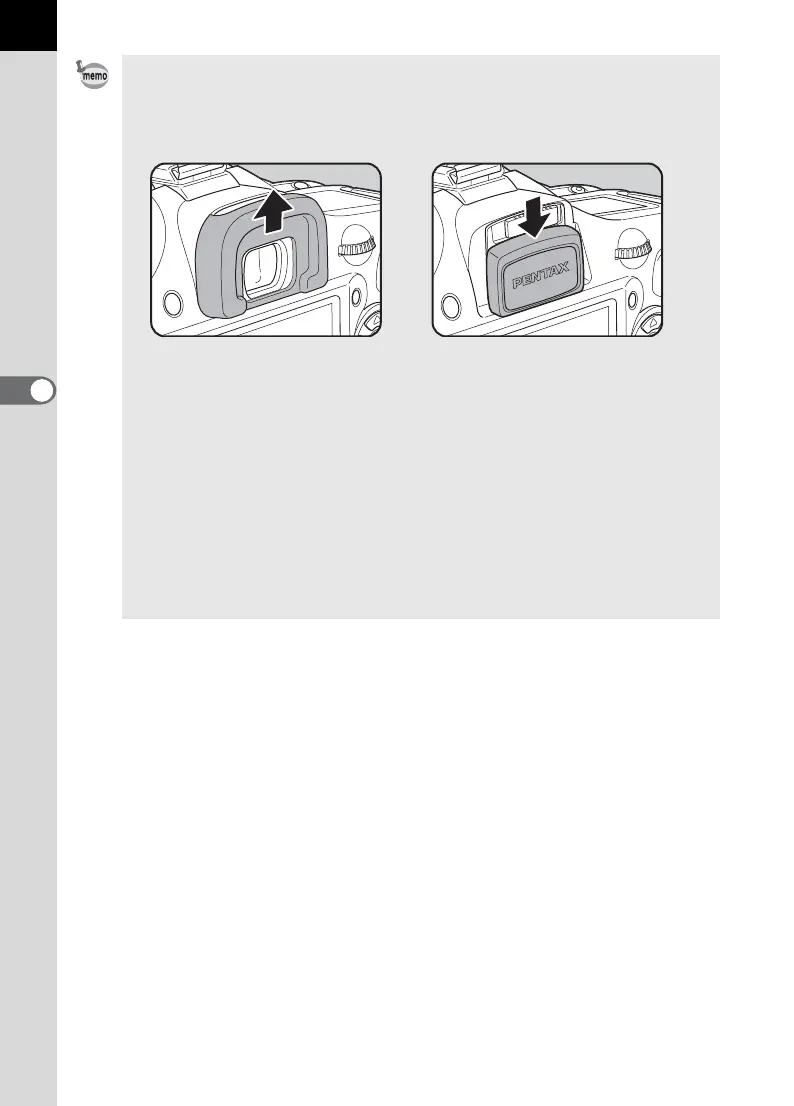
• Exposure may be affected if light enters the viewfinder. Attach the provided
ME viewfinder cap or use the AE lock function (p.101). (The light entering the
viewfinder has no effect on the exposure when the exposure mode is set to
a (Manual) (p.94).)
• Select a setting other than hor i in the [Drive Mode] screen to stop the
remote control operation after it has been activated. The setting is canceled
when the camera is turned off if [Drive Mode] in [Memory] (p.217) of [A Rec.
Mode] menu is set to P (Off).
• The Shake Reduction function is automatically turned off when hor i is set.
• The remote control may not operate in backlit conditions.
• The remote control does not work while the flash is being charged.
• The remote control unit battery can send a remote control signal about
30,000 times. Contact PENTAX Service Center to replace the battery (this
will involve a fee).
Removing the Eyecup FP
Attaching the ME Viewfinder cap



 To Next Page