EN-41
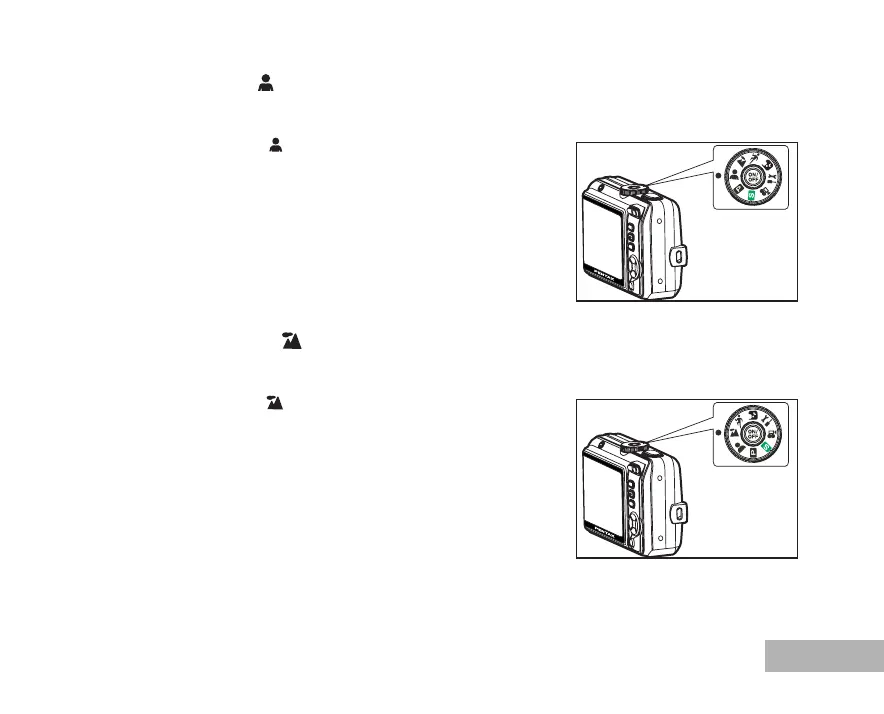
Portrait Mode
Select this mode to make people stand out with the background out-of-focus.
1. Rotate the mode dial to and turn your camera on by pressing
the power switch.
2. Compose your subject within the focus frame.
3. Press the shutter release button to capture the image.
Landscape Mode
This mode allows you to take photographs of distant scenery or landscapes.
1. Rotate the mode dial to and turn your camera on by pressing
the power switch.
2. Compose your subject within the focus frame.
3. Press the shutter release button to capture the image.
[]
[]



 To Next Page