EN-43
PLAYBACK MODE - THE BASICS
Viewing Images
You can display the still images one by one.
1. Rotate the mode dial to , , , , , or and turn
your camera on by pressing the power switch.
2. Press the button.
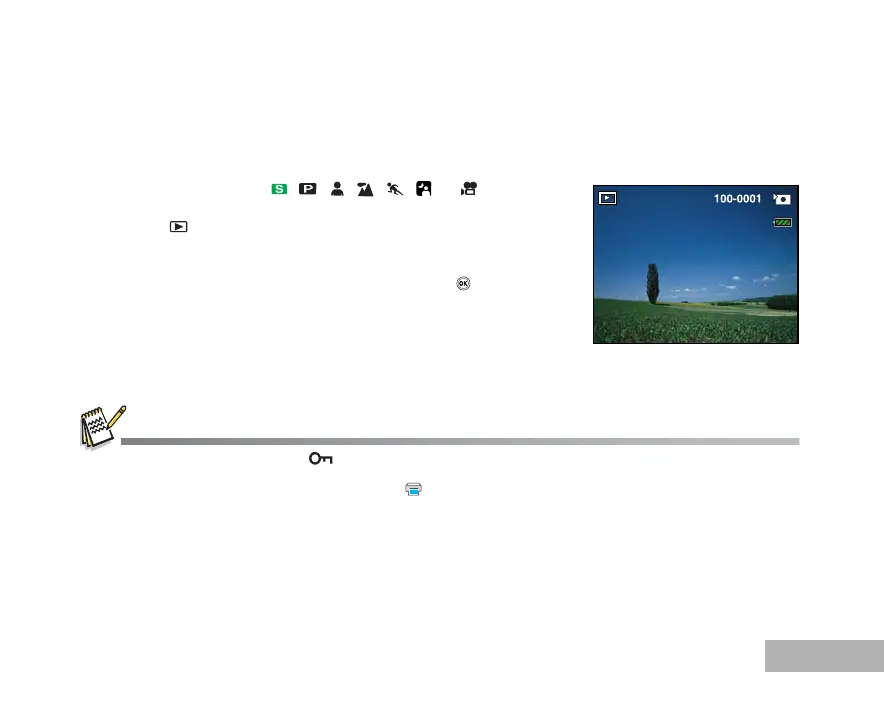
The last recorded image appears on the LCD monitor screen.
Basic information is shown by indicators on the LCD monitor
screen. To see full information display, press the /DISPLAY
button.
3. Use the four-way controller (WX) to select the desired images.
To view the previous image, press the four-way controller (W).
To view the next image, press the four-way controller (X).
For protected images/movie clips, mark will be displayed. Refer to the section in this manual titled “Protecting
Images/Movie Clips” (EN-52) for further details.
For images selected for printing with DPOF setting, mark will be displayed. (Refer to the section in this manual titled
“Setting the DPOF” (EN-53, 54) for further details.)
If there is no image stored in the internal memory or on the SD memory card, [No image] message will appear on the LCD
monitor screen.
You cannot enter the Playback mode from the Setup mode.



 To Next Page