2.3 Alphanumeric input
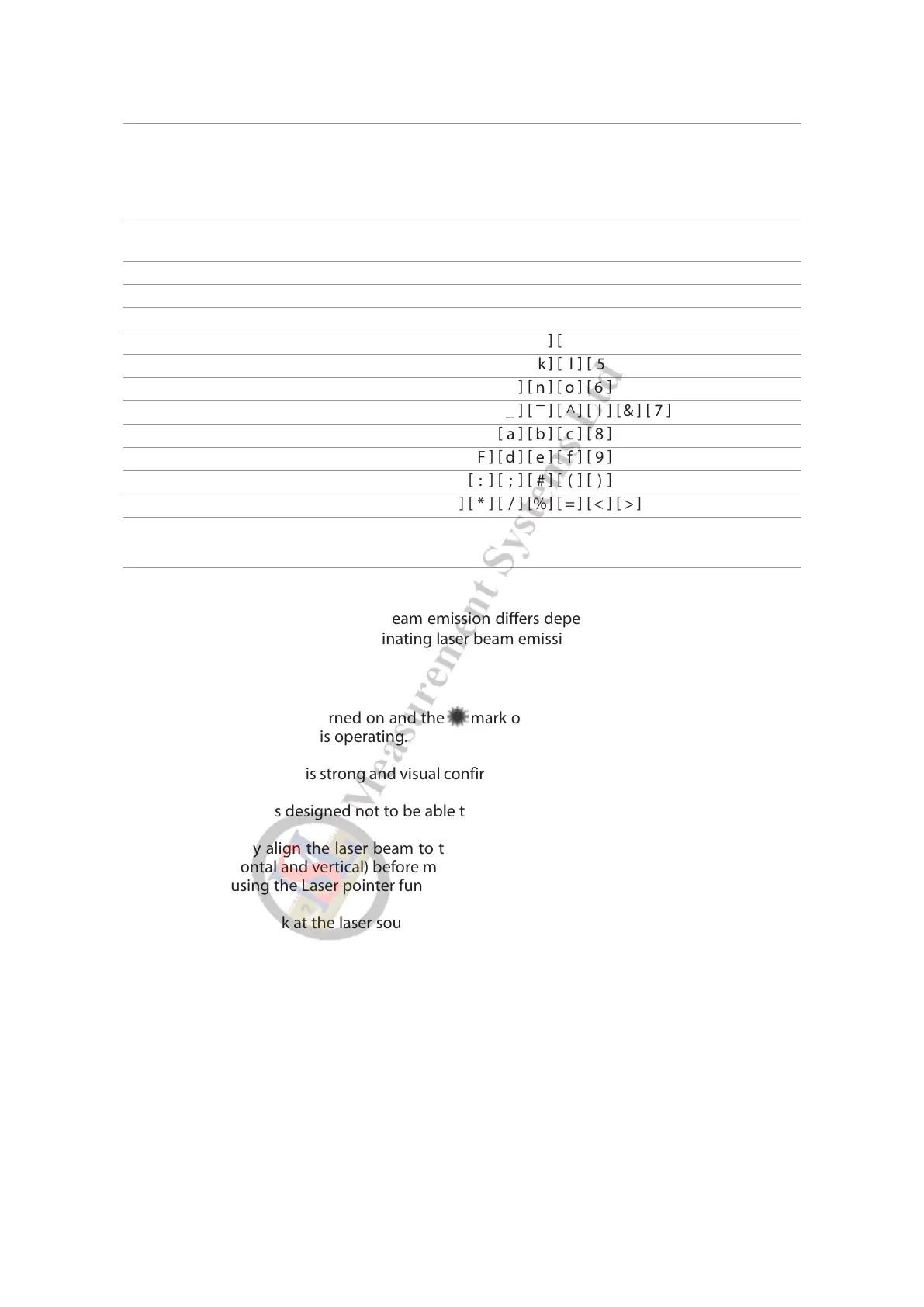
The point name is inputted by the Alphanumeric keys as following.
Key Letter under Key Letter & Figure order to input
0 @ . _ - : / 0
1 PQRS P Q R S p q r s 1
2 TUV T U V t u v 2
3 WXYZ W X Y Z w x y z 3
4 GHI G H I g h i 4
5 JKL J K L j k l 5
6 MNO M N O m n o 6
7 ? ! _ ¯¯¯ ^ I & 7
8 ABC A B C a b c 8
9 DEF D E F d e f 9
..,:;#()
+/- + - * / % = < >
2.4 LD POINT, Laser Pointer
How to activate/terminate the laser beam emission differs depending on application software.
For exact method of activating/terminating laser beam emission, refer to the instructions in the
manuals of respective software.
• The Laser indicator is turned on and the mark on the left of the screen blinks while the
Laser pointer function is operating.
• The beam of the sun is strong and visual confirmation is difficult in daytime when outdoors.
• The laser beam is designed not to be able to observe through the telescope.
• Please visually align the laser beam to the target and mark the center. Confirm the align-
ment (horizontal and vertical) before measuring when performing accurate work like stake
out when using the Laser pointer function.
• Please do not look at the laser source of beam directly.
19
[ ] [ ] [ ] [ ] [ ] [ ] [ ] [ ]
[ ] [ ] [ ] [ ] [ ] [ ] [ ] [ ] [ ] [ ]
[ ] [ ] [ ] [ ] [ ] [ ] [ ] [ ]
[ ] [ ] [ ] [ ] [ ] [ ] [ ] [ ] [ ] [ ]
[ ] [ ] [ ] [ ] [ ] [ ] [ ] [ ]
[ ] [ ] [ ] [ ] [ ] [ ] [ ] [ ]
[ ] [ ] [ ] [ ] [ ] [ ] [ ] [ ]
[ ] [ ] [ ] [ ] [ ] [ ] [ ] [ ] [ ] [ ]
[ ] [ ] [ ] [ ] [ ] [ ] [ ] [ ]
[ ] [ ] [ ] [ ] [ ] [ ] [ ] [ ]
[ ] [ ] [ ] [ ] [ ] [ ] [ ] [ ]
[ ] [ ] [ ] [ ] [ ] [ ] [ ] [ ] [ ]



 To Next Page
 Loading...