HART Multiplexer System KFD*-HM*-16
Operation
2018-04
71
7.2.5 Resetting the Device
Resetting the Device
1. Use the mouse to double-click the multiplexer master KFD2-HMM-16 in
the project window.
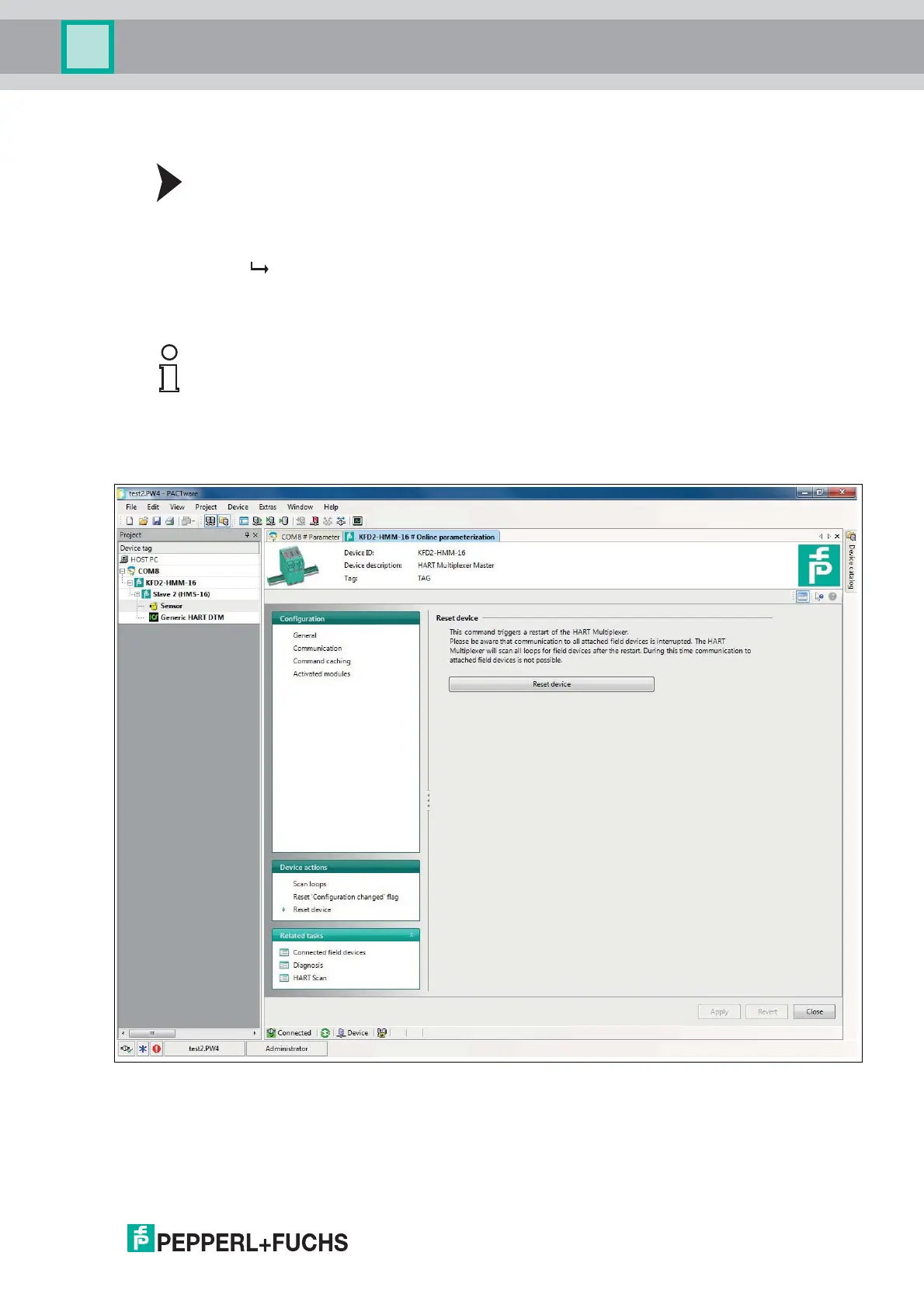
2. In the editing window, open the Device actions > Reset device menu.
The Reset device window is displayed.
In the Reset device window, you can reset the multiplexer master. To do so, select
the Reset device button.
Figure 7.5 Reset device window
Note!
Please ensure that the multiplexer master restarts after the reset. During the reset,
communication to all connected field devices is initially interrupted. After the restart, all
signal loops are scanned for any existing HART-compatible field devices. During this time,
no communication with the field devices is possible.
For further information about the scanning process, see chapter 5.2.4 and 7.1.5.



 To Next Page