2018-04
70
HART Multiplexer System KFD*-HM*-16
Operation
7.2.4 Resetting the Configuration Flag
Resetting the Configuration Flag
1. Use the mouse to double-click the multiplexer master KFD2-HMM-16 in
the project window.
2. In the editing window, open the
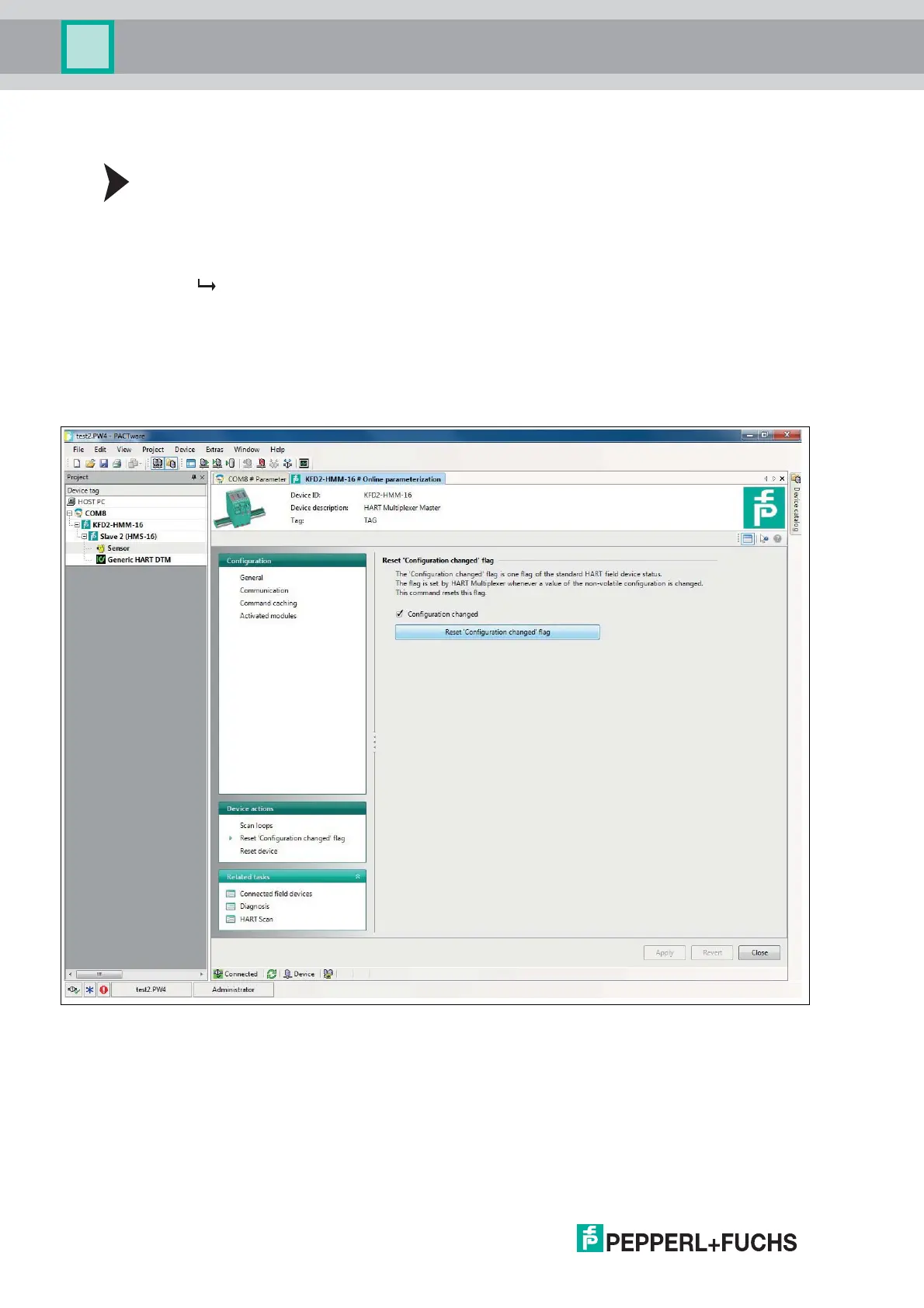
Device actions > Reset "Configuration changed" flag menu.
The Reset "Configuration changed" flag window is displayed.
The "Configuration changed" flag is a flag of the standard HART device status. It is always
set when a parameter has been changed in the configuration of the device.
In the Reset "Configuration changed" flag window, you can reset the
"Configuration changed" flag. To do this, select the
Reset "Configuration changed" flag button.
Figure 7.4 Reset "Configuration changed" flag window



 To Next Page