Operating Instructions
Page 7
RevA
4.2. Turn On the Transmitter
Turn on the transmitter by opening the tank valve� The
transmitter will automatically wake up when it detects
pressure�
Pressure data is transmitted every 5 seconds�
4.3. Turn Off the Transmitter
To turn o the transmitter, close the tank valve and purge the
second stage regulator to drain pressure from the hoses� The
transmitter will automatically power down after 30 seconds of
no applied pressure�
Leave the valve open and the transmitter on for now�
4.4. Enable AI on the Perdix
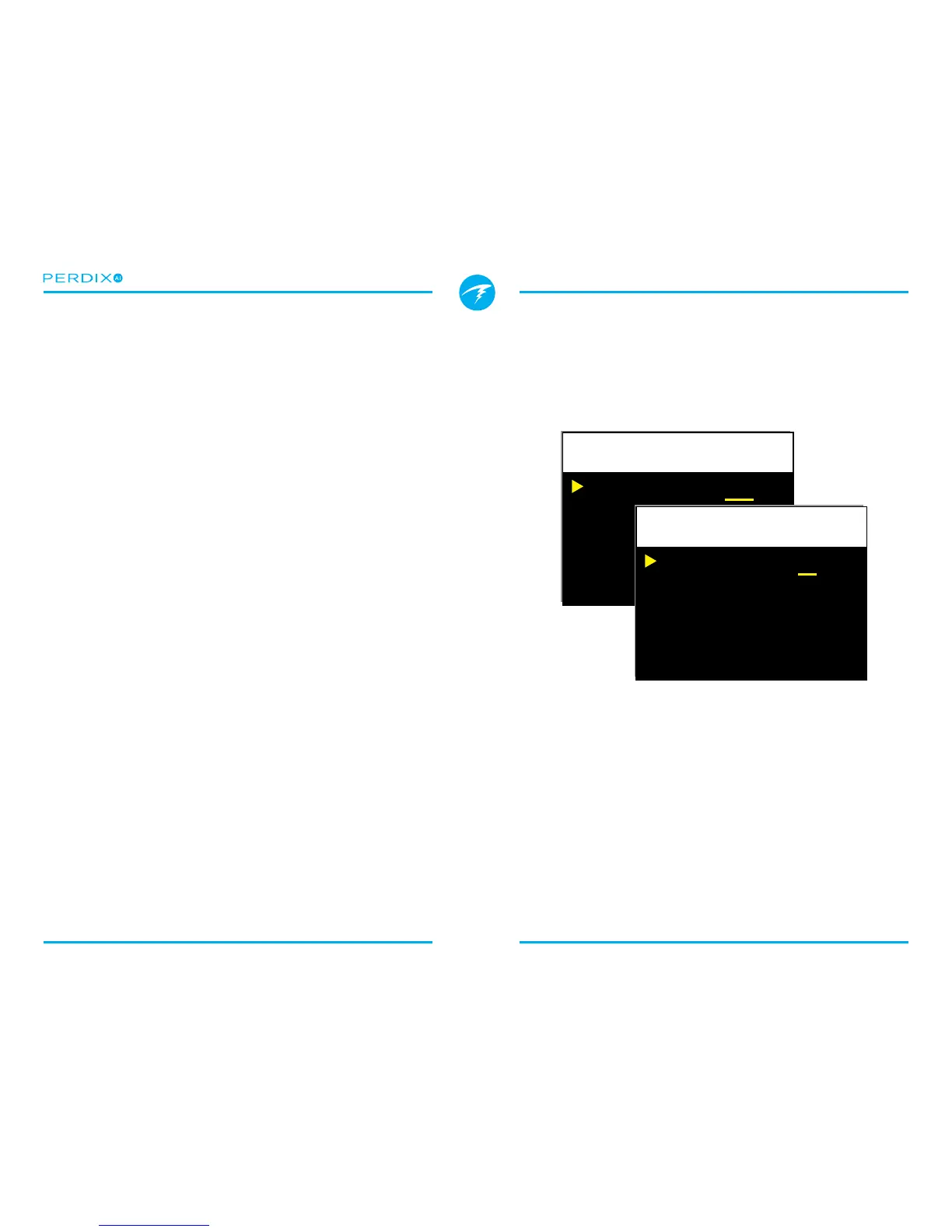
On the Perdix AI, navigate to the System SetupAI Setup
menu (FIGURE 6)� Change the AI Mode setting to T1 (Tank 1)�
The AI is now on�
When AI Mode is Off, the AI sub-system is completely
powered down and does not consume any power� When on
the AI system increases power consumption by approximately
10%� For example, an alkaline AA battery which lasts
approximately 45 hours with AI o (on medium screen
brightness), would last about 40 hours with AI on�
More information about settings in the AI Setup menu can be
found in Section 5.1. AI Setup�
AI Mode
Off
Change Save


 To Next Page