Operating Instructions
Page 9
RevA
5. AI Menus
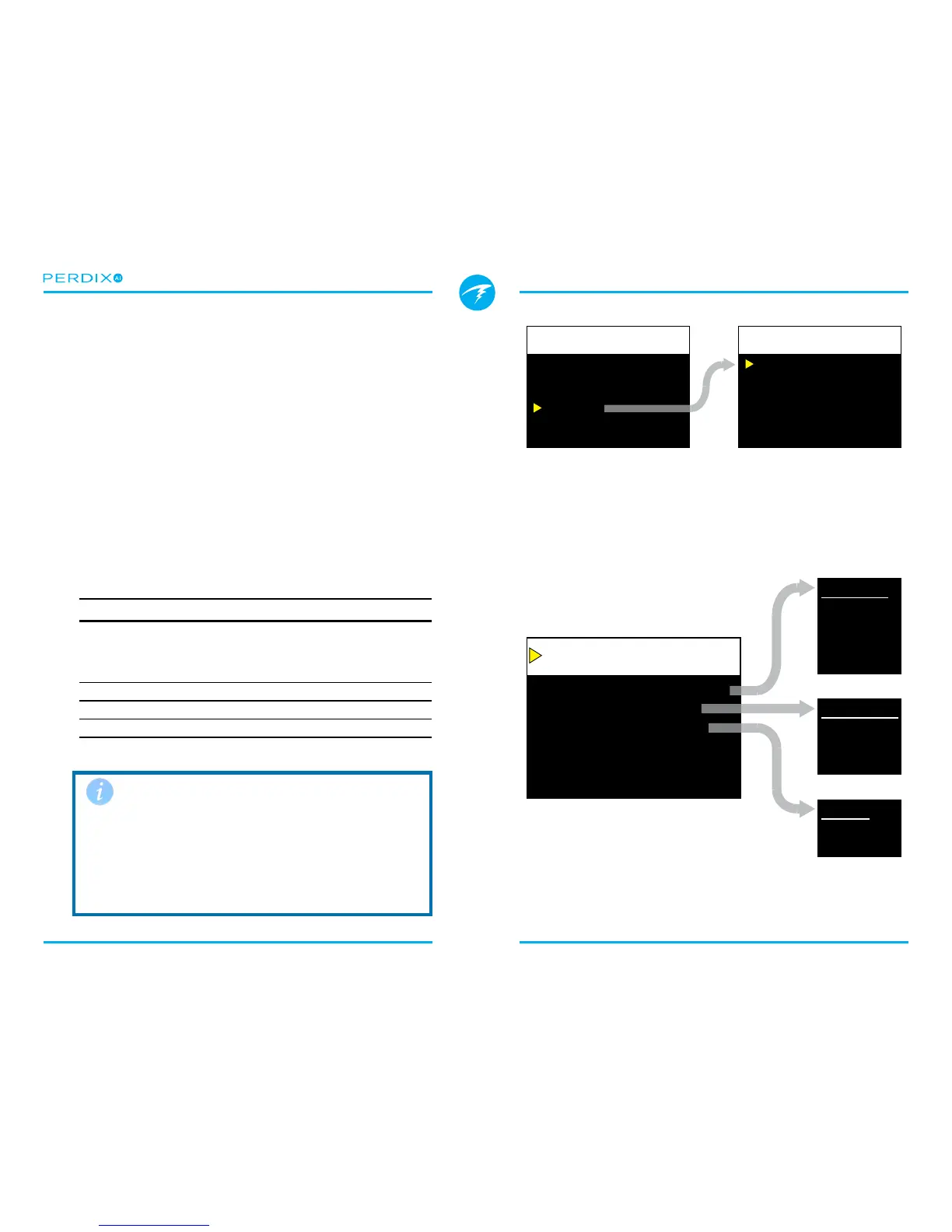
There are two AI related menu pages (FIGURE 10) that can be
accessed in the System Setup menu�
All AI settings must be congured on the surface before a
dive, since System Setup is not accessible during a dive�
5.1. AI Setup
The AI Setup menu page (FIGURE 11) contains settings that
apply to all transmitters�
AI Mode
AI Mode is used to completely disable AI, or select which
transmitters are active�
AI Mode Setting Description
O AI sub-system is completely powered
down and consumes no power� When
on, AI increases power consumption
by about 10%�
T1 Transmitter (tank) 1 is enabled�
T2 Transmitter (tank) 2 is enabled�
T1&T2 Both transmitters are enabled�
Set AI Mode to OFF when AI not in use
Leaving AI enabled when not in use will negatively impact
battery life� When a paired transmitter is not communicating,
the Perdix goes into a higher power scan state� This increases
power consumption to about 25% higher than with AI o.
Once communications are established, power drops to about
10% higher than with AI o.
AI Mode
GTR Mode
Units
T1 Setup
T2 Setup
T1&T2
T1
PSI
123456
654321
FIGURE 10 The two menu screens used to setup AI
There is also a corresponding “T2 Setup” menu with the same
settings as the “T1 Setup” menu.
FIGURE 11 The AI Setup menu
AI Mode
GTR Mode
Units
T1 Setup
T2 Setup
T1&T2
T1
PSI
123456
654321
Change Save
AI Setup
AI Mode
Off
T1
T2
T1&T2
GTR Mode
Off
T1
T2
Units
PSI
Bar


 To Next Page