13
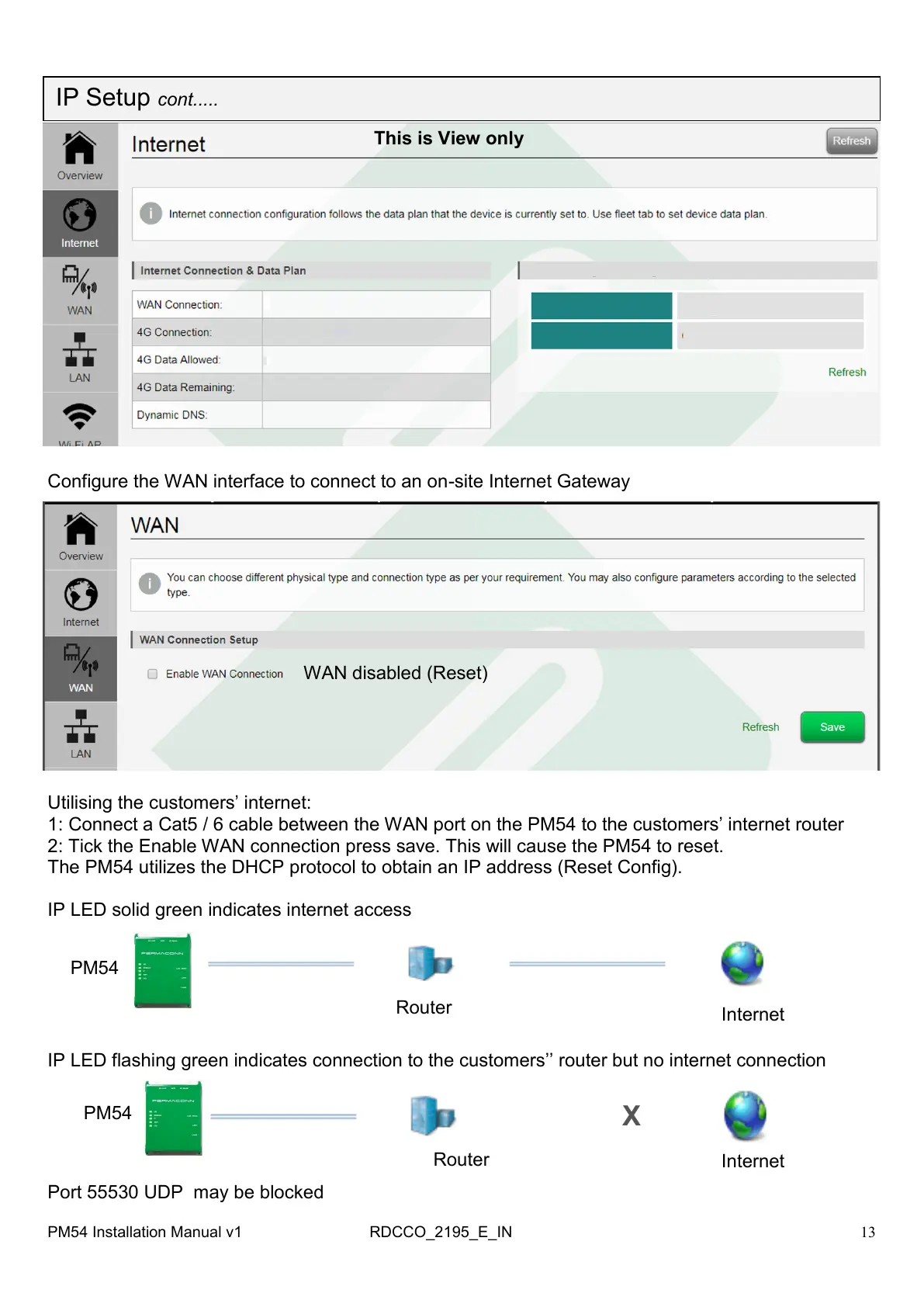
Configure the WAN interface to connect to an on-site Internet Gateway
This is View only
WAN disabled (Reset)
Utilising the customers‘ internet:
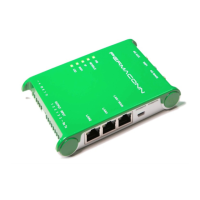
1: Connect a Cat5 / 6 cable between the WAN port on the PM54 to the customers‘ internet router
2: Tick the Enable WAN connection press save. This will cause the PM54 to reset.
The PM54 utilizes the DHCP protocol to obtain an IP address (Reset Config).
IP LED solid green indicates internet access
IP LED flashing green indicates connection to the customers‘‘ router but no internet connection
Internet
Router
PM54
PM54
Router
Internet
X
Port 55530 UDP may be blocked
IP Setup cont.....
PM54 Installation Manual v1 RDCCO_2195_E_IN



 To Next Page