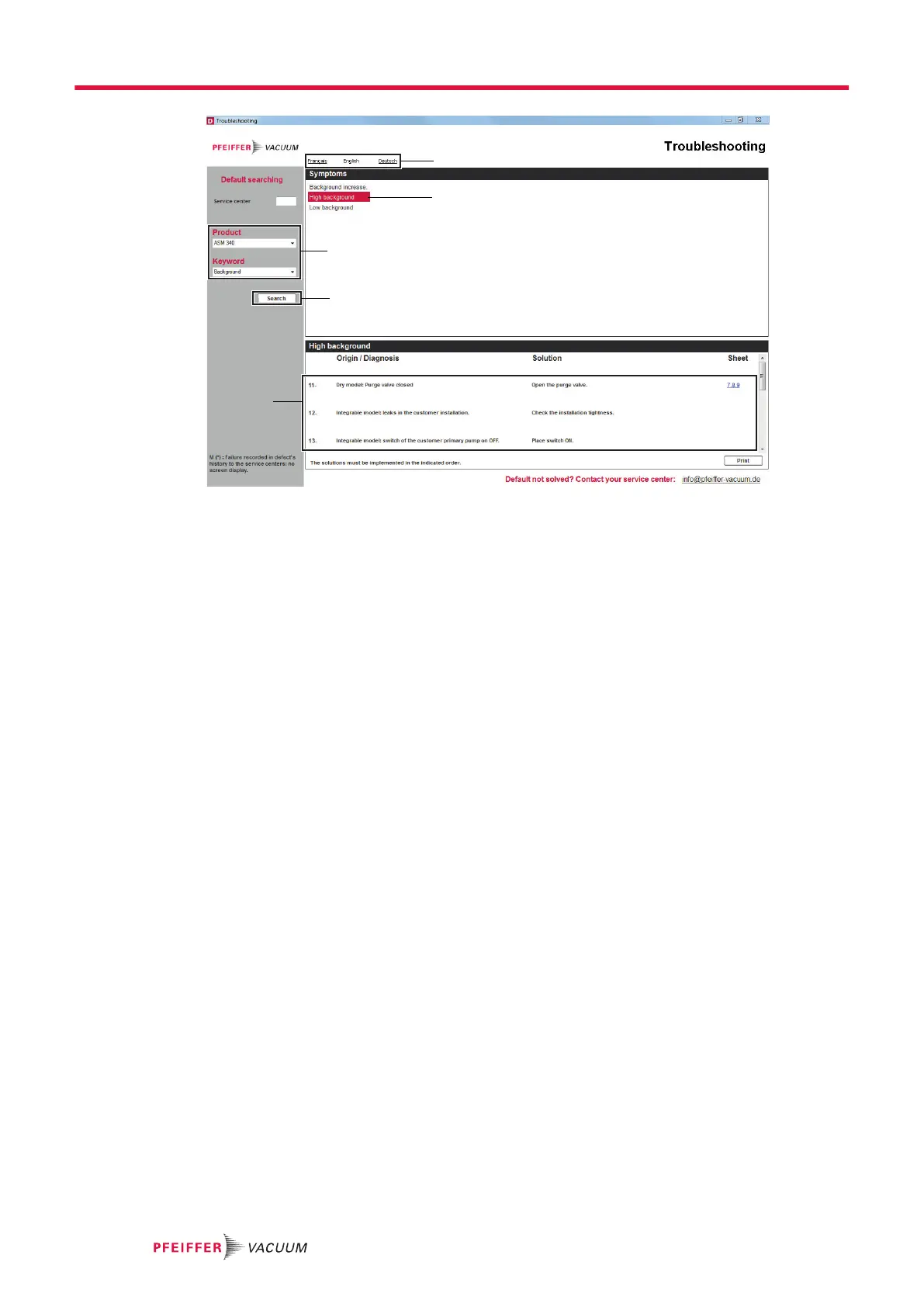
1 Selection of navigation language 4 Selection of symptom
2 Selection of product and key word 5 Diagnosis display
3 Start of search
Consultation of the application
The Troubleshooting guide is available from our service center.
1. Start the Troubleshooting Guide application.
2. Select the navigation language.
3. Select the product and the appropriate key word.
4. Start the search.
5. Select a symptom: the origin and diagnosis of this symptom are displayed.
Malfunctions
28/36



 To Next Page