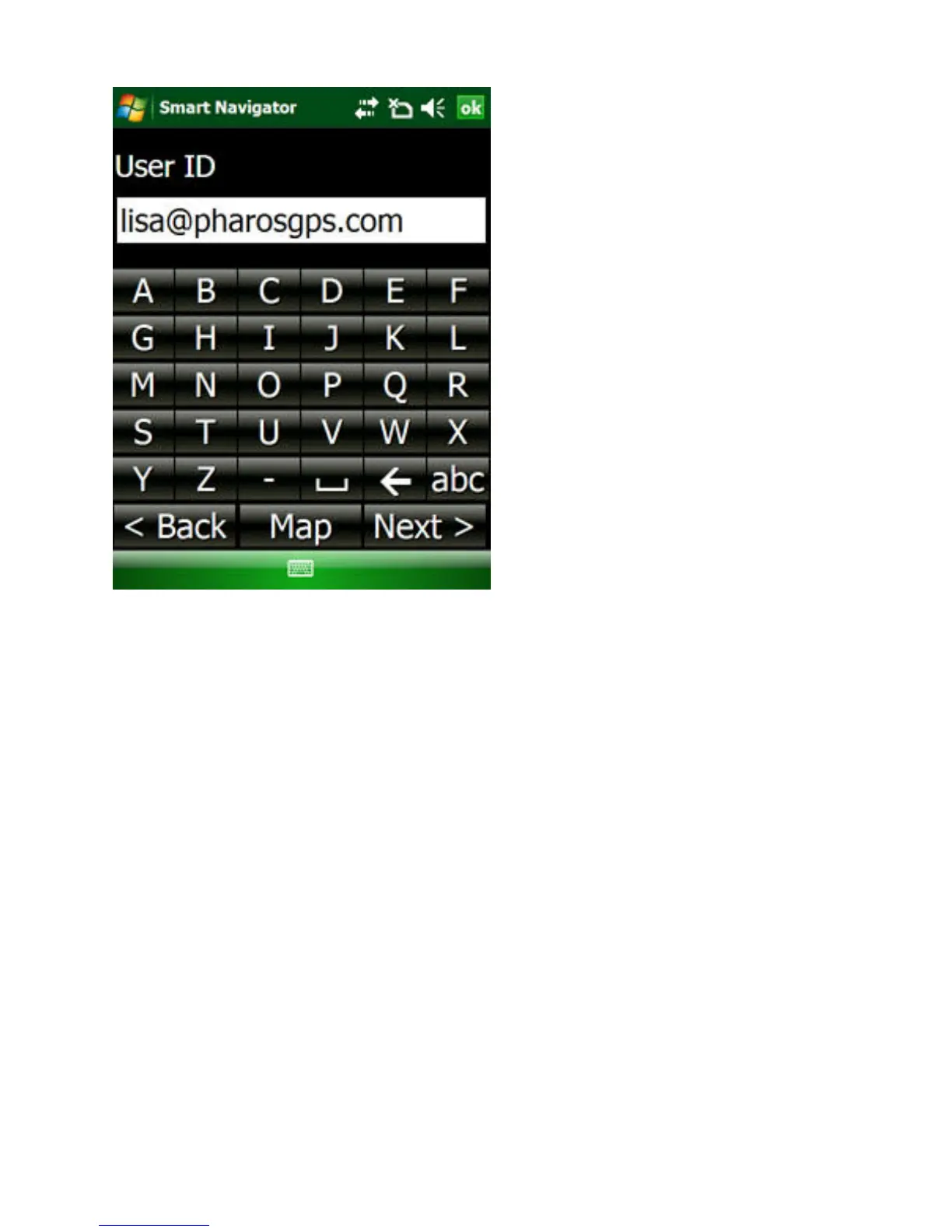
Figure 9. Type in User ID and Password
Note: The login info is also used to verify you for other
smart services offered by Pharos, such as maps-on-demand,
smart traffic, smart finder, etc.
Enable Tracking
For your privacy Smart Navigator will not automatically
send your GPS location to Follow Me server. You have to
explicitly enable the feature each time the program is started.
To allow Smart Navigator to send your GPS location to the
server and receive your friends’ locations from the server, do
this:
1. Tap Menu -> SmartNav -> Follow Me (see Figure
10)



 To Next Page