77
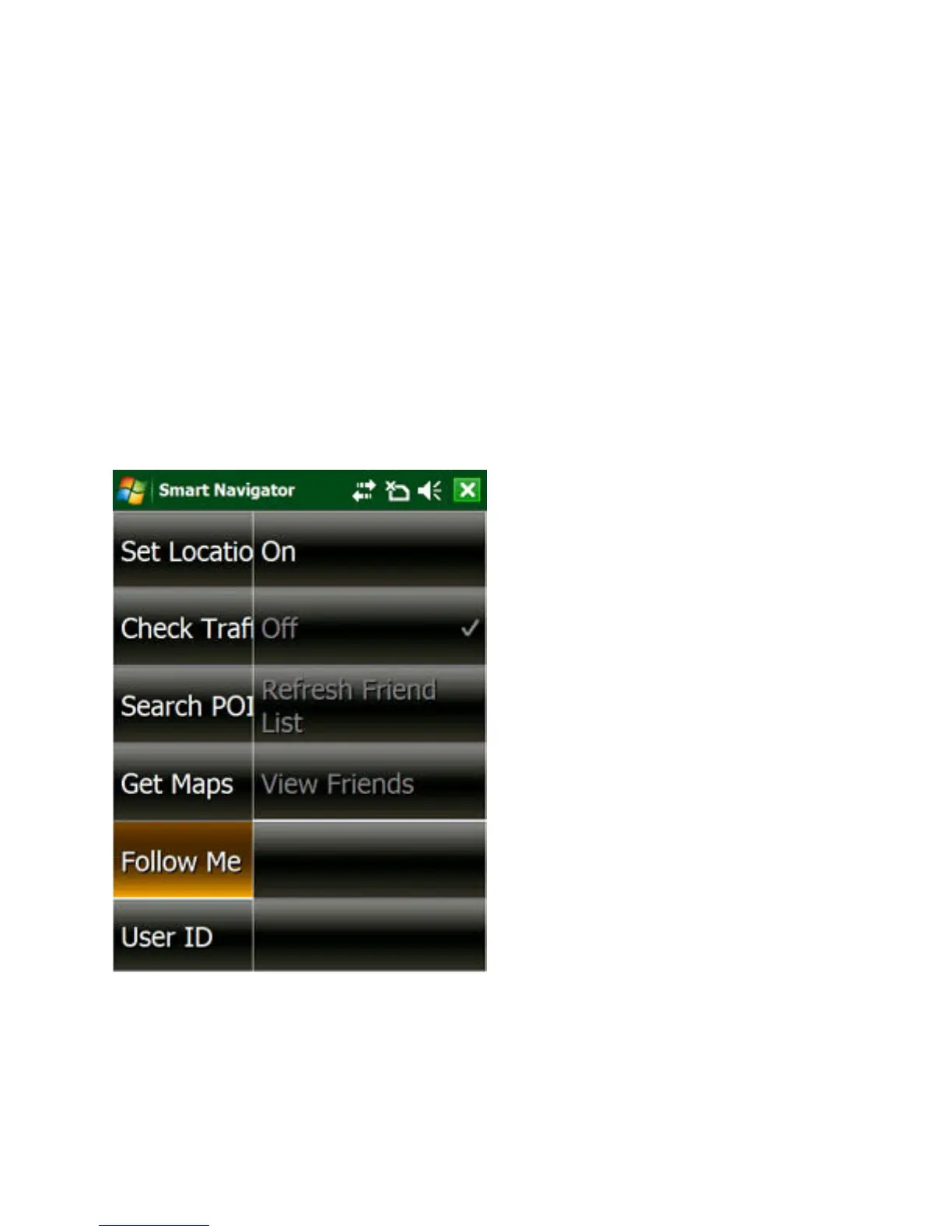
2. Make sure the “On” menu item is checked. If not, tap
it.
3. If currently some of your friends are online – they are
actively sending their locations to Follow Me server,
you should see a list of their names, each with a car
icon of a unique color (see Figure 11)
4. Select those you are interested in from the list, and
tap OK
Figure 10. Tap Menu -> SmartNav -> Follow Me



 To Next Page