86
iGPS-360 and iGPS-500
Configurations
There are 4 (four) different
setup configurations available
for the iGPS-360 and iGPS-
500.
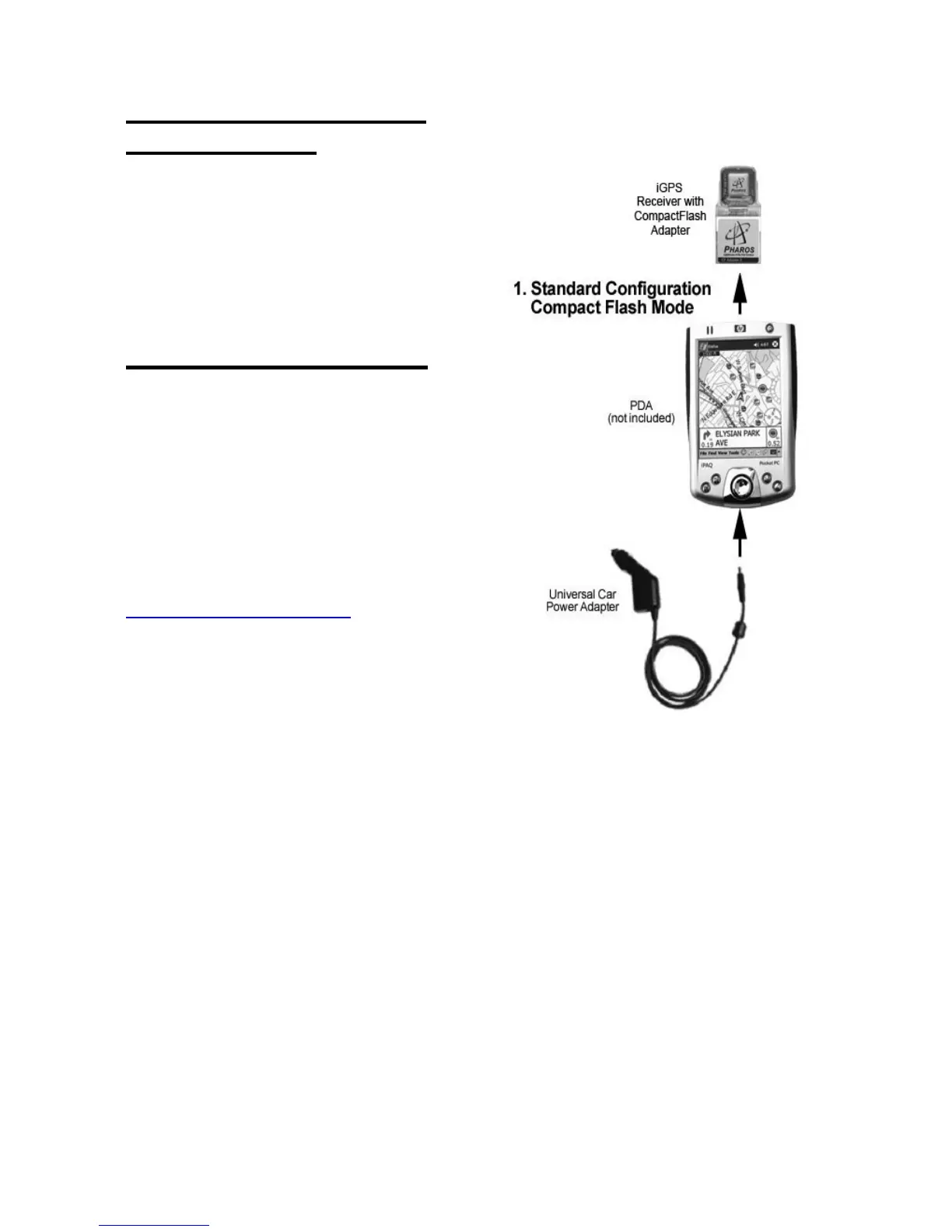
1) Compact Flash Mode
1a. Insert the iGPS-360 or
iGPS-500 into the Compact
Flash adapter, and then into the
Compact Flash slot of the
Pocket PC. Note: If your GPS did
not come with a CF adapter, you
can purchase one from
www.pharosgps.com.
1b. The Universal Car Power
Adapter can also be used, while
in a vehicle, to supply power to
the Pocket PC and GPS.



 To Next Page