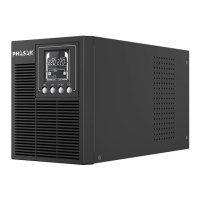
ON-LINE RACK PH 9360 - PH 9301 .
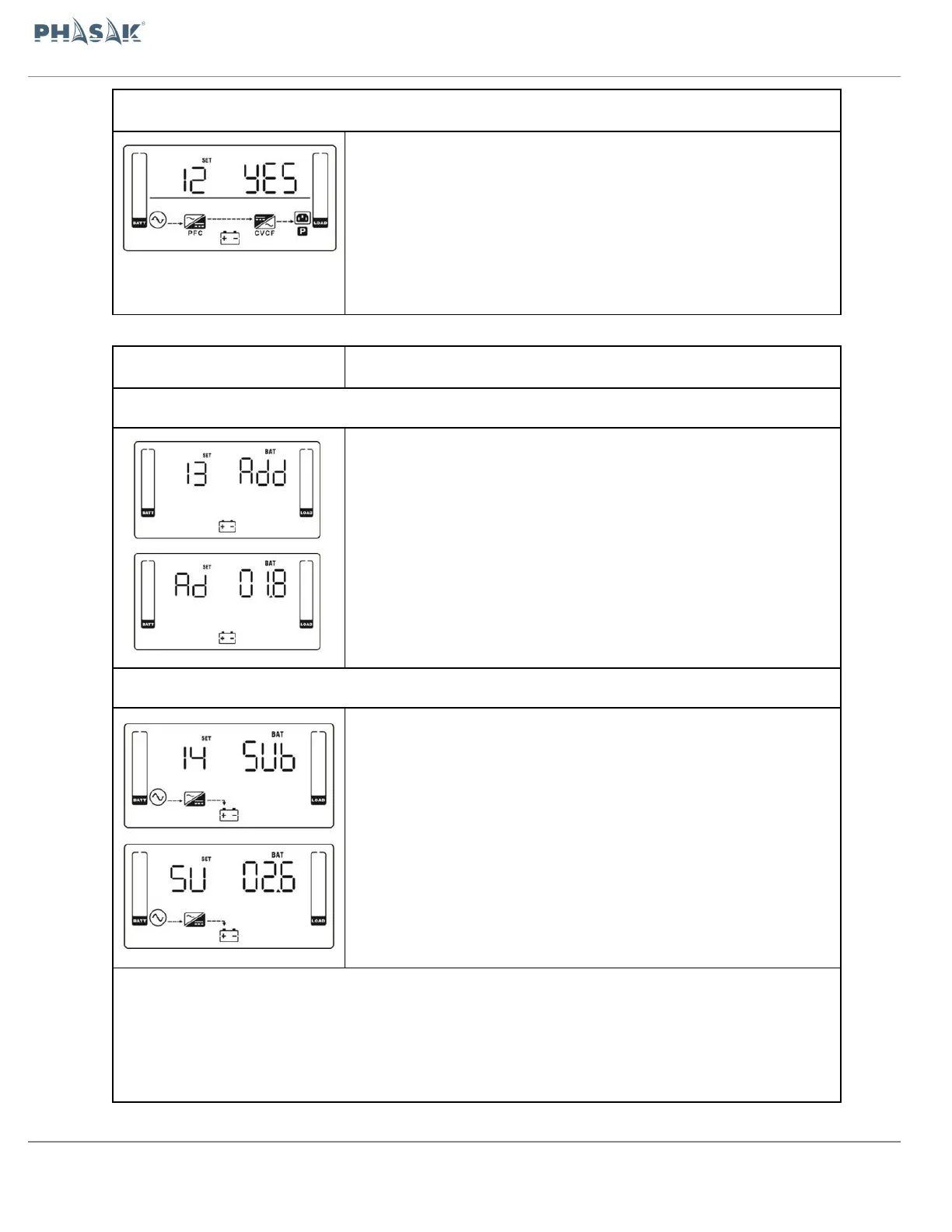
12: Neutral loss detection Interface:
Parameter 2:
Enable or disable Hot standby function. You may choose following two
options in Parameter 2:
YES: Hot standby function is enabled. It means that the current UPS is
set to host of the hot standby function, and it will restart
after AC recovery even without battery connected.
NO: Hot standby function is disabled. The UPS is running at normal
mode and can’t restart without battery
13: Calibrate the battery voltage Interface
After it shows “13” in parameter 1, please press “Enter” key first. Then, you
may choose Ad or SU to adjust battery voltage in
parameter 1 by pressing “Up” or “Down” key. After pressing
“Enter” key to confirm your selection, it will jump to parameter 2 to set up
the value.
Parameter 2: the voltage range is from 0V to 5.7V, the default value is 0V.
14: Adjust charger voltage Interface
After it shows “14” in parameter 1, please press “Enter” key first. Then, you
may choose Ad or SU to adjust charger voltage in
parameter 1 by pressing “Up” or “Down” key. After pressing “Enter” key to
confirm your selection, it will jump to parameter 2 to set up the value.
Parameter 2: the voltage range is from 0V to 9.9V, the default value is 0V.
NOTE *:
*Before making voltage adjustment, be sure to disconnect all batteries first to get the accurate charger
voltage.
*We strongly suggest to use the default value (0). Any modification should be suitable to battery specifications.


 To Next Page