EasyManua.ls Logo

Phcbi MIR-154 Series - User Manual

Phcbi MIR-154 Series
68 pages
Print Icon
To Next Page IconTo Next Page
Loading...
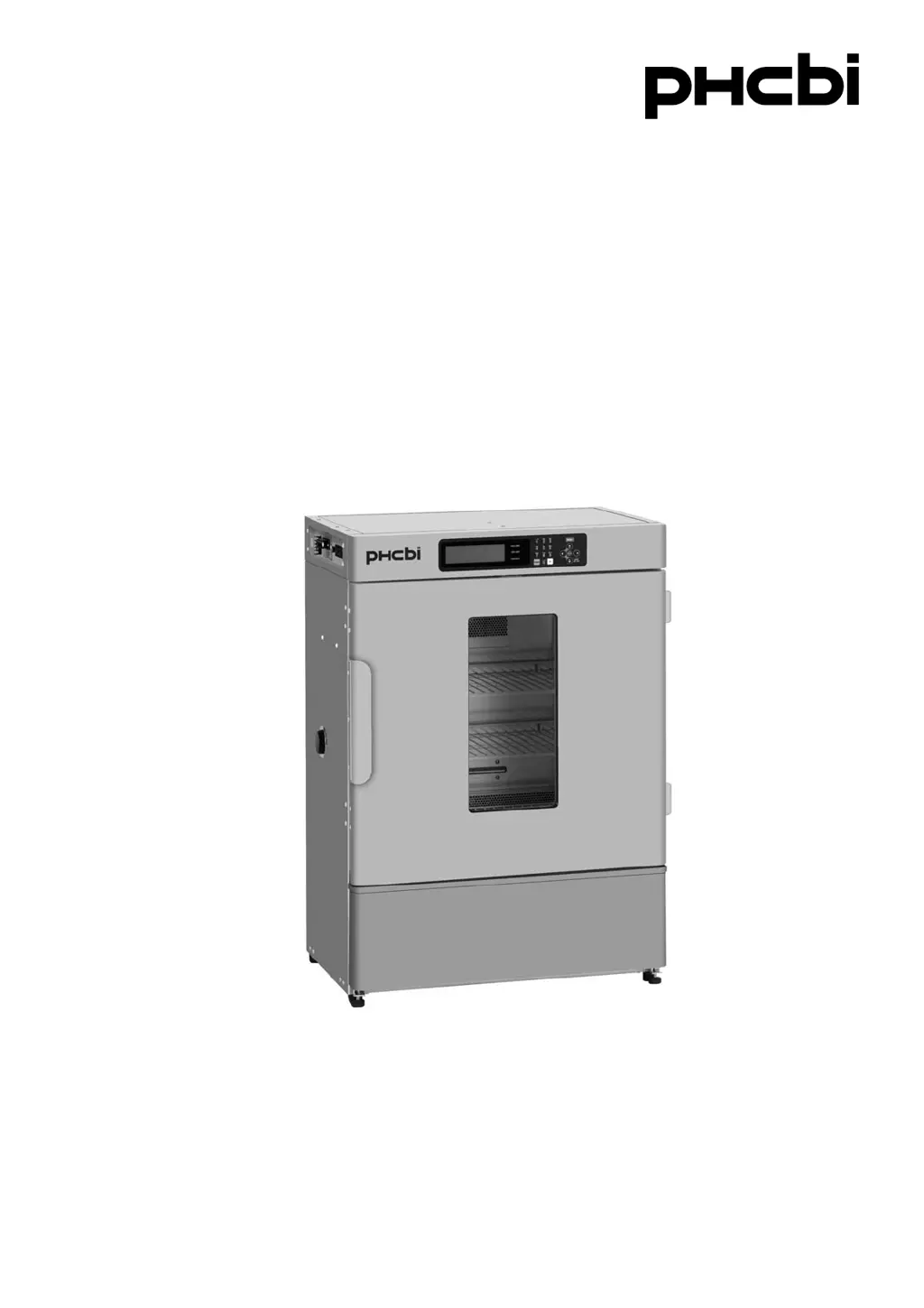
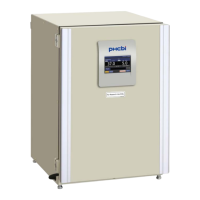
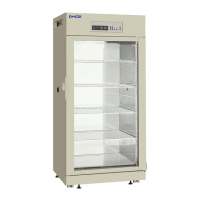
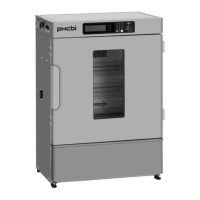
MIR-154
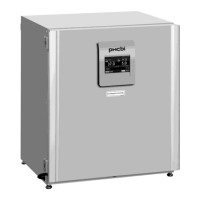
MIR-254Series
Please read the operating instructions carefully before using this product, and keep the operating
instructions for future use.
See page 61 for model number.
Operating Instructions
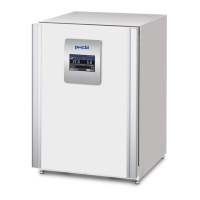
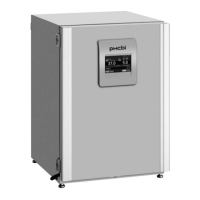
Cooled Incubator
MIR-154

Questions and Answers

Summary

Introduction and Intended Use

Important Notice

Important notice regarding product warranty and responsibility.

Intended Use of the Product

Specifies the intended application of the laboratory equipment.

Safety Precautions

Understanding Safety Symbols

Explains the meaning of WARNING and CAUTION symbols used in the manual for safety.

General Operational Safety

Covers critical safety advice regarding electrical hazards, handling, and unit operation.

Installation Site Safety Guidelines

Details safe practices for unit installation, including location and environmental considerations.

Unit Operation Cautions

Highlights cautions related to electrical safety, power cords, and preventing unauthorized access.

Specific Operational Cautions

Highlights cautions related to dedicated circuits, power sources, and corrosive substances.

Environmental Conditions

Incubator Components

Component Descriptions

Detailed explanation of each numbered component shown in the incubator diagrams.

Control Panel Overview

Switch Box Details

Installation Site Requirements

Installation Procedures

Top Screen Display

Control Panel Functions

Standby Operation Configuration

Details how to configure the unit's standby operation mode and parameters.

Key Lock and Unlock Procedures

Guides on setting and unlocking the control panel's key lock function, including password.

Setting Control Panel Values

Configuring Chamber Temperature

Procedure for setting the desired chamber temperature for the incubator.

Managing Key Lock Functionality

Detailed steps for enabling and disabling the key lock feature and setting its password.

High;Low Limit Alarm Settings

Program Management

Creating New Programs

Guide to creating new custom temperature programs, including step and cycle configuration.

Setting Program Time and Temperature

Instructions for inputting time and temperature values for each program step.

Configuring Light Step and Saving Programs

Steps for setting the light status and saving the created program.

Program Naming and Editing

How to input program names and use character editing functions.

Editing Saved Programs

Program Execution

Initiating Program Runs

Instructions for selecting and initiating a saved program on the incubator.

Monitoring Program Progress

Details on how the program progress is displayed and how to navigate between screens.

Join Functionality

Skip Program Step

Stop Program Execution

Automatic Defrost Setup

Manual Defrost Operation

Various Settings and Data Management

Logging and Displaying Data

How to view logged operational data and adjust display ranges for better visualization.

PC Data Transmission

Procedure for transferring logged data from the incubator to a personal computer.

Date, Time, and Log Configuration

Alarm and Option Settings

Key Lock Password Management

Default Setting Configuration

Program Deletion

Deleting Specific and All Programs

Procedure for deleting individual programs and also removing all saved programs from memory.

Shelf Adjustment

Alarm and Safety Functions

Alarm Triggers and Responses

Details the unit's alarms, their conditions, displays, and corresponding safety operations.

Temperature Alarm Behavior

Graphical representation and explanation of how the auto-set temperature alarm functions.

Maintenance and Component Replacement

Routine Cleaning Instructions

Instructions for regular cleaning of the unit's interior and exterior surfaces.

Replacing Consumable Parts

Step-by-step instructions for replacing the internal lamp and the glow starter.

Troubleshooting Guide

Unit Disposal Information

Low Humidity Mode Operation

Low Compressor Vibration Design

Performance Specifications

Temperature and Pull-up;down Data

Presents graphical data on the incubator's temperature pull-down and pull-up characteristics.

Operational Performance Metrics

Details noise level, power consumption, environmental conditions, and other performance data.

Safety Check Sheet

Summary

Introduction and Intended Use

Important Notice

Important notice regarding product warranty and responsibility.

Intended Use of the Product

Specifies the intended application of the laboratory equipment.

Safety Precautions

Understanding Safety Symbols

Explains the meaning of WARNING and CAUTION symbols used in the manual for safety.

General Operational Safety

Covers critical safety advice regarding electrical hazards, handling, and unit operation.

Installation Site Safety Guidelines

Details safe practices for unit installation, including location and environmental considerations.

Unit Operation Cautions

Highlights cautions related to electrical safety, power cords, and preventing unauthorized access.

Specific Operational Cautions

Highlights cautions related to dedicated circuits, power sources, and corrosive substances.

Environmental Conditions

Incubator Components

Component Descriptions

Detailed explanation of each numbered component shown in the incubator diagrams.

Control Panel Overview

Switch Box Details

Installation Site Requirements

Installation Procedures

Top Screen Display

Control Panel Functions

Standby Operation Configuration

Details how to configure the unit's standby operation mode and parameters.

Key Lock and Unlock Procedures

Guides on setting and unlocking the control panel's key lock function, including password.

Setting Control Panel Values

Configuring Chamber Temperature

Procedure for setting the desired chamber temperature for the incubator.

Managing Key Lock Functionality

Detailed steps for enabling and disabling the key lock feature and setting its password.

High;Low Limit Alarm Settings

Program Management

Creating New Programs

Guide to creating new custom temperature programs, including step and cycle configuration.

Setting Program Time and Temperature

Instructions for inputting time and temperature values for each program step.

Configuring Light Step and Saving Programs

Steps for setting the light status and saving the created program.

Program Naming and Editing

How to input program names and use character editing functions.

Editing Saved Programs

Program Execution

Initiating Program Runs

Instructions for selecting and initiating a saved program on the incubator.

Monitoring Program Progress

Details on how the program progress is displayed and how to navigate between screens.

Join Functionality

Skip Program Step

Stop Program Execution

Automatic Defrost Setup

Manual Defrost Operation

Various Settings and Data Management

Logging and Displaying Data

How to view logged operational data and adjust display ranges for better visualization.

PC Data Transmission

Procedure for transferring logged data from the incubator to a personal computer.

Date, Time, and Log Configuration

Alarm and Option Settings

Key Lock Password Management

Default Setting Configuration

Program Deletion

Deleting Specific and All Programs

Procedure for deleting individual programs and also removing all saved programs from memory.

Shelf Adjustment

Alarm and Safety Functions

Alarm Triggers and Responses

Details the unit's alarms, their conditions, displays, and corresponding safety operations.

Temperature Alarm Behavior

Graphical representation and explanation of how the auto-set temperature alarm functions.

Maintenance and Component Replacement

Routine Cleaning Instructions

Instructions for regular cleaning of the unit's interior and exterior surfaces.

Replacing Consumable Parts

Step-by-step instructions for replacing the internal lamp and the glow starter.

Troubleshooting Guide

Unit Disposal Information

Low Humidity Mode Operation

Low Compressor Vibration Design

Performance Specifications

Temperature and Pull-up;down Data

Presents graphical data on the incubator's temperature pull-down and pull-up characteristics.

Operational Performance Metrics

Details noise level, power consumption, environmental conditions, and other performance data.

Safety Check Sheet

Phcbi MIR-154 Series Specifications

General IconGeneral
BrandPhcbi
ModelMIR-154 Series
CategoryAccessories
LanguageEnglish

Related product manuals