EasyManua.ls Logo

Phcbi MIR-254 Series - User Manual

Phcbi MIR-254 Series
68 pages
Print Icon
To Next Page IconTo Next Page
Loading...
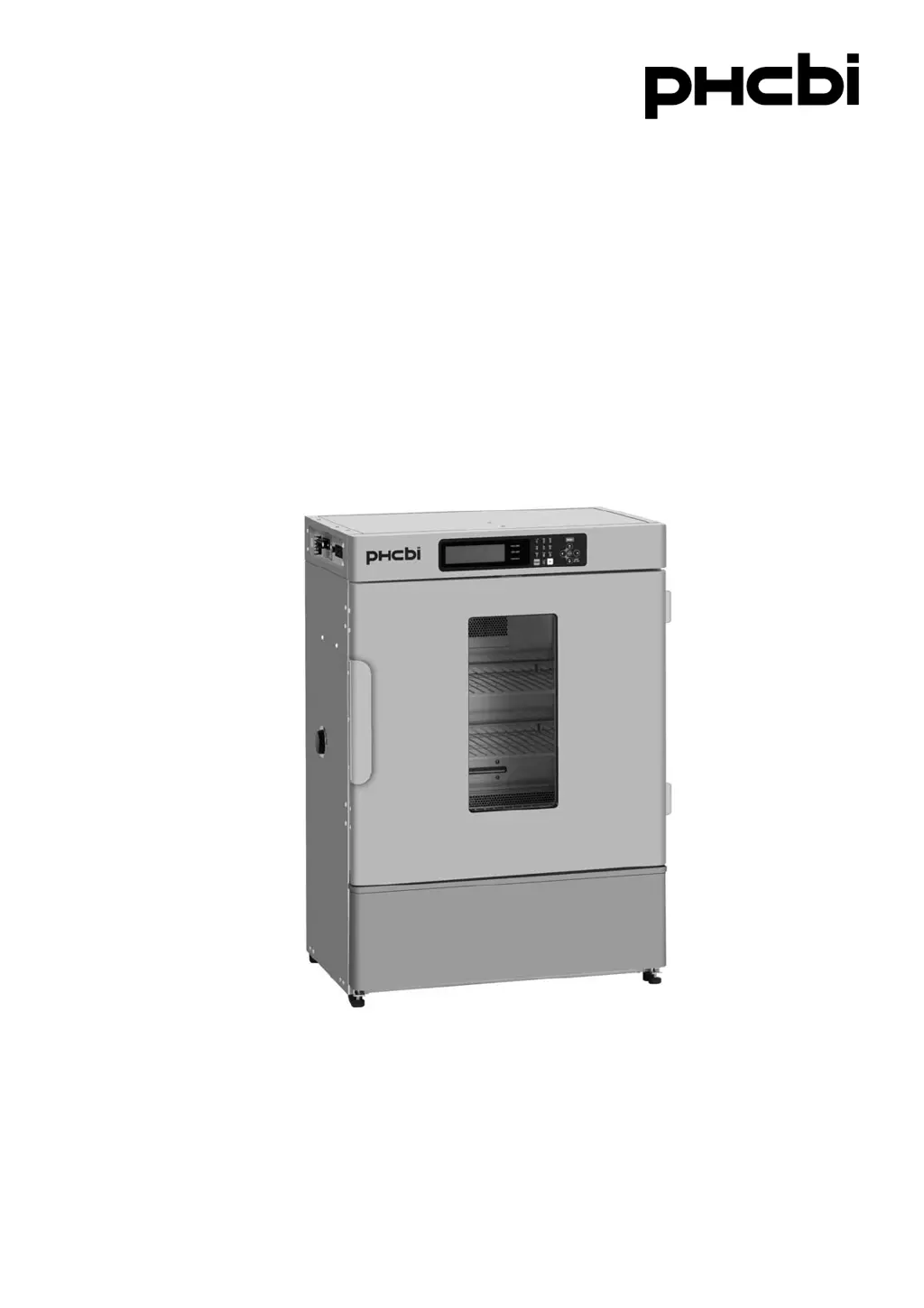
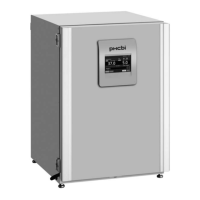
MIR-154
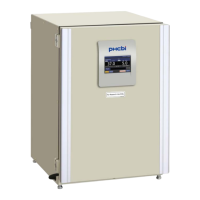
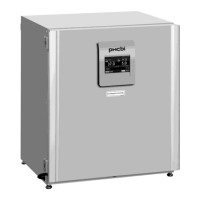
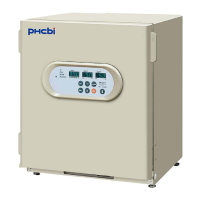
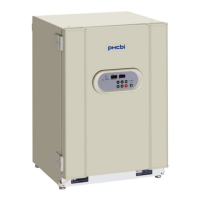
MIR-254Series
Please read the operating instructions carefully before using this product, and keep the operating
instructions for future use.
See page 61 for model number.
Operating Instructions
Cooled Incubator
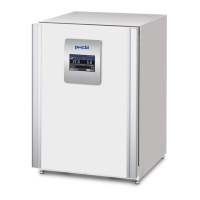
MIR-154

Questions and Answers

Summary

PRECAUTIONS FOR SAFE OPERATION

General Safety Warnings

Explains WARNING and CAUTION symbols and their meanings.

Safety Symbol Explanations

Defines the meaning of triangle, circle, and circle with a line through it symbols.

Unit Label Information

Details labels on the unit indicating high voltage and hot surfaces.

INCUBATOR COMPONENTS

Control Panel Components

Details the functions of each button and display element on the control panel.

INSTALLATION SITE

INSTALLATION

Installation Steps

Covers unpacking, cleaning, adjusting leveling feet, and grounding procedures.

CONTROL PANEL FUNCTIONS

KEY LOCK SETTINGS

Setting Key Lock (Key Lock)

Procedure to activate the key lock function to prevent parameter changes.

Setting Key Unlock (Key Unlock)

Procedure to deactivate the key lock function and unlock the control panel.

SETTING VALUE PROCEDURES

Setting Chamber Temperature

Step-by-step guide to adjust the chamber temperature using the control panel.

Key Lock Settings Procedure

Instructions for setting and unlocking the key lock function with password input.

ALARM SETTINGS

PROGRAMMING OPERATIONS

Creating a New Program

Guides the user through creating a new program using clock mode, including setting temperature and lighting.

Program Editing Details

Explains how to change step number, cycle number, time, and temperature for programs.

PROGRAMMING EXAMPLES

EDIT SAVED PROGRAM

PROGRAM EXECUTION

Starting a Program Procedure

Guides on selecting and initiating a saved program via the menu.

Program Start Options

Explains timer mode selection, program joining, and setting the start date/time.

Program Execution Details

Describes how to check the program, start it, and switch between graphic and top screens during operation.

JOIN FUNCTIONALITY

SKIP PROGRAM STEP

STOP PROGRAM EXECUTION

DEFROST OPERATIONS

LOGGING AND DATA MANAGEMENT

SYSTEM SETTINGS

KEY LOCK PASSWORD MANAGEMENT

PROGRAM MANAGEMENT

ALARMS AND SAFETY FUNCTIONS

Alarm and Safety Function Table

A comprehensive table detailing all unit alarms, conditions, displays, and safety operations.

Alarm and Safety Function Details

Provides further details on various alarms including fan lock, compressor protection, and door alarms.

Auto-Set Temperature Alarm Explanation

Explains the auto-set temperature alarm, its activation conditions, and buzzer behavior.

MAINTENANCE PROCEDURES

TROUBLESHOOTING GUIDE

Troubleshooting Guide

Lists common malfunctions and their respective check/remedy procedures.

TECHNICAL SPECIFICATIONS

SAFETY CHECK SHEET

Phcbi MIR-254 Series Specifications

General IconGeneral
BrandPhcbi
ModelMIR-254 Series
CategoryAccessories
LanguageEnglish

Related product manuals