EasyManua.ls Logo

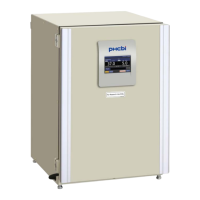
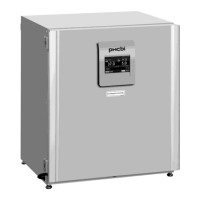
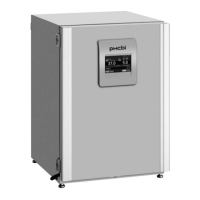
Phcbi MCO-5M Series - User Manual

Phcbi MCO-5M Series
56 pages
Print Icon
To Next Page IconTo Next Page
Loading...
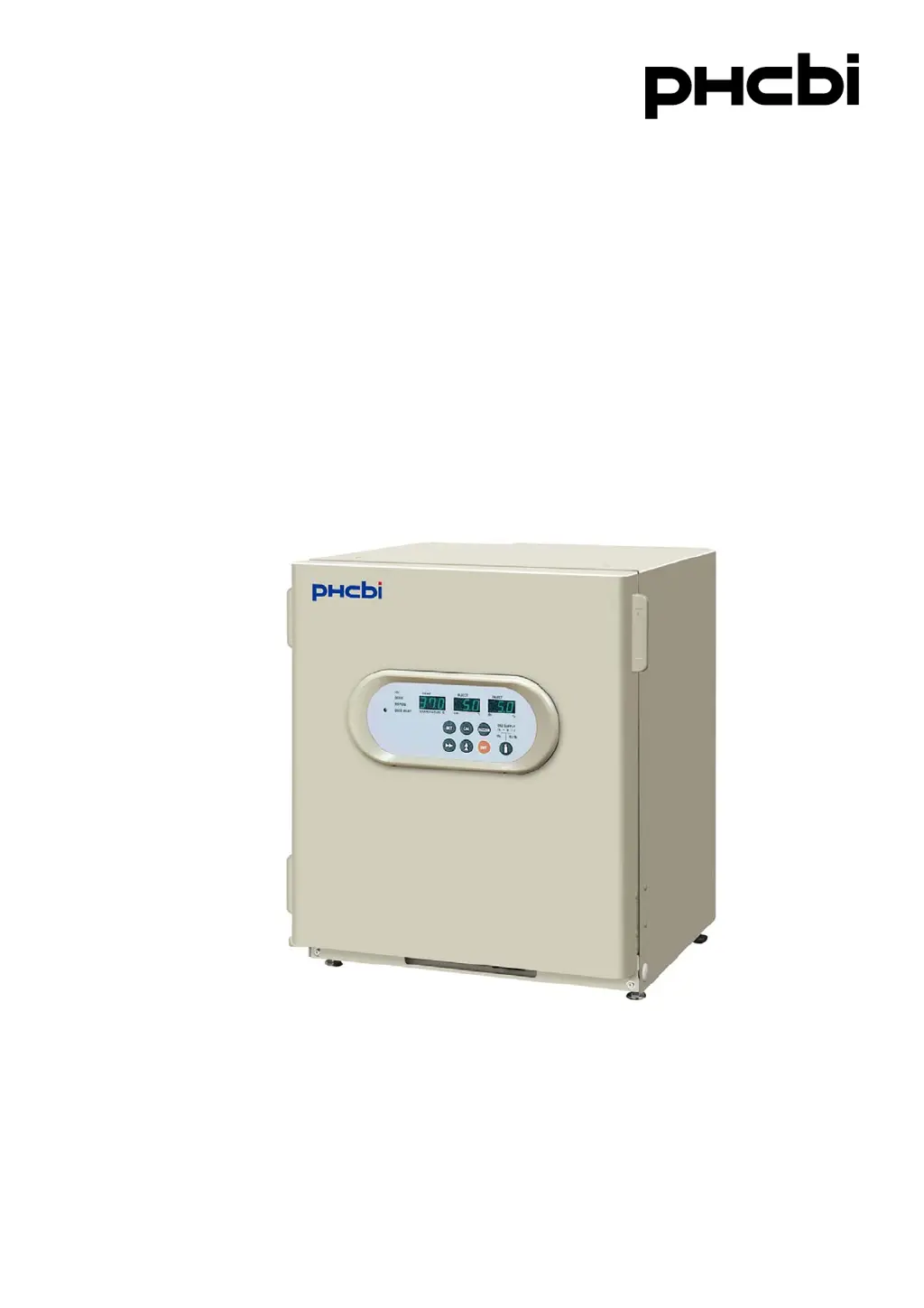
MCO-5MSeries
Please read the operating instructions carefully before using this product, and keep the operating
instructions for future use.
See page 52 for model number.
Operating Instructions
O
2
/CO
2
Incubator

Questions and Answers

  • F
    Felicia TurnerAug 12, 2025
    How to troubleshoot a Phcbi MCO-5M Accessories unit that won't turn on?
    • U
      uoneillAug 13, 2025
      If your Phcbi Accessories unit isn't operating, make sure it's correctly plugged into the power outlet. Also, verify that the circuit breaker at the power source is active and that there isn't a power failure. Finally, check if the power supply cord is properly connected to the port on the rear of the cabinet.
  • J
    Jeremy BowersAug 16, 2025
    Why is gas consumption so high in my Phcbi MCO-5M Accessories unit?
    • J
      john27Aug 17, 2025
      If the gas consumption of your Phcbi Accessories unit is too high, it could be due to several reasons. First, check if the door is being opened too frequently. Second, inspect the gas tube connections for any leaks or pinholes, and consider replacing the gas tube annually. Third, ensure the inner door gasket is completely sealed. Lastly, verify that the access port at the upper left corner is closed.
  • J
    joanne81Aug 25, 2025
    Why doesn't the gas density match the set value in my Phcbi MCO-5M Accessories?
    • K
      Kevin BowmanAug 25, 2025
      If the gas density in your Phcbi Accessories unit does not match the set value, it might be because the secondary pressure isn't set correctly. Another possible reason is that the gas tube is clogged or kinked. Ensure that the humidifying pan is filled with sterile distilled water, as using other types of water can affect gas density.
  • H
    Helen OwensAug 27, 2025
    What to do if chamber temperature is not equal to the set temperature in Phcbi Accessories?
    • E
      Emma ThompsonAug 28, 2025
      If the chamber temperature of your Phcbi Accessories unit is not equal to the set temperature, ensure that the ambient temperature is always at least 5°C less than the set temperature. Also, check that the outer door was not closed while the inner door was left open.
  • J
    John LopezAug 31, 2025
    Why is the chamber humidity not rising in my Phcbi MCO-5M?
    • H
      Heather SchmidtSep 1, 2025
      If the chamber humidity in your Phcbi Accessories unit isn't rising, make sure the humidifying pan is filled with sterile distilled water. Always use sterile distilled water to ensure proper humidity levels.
  • R
    Ryan KingSep 4, 2025
    Why normal cultivation cannot be done and chamber gas density is suspect in Phcbi Accessories?
    • W
      williamrichardsonSep 4, 2025
      If normal cultivation cannot be done and chamber gas density is suspect in your Phcbi Accessories unit, it might be due to an abnormal environment around the unit or because the unit is installed in an enclosed space.
  • H
    herbert11Sep 8, 2025
    How to unlock the keys on a Phcbi MCO-5M unit?
    • N
      Nathan CampbellSep 8, 2025
      If the key operation is disabled on your Phcbi Accessories unit, the key lock function is likely set to the ON mode. Disable the key lock function to restore key operation.
  • Y
    ywilliamsNov 19, 2025
    What to do if the alarm function operates on my Phcbi MCO-5M unit?
    • R
      Richard ParrishNov 19, 2025
      If the alarm function is operating on your Phcbi Accessories unit, it could be due to several reasons: * The chamber temperature isn't matching the set value. * The chamber CO₂/O₂ density doesn't match the set value. * The secondary pressure of the gas regulator isn't at the set value. * The gas tube isn't securely connected between the gas regulator and the unit. * The high limit alarm temperature isn't set at least 1°C higher than the set chamber temperature. * The set temperature value was changed, or the door was left open for too long. * The gas tube has slipped off, or there's a gas leak. * The set value of the gas density was changed. * The gas cylinder is empty; check the primary pressure weekly, and replace the cylinder if the CO₂ primary pressure is less than 3...

Summary

INTRODUCTION

PRECAUTIONS FOR SAFE OPERATION

INCUBATOR COMPONENTS

Component Descriptions

Detailed descriptions of all numbered incubator components, covering doors, internal parts, and connections.

Control panel and keypad

Control Panel and Keypad Descriptions

Explains the function of each indicator and key on the control panel for operation and settings.

INSTALLATION

Installation Site Requirements

Specifies the necessary environmental conditions for proper incubator installation and operation.

Installation Procedures

Outlines the steps for unpacking, leveling, grounding, and preparing the incubator for use.

Connecting a CO2 gas cylinder

Provides instructions and safety precautions for connecting a CO2 gas cylinder to the incubator.

Connecting a N2 (or O2) gas cylinder

Details the process and safety measures for connecting N2 or O2 gas cylinders.

CLEANING AND MAINTENANCE

Initial Cleaning Procedure

Details the step-by-step process for cleaning the incubator before first use.

Humidifying Pan and Water Level Sensor

Guides on how to fill and maintain the humidifying pan and its water level sensor.

Routine Maintenance Steps

Outlines the monthly cleaning and maintenance procedures for the incubator.

OPERATION AND SETTINGS

Initial Operation Setup

Details the procedure for installing and starting the incubator for the first time.

Control Panel Key Operations

Explains how to use the control panel keys to set temperature, CO2, and O2 densities.

Alarm and Key Lock Settings

Guides on setting alarm resume time and managing the key lock function.

GAS CYLINDER CHANGEOVER

Gas Cylinder Changeover Procedures

Details the manual procedures for switching between gas cylinders (CO2, N2/O2).

UV LAMP SYSTEM

UV Lamp Operation and Precautions

Covers the function, installation, and safety precautions for the UV lamp.

UV Lamp ON Period Settings

Explains how to adjust the duration the UV lamp remains active after door closure.

ALARMS AND SELF-DIAGNOSIS

Alarm and Safety Functions

Lists the various alarms, their causes, indications, and safety operations.

CALIBRATION

Temperature Calibration

Provides step-by-step instructions for calibrating the incubator's temperature sensor.

O2 Calibration

Explains the zero and span setting procedures for calibrating the O2 sensor.

CO2 Calibration

Details the zero and span setting procedures for calibrating the CO2 sensor.

TROUBLESHOOTING

Troubleshooting Guide

Offers solutions for common malfunctions and operational issues with the incubator.

DISPOSING OF THE INCUBATOR

Disposal Information

Provides essential information and warnings regarding the proper disposal of the incubator.

SPECIFICATIONS AND PERFORMANCE

Specifications

Lists the technical specifications of the O2/CO2 Incubator MCO-5M.

Performance Data

Details the performance characteristics of the O2/CO2 Incubator MCO-5M.

Phcbi MCO-5M Series Specifications

General IconGeneral
BrandPhcbi
ModelMCO-5M Series
CategoryAccessories
LanguageEnglish

Related product manuals