EasyManua.ls Logo

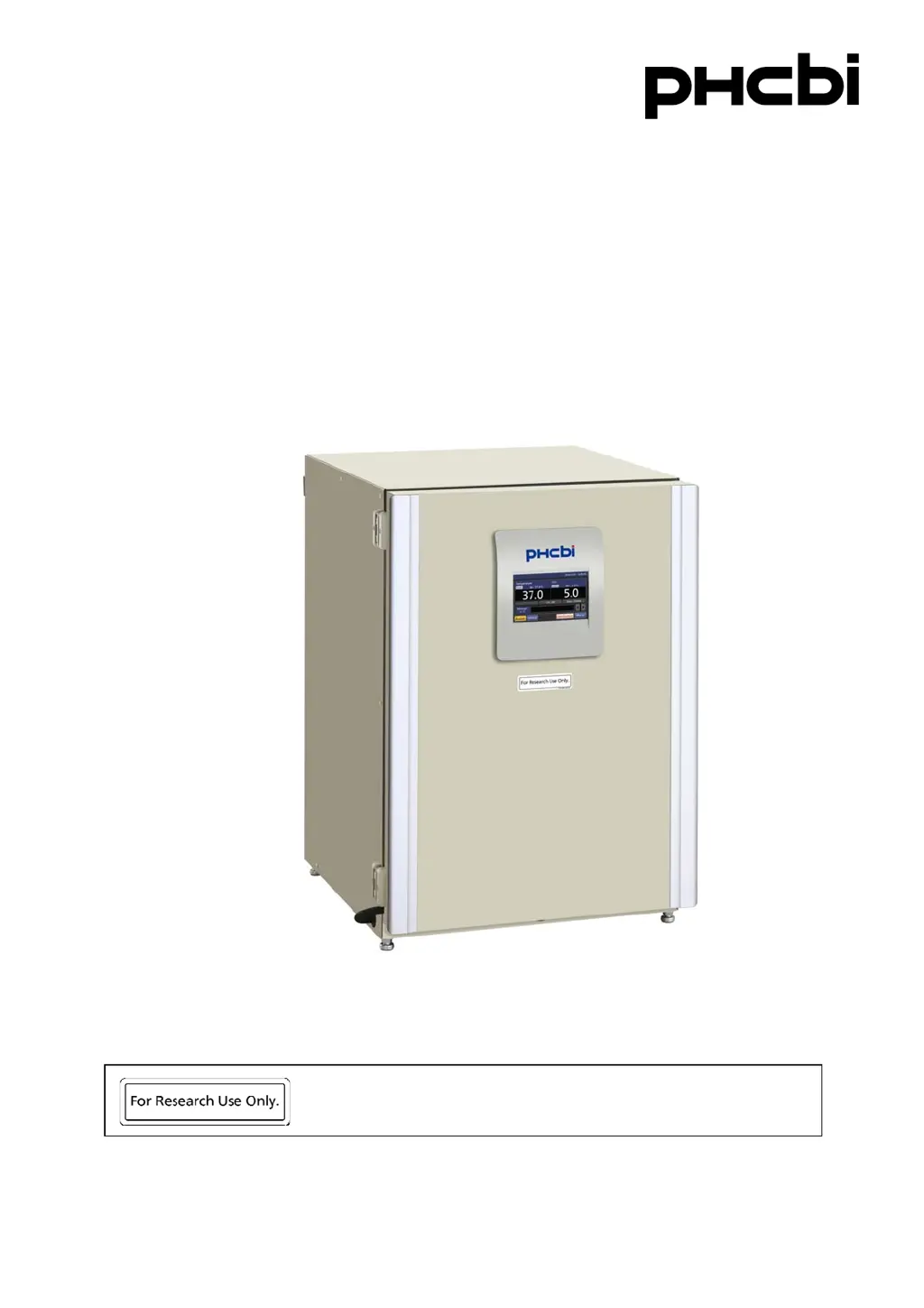
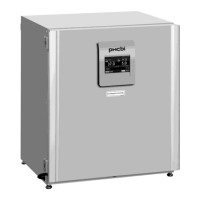
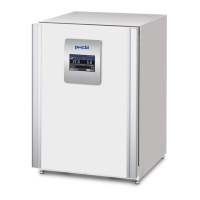
Phcbi MCO-170AICUVDL - User Manual

Phcbi MCO-170AICUVDL
100 pages
Print Icon
To Next Page IconTo Next Page
Loading...
MCO-170AICUVDL
Please read the operating instructions carefully before using this product, and keep the operating
instructions for future use.
See page 96 for model number.
Operating Instructions
CO
2
Incubator
This product is for research use only.
Not for clinical diagnosis or treatment of humans or animals.

Table of Contents

Questions and Answers

Summary

Introduction to PHCbi CO2 Incubator

Precautions for Safe Operation

Incubator Symbols and Environmental Conditions

Incubator Components Overview

Incubator Unit Components

Details the physical components of the incubator unit, including ports and connections.

LCD Touch Panel Interface

Describes the layout and function of the incubator's main touch screen interface.

Remote Alarm Terminal Function

Explains the function and connection of the remote alarm terminal for notifications.

Incubator Installation Guide

Installation Site Requirements

Specifies the recommended environmental and physical conditions for installing the incubator.

Connecting CO2 Gas Cylinder

Provides instructions for safely connecting a CO2 gas cylinder to the incubator.

Preparation Before Operation

Initial Cleaning Method

Outlines the steps for cleaning the incubator chamber and components before first use.

Removing Inner Attachments

Guides on how to safely detach internal parts for cleaning or maintenance.

Installing Inner Attachments

Details the procedure for reassembling internal incubator components after cleaning.

Filling Humidifying Pan

Explains how to properly fill the humidifying pan with sterile distilled water.

Optimizing Cultivation Conditions

Precautions for Cell Cultures

Lists important considerations for successful and safe cell culture within the incubator.

Preventing Chamber Contamination

Provides guidelines to minimize contamination risks within the incubator chamber.

Correct Incubator Operation

Basic Operation on LCD Touch Panel

Basic Incubator Parameters Setup

Numerical Input to Input Window

Explains how to enter numerical values using the touch panel input interface.

Setting Temperature, CO2 Density, and High Limit Alarm

Guides on adjusting chamber temperature, CO2 levels, and high limit alarms.

Setting and Removing Key Lock

Describes enabling, configuring, and disabling the key lock function on the control panel.

Alarm Parameters Configuration

Operation, Alarm, and Sterilisation Logs

Setting Log Interval

Explains how to configure the frequency for saving operational data logs.

Displaying Operation Log Data

Guides on viewing saved chamber temperature and CO2 density logs graphically.

Exporting Operation Log Data

Provides steps to export operational data logs to a USB drive.

Displaying Alarm Log Data

Details how to view saved alarm event logs stored in the incubator.

Exporting Alarm Log Data

Explains the process for exporting alarm event logs to a USB storage device.

Displaying Sterilisation Log Data

Guides on viewing the history of dry heat sterilization cycles performed by the unit.

Exporting Sterilisation Log Data

Outlines how to save dry heat sterilisation logs to a USB drive.

Other Incubator Parameters

Setting Date and Time

Describes how to adjust the incubator's internal clock and date format.

Setting Display Brightness and Sleep Mode

Explains how to configure the LCD panel's brightness and sleep mode settings.

Dry Heat Sterilisation Procedure

Performing Dry Heat Sterilisation

Details the procedure for performing a high-temperature sterilization cycle within the incubator.

Electric Lock Functions

Setting User ID for Auto-Lock

Guides on registering a User-ID and password for the Auto-Lock function.

Configuring Auto-Lock Feature

Explains how to enable and configure the automatic door locking feature.

Using Unlock Key for Power Failures

Describes how to use the provided key to unlock the door, especially during power failures.

Removing Auto Lock Function

Details the steps to disable the automatic door locking feature.

UV Lamp Parameters and Usage

Using the UV Lamp for Disinfection

Explains the proper use of the UV lamp for disinfection purposes.

Setting UV Lamp ON Period

Guides on adjusting the duration the UV lamp remains active.

Lighting UV Lamp for 24 Hours

Provides instructions for continuous 24-hour UV disinfection of the chamber.

Optional Gas Auto Changer Functions

Connecting CO2 Gas Cylinders

Instructions for connecting CO2 gas cylinders when using the optional auto changer.

Automatic CO2 Gas Supply Line Changeover

Explains how the system automatically switches gas supply lines when a cylinder is empty.

Manual CO2 Gas Supply Line A;B Changeover

Details the procedure for manually switching between CO2 gas supply lines A and B.

Optional STD Gas Auto Calibration Kit

Routine Maintenance Procedures

Alarms, Safety, and Self-Diagnosis

Troubleshooting Common Issues

Disposal of the Unit

Incubator Specifications

Incubator Performance Data

Summary

Introduction to PHCbi CO2 Incubator

Precautions for Safe Operation

Incubator Symbols and Environmental Conditions

Incubator Components Overview

Incubator Unit Components

Details the physical components of the incubator unit, including ports and connections.

LCD Touch Panel Interface

Describes the layout and function of the incubator's main touch screen interface.

Remote Alarm Terminal Function

Explains the function and connection of the remote alarm terminal for notifications.

Incubator Installation Guide

Installation Site Requirements

Specifies the recommended environmental and physical conditions for installing the incubator.

Connecting CO2 Gas Cylinder

Provides instructions for safely connecting a CO2 gas cylinder to the incubator.

Preparation Before Operation

Initial Cleaning Method

Outlines the steps for cleaning the incubator chamber and components before first use.

Removing Inner Attachments

Guides on how to safely detach internal parts for cleaning or maintenance.

Installing Inner Attachments

Details the procedure for reassembling internal incubator components after cleaning.

Filling Humidifying Pan

Explains how to properly fill the humidifying pan with sterile distilled water.

Optimizing Cultivation Conditions

Precautions for Cell Cultures

Lists important considerations for successful and safe cell culture within the incubator.

Preventing Chamber Contamination

Provides guidelines to minimize contamination risks within the incubator chamber.

Correct Incubator Operation

Basic Operation on LCD Touch Panel

Basic Incubator Parameters Setup

Numerical Input to Input Window

Explains how to enter numerical values using the touch panel input interface.

Setting Temperature, CO2 Density, and High Limit Alarm

Guides on adjusting chamber temperature, CO2 levels, and high limit alarms.

Setting and Removing Key Lock

Describes enabling, configuring, and disabling the key lock function on the control panel.

Alarm Parameters Configuration

Operation, Alarm, and Sterilisation Logs

Setting Log Interval

Explains how to configure the frequency for saving operational data logs.

Displaying Operation Log Data

Guides on viewing saved chamber temperature and CO2 density logs graphically.

Exporting Operation Log Data

Provides steps to export operational data logs to a USB drive.

Displaying Alarm Log Data

Details how to view saved alarm event logs stored in the incubator.

Exporting Alarm Log Data

Explains the process for exporting alarm event logs to a USB storage device.

Displaying Sterilisation Log Data

Guides on viewing the history of dry heat sterilization cycles performed by the unit.

Exporting Sterilisation Log Data

Outlines how to save dry heat sterilisation logs to a USB drive.

Other Incubator Parameters

Setting Date and Time

Describes how to adjust the incubator's internal clock and date format.

Setting Display Brightness and Sleep Mode

Explains how to configure the LCD panel's brightness and sleep mode settings.

Dry Heat Sterilisation Procedure

Performing Dry Heat Sterilisation

Details the procedure for performing a high-temperature sterilization cycle within the incubator.

Electric Lock Functions

Setting User ID for Auto-Lock

Guides on registering a User-ID and password for the Auto-Lock function.

Configuring Auto-Lock Feature

Explains how to enable and configure the automatic door locking feature.

Using Unlock Key for Power Failures

Describes how to use the provided key to unlock the door, especially during power failures.

Removing Auto Lock Function

Details the steps to disable the automatic door locking feature.

UV Lamp Parameters and Usage

Using the UV Lamp for Disinfection

Explains the proper use of the UV lamp for disinfection purposes.

Setting UV Lamp ON Period

Guides on adjusting the duration the UV lamp remains active.

Lighting UV Lamp for 24 Hours

Provides instructions for continuous 24-hour UV disinfection of the chamber.

Optional Gas Auto Changer Functions

Connecting CO2 Gas Cylinders

Instructions for connecting CO2 gas cylinders when using the optional auto changer.

Automatic CO2 Gas Supply Line Changeover

Explains how the system automatically switches gas supply lines when a cylinder is empty.

Manual CO2 Gas Supply Line A;B Changeover

Details the procedure for manually switching between CO2 gas supply lines A and B.

Optional STD Gas Auto Calibration Kit

Routine Maintenance Procedures

Alarms, Safety, and Self-Diagnosis

Troubleshooting Common Issues

Disposal of the Unit

Incubator Specifications

Incubator Performance Data

Phcbi MCO-170AICUVDL Specifications

General IconGeneral
BrandPhcbi
ModelMCO-170AICUVDL
CategoryAccessories
LanguageEnglish

Related product manuals