EasyManua.ls Logo

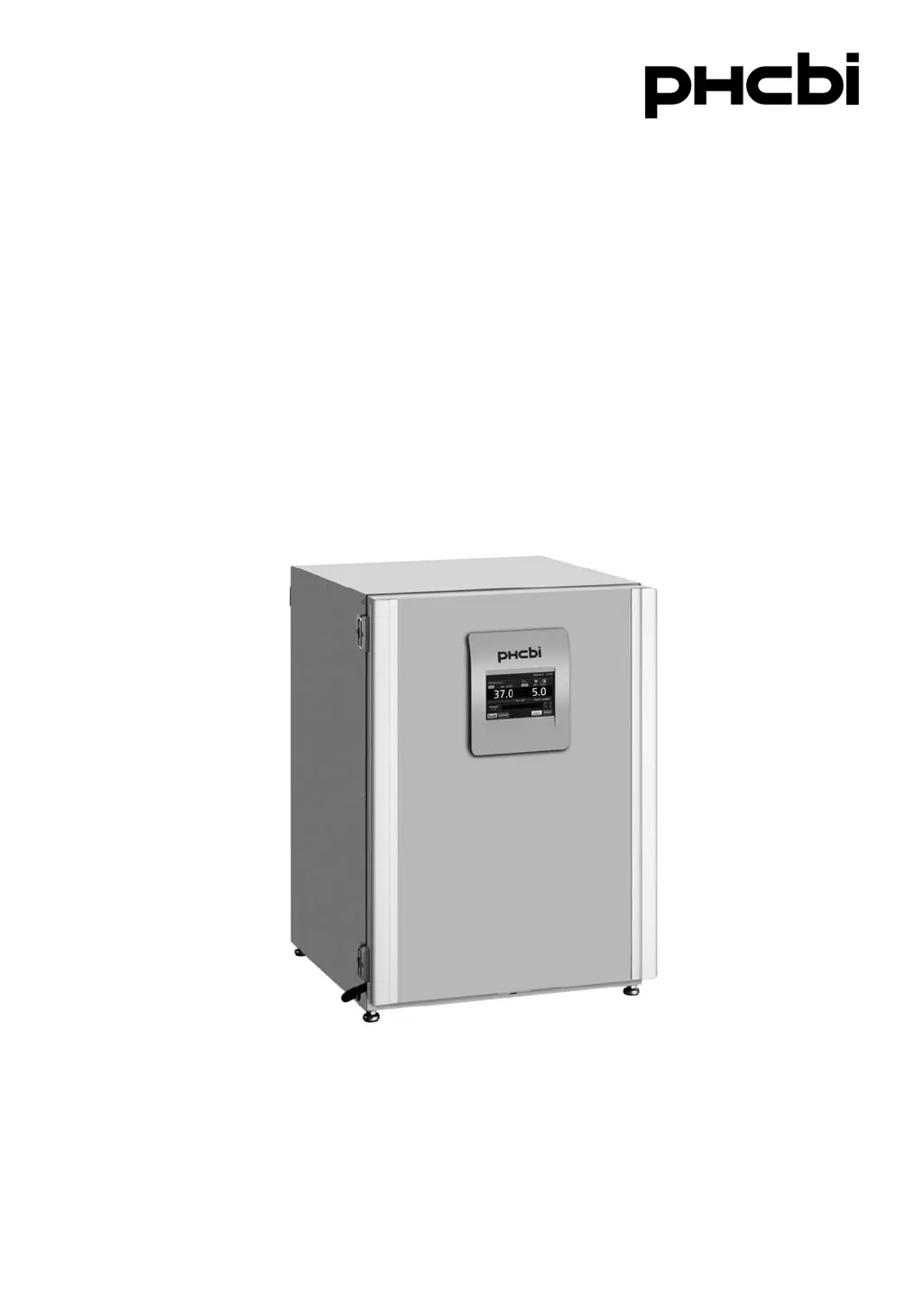
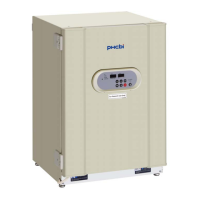
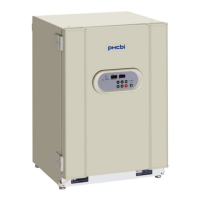
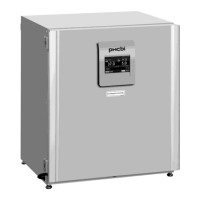
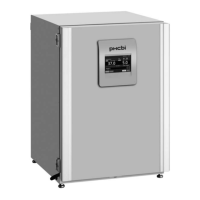
Phcbi MCO-170AIC - User Manual

Phcbi MCO-170AIC
96 pages
Print Icon
To Next Page IconTo Next Page
Loading...
MCO-170AIC
MCO-170AICUV
Please read the operating instructions carefully before using this product, and keep the operating
instructions for future use.
See page 91 for model number.
Operating Instructions
CO
2
Incubator

Table of Contents

Questions and Answers

Summary

PRECAUTIONS FOR SAFE OPERATION

INCUBATOR COMPONENTS

LCD Touch Panel Overview

INSTALLATION

Installation Site Requirements

Specifies the necessary conditions and location criteria for installing the incubator safely and correctly.

Connecting CO2 Gas Cylinder

BEFORE COMMENCING OPERATION

CORRECT OPERATION

BASIC OPERATION ON LCD TOUCH PANEL

Menu Navigation and Controls

Guides users through the menu structure and basic operations available on the LCD touch panel.

BASIC PARAMETERS

Numerical Input Method

Explains how to input numerical values using the touch panel's input window and keys.

Setting Temperature and CO2 Density

Details the procedure for setting chamber temperature, CO2 density, and high limit temperature alarm.

Setting Key Lock Function

Outlines the steps to enable or disable the key lock feature and set a password.

Removing Key Lock Function

Provides instructions on how to disable the key lock and remove the password.

ALARM PARAMETERS

Setting Temperature and CO2 Alarms

Explains how to configure temperature and CO2 density alarm settings and delays.

OPERATION;ALARM LOG

Displaying Operation Log Data

Guides users on how to view saved operational data graphically on the LCD touch panel.

OTHER PARAMETERS

UV LAMP PARAMETERS

H2 O2 DECONTAMINATION

ELECTRIC LOCK (OPTION)

GAS AUTO CHANGER (OPTION)

STD GAS AUTO CALIBRATION KIT (OPTION)

ROUTINE MAINTENANCE

ALARMS, SAFETY, AND SELF-DIAGNOSIS

TROUBLESHOOTING

Summary

PRECAUTIONS FOR SAFE OPERATION

INCUBATOR COMPONENTS

LCD Touch Panel Overview

INSTALLATION

Installation Site Requirements

Specifies the necessary conditions and location criteria for installing the incubator safely and correctly.

Connecting CO2 Gas Cylinder

BEFORE COMMENCING OPERATION

CORRECT OPERATION

BASIC OPERATION ON LCD TOUCH PANEL

Menu Navigation and Controls

Guides users through the menu structure and basic operations available on the LCD touch panel.

BASIC PARAMETERS

Numerical Input Method

Explains how to input numerical values using the touch panel's input window and keys.

Setting Temperature and CO2 Density

Details the procedure for setting chamber temperature, CO2 density, and high limit temperature alarm.

Setting Key Lock Function

Outlines the steps to enable or disable the key lock feature and set a password.

Removing Key Lock Function

Provides instructions on how to disable the key lock and remove the password.

ALARM PARAMETERS

Setting Temperature and CO2 Alarms

Explains how to configure temperature and CO2 density alarm settings and delays.

OPERATION;ALARM LOG

Displaying Operation Log Data

Guides users on how to view saved operational data graphically on the LCD touch panel.

OTHER PARAMETERS

UV LAMP PARAMETERS

H2 O2 DECONTAMINATION

ELECTRIC LOCK (OPTION)

GAS AUTO CHANGER (OPTION)

STD GAS AUTO CALIBRATION KIT (OPTION)

ROUTINE MAINTENANCE

ALARMS, SAFETY, AND SELF-DIAGNOSIS

TROUBLESHOOTING

Phcbi MCO-170AIC Specifications

General IconGeneral
TypeCO2 Incubator
ModelMCO-170AIC
MaterialStainless Steel
Capacity170L
Temperature RangeRT+5°C to 60°C
Temperature Uniformity±0.25°C
CO2 Range0 to 20% CO2
CO2 Control Accuracy±0.15%
Humidity RangeApprox. 95%RH
Power SupplyAC220V±10%, 50/60Hz

Related product manuals