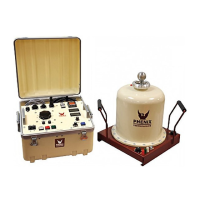
HC 75C
12-5
WinHC PC SOFTWARE
4. Repeat step 3 for each phase and test level that you wish to test.
5. Click Notes... to add any test notes.
6. Click Report... to generate a test report.
Generating Reports
The WinHC software keeps a history of all circuit breaker and tests that have been performed. Here’s the
procedure for creating test reports of previous tests.
1. On the main screen, click the Results button. The Results screen will appear.
2. Select the order in which you want the results to appear by clicking a Sort By… item. This selection
also determines which field is used by search.
3. Browse the results menu to find the test result you wish to print. The most recent test will already be
highlighted. Or, to search for a specific result, click the search field and enter the search value.
NOTE: The search will be performed on the field selected by Sort By….
4. Click Test Report… to generate a report. You will be given the option of pre-viewing the report on
screen or sending it directly to the printer.


 To Next Page