5
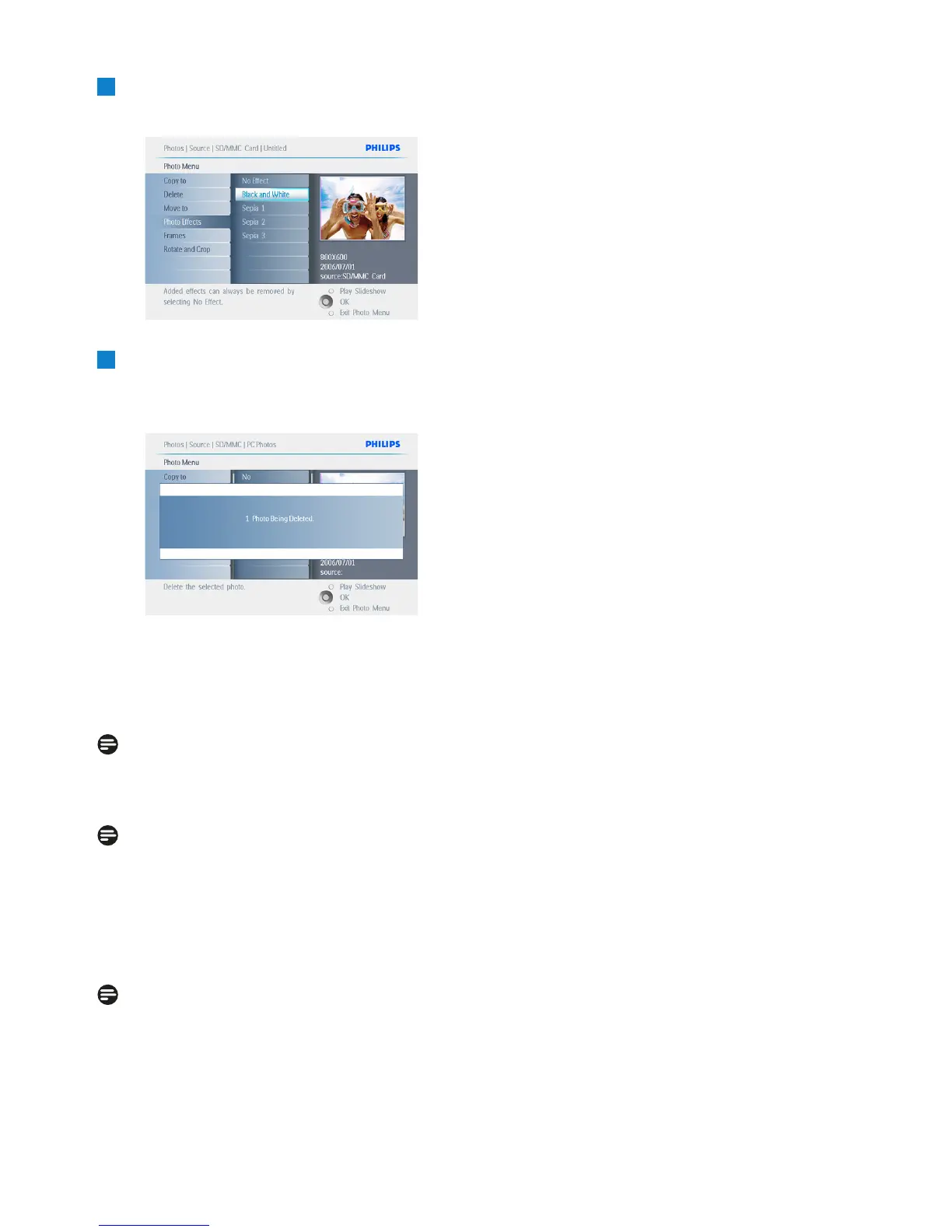
• Navigate down to select Yes delete.
• Press OK to confirm delete.
6
When you delete a photo, PhotoFrame will
show the status and return to the album
after completion.
Press Play Slideshow to leave this menu and
play the slideshow or navigate left to move back
through the menus.
Note 1:
You may delete photos one by one or several
photos at once.
Note 2:
To delete a Photo from a memory card Go to
Setup Menu > Memory Card > Album
Creation > Delete Function. You will be able
to perform the same functions as the internal
memory.
Note 3:
To be able to delete photos on the memory
card this function on the memory card must
be allowed. To do so read the “Setup- Memory
card” section.
18
Using more of your PhotoFrame


 To Next Page