6.7 Beep On/Off
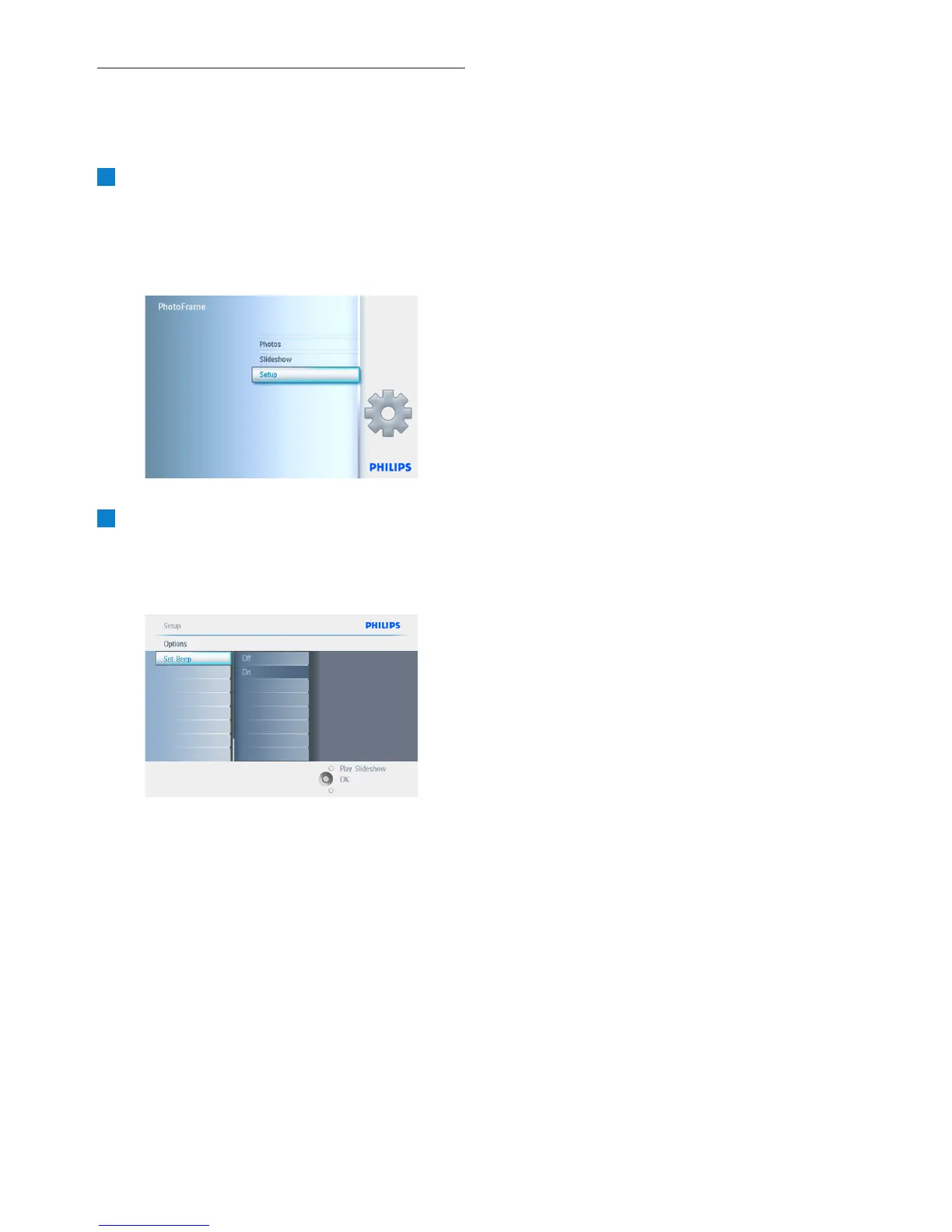
Turning the button sounds ON or OFF.
1
• Press the menu button to access the
Main Menu.
• Navigate down to highlight the setup icon.
• Navigate right or press the OK button
to access the setup menu.
2
• Navigate down to go to beep.
• Navigate right to go to On or Off.
• Navigate down or Press OK to confirm
selection.
Press Play Slideshow to leave this menu and
play the slideshow.
48
Settings



 To Next Page