5.3.4 Copy Photos between Albums
You can move or copy photos from one album
to other album.
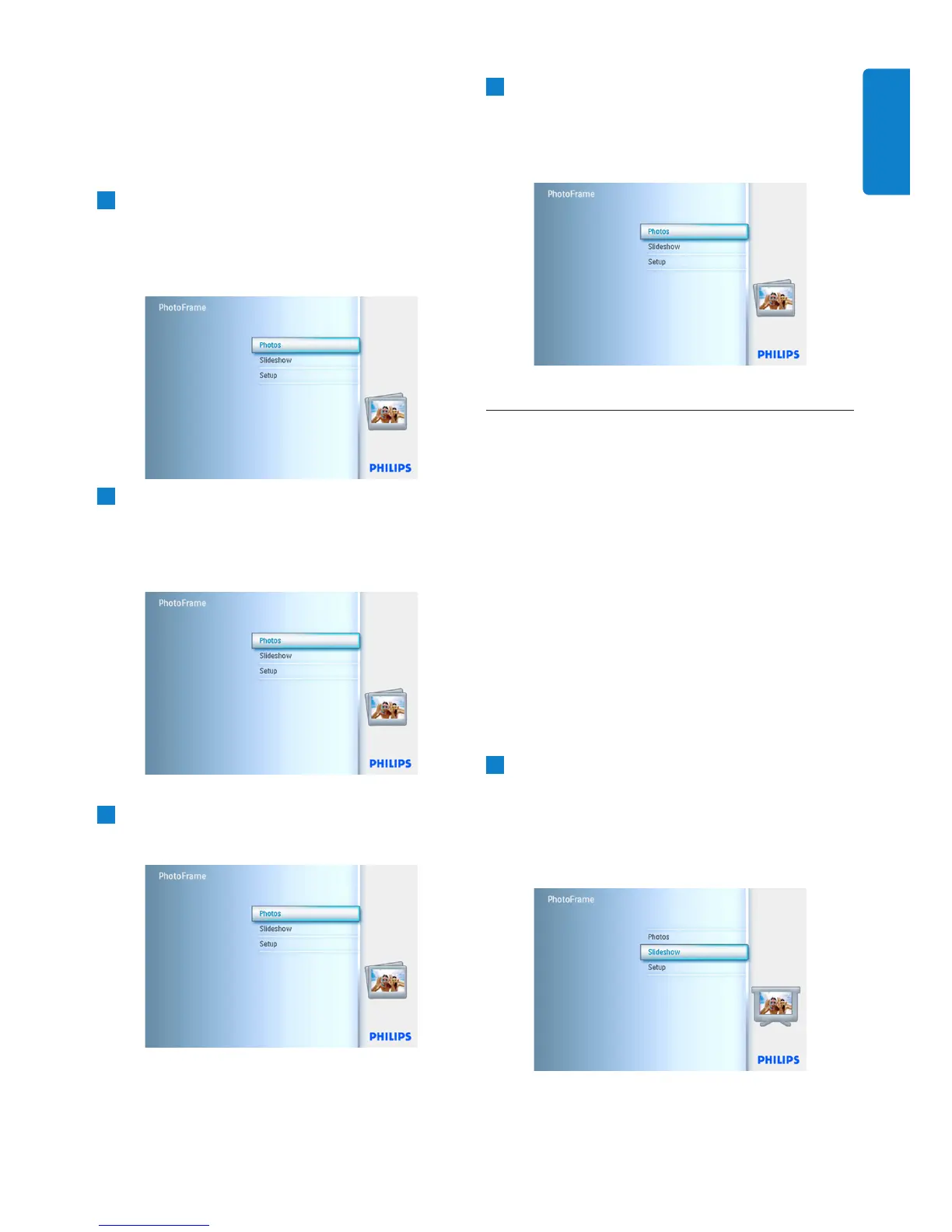
1
• Press the menu button to access the
Main Menu.
• Navigate right or press the OK button to
access the Photo menu.
2
When in the thumb nail mode, navigate to
move to the photo, and then press OK to
select. Repeat this to select multiple photos
if needed.
3
Press Photo Menu button, navigate down
or right to select Copy to.
4
Navigate right and down to choose the
album, and then press OK. Photos copies
will be created then pasted at the end of the
album in sequence.
5.4 Create and Manage Slideshows
To tailor your own slide shows You can handpick
the albums for slideshow, select a slideshow
frequency that determines, how long a photo
remains on screen, select transition effect, how
next photo replaces current one on screen, and
sequential or random.
5.4.1 Create a Slideshow
To play all the photos in the PhotoFrame follow
the instructions below.
1
• Press the menu button to access the
Main Menu.
• Navigate down to highlight the setup icon.
• Navigate right or OK button to access
the slideshow menu.
27
Using more of your PhotoFrame
ENGLISH



 To Next Page