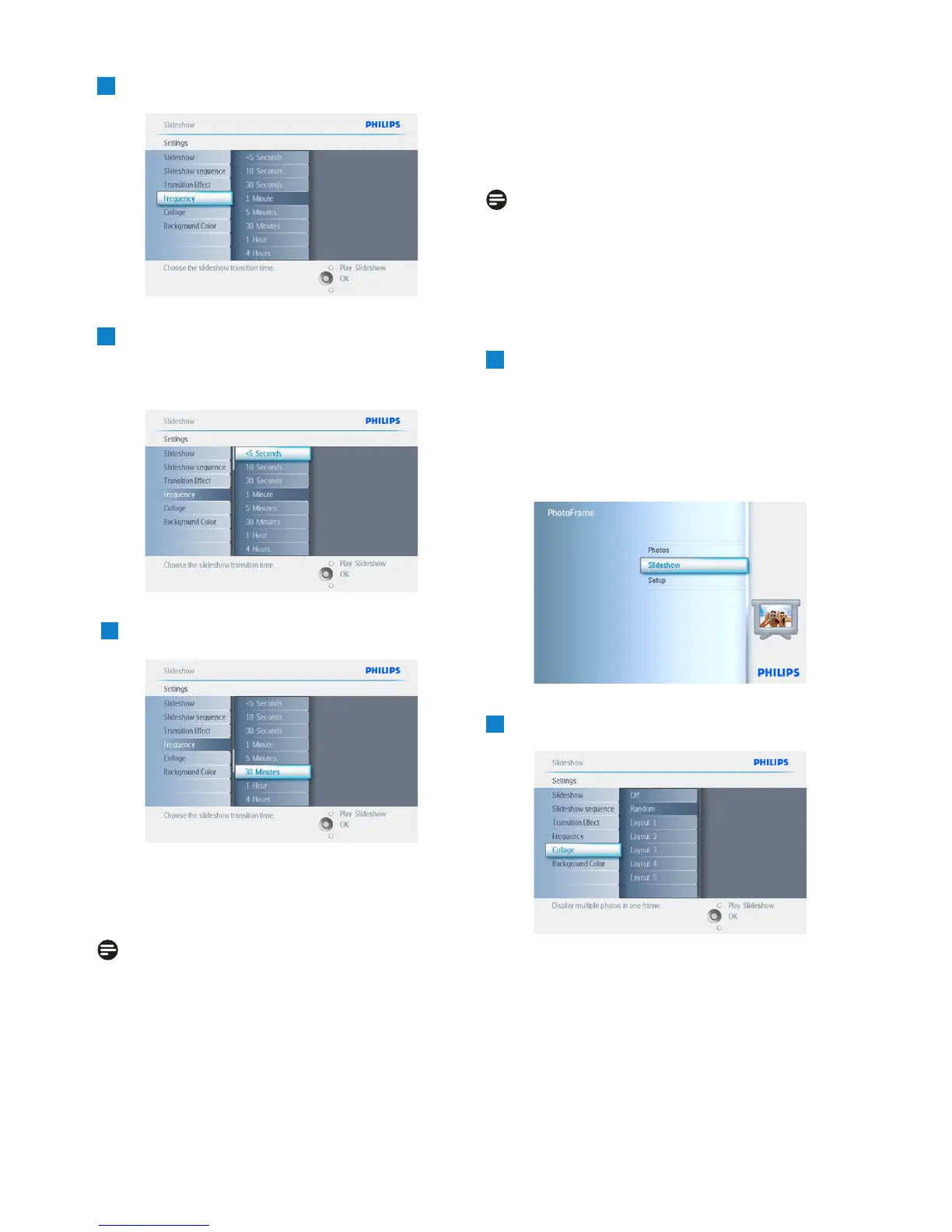
3
Navigate Right.
4
Navigate down to move to the required
transition time.
5
Press the OK button to confirm.
Press Play Slideshow to leave this menu and
play the slideshow.
Note:
This function applies to all the slideshows stored
on all media.
5.4.9 Collage
To show multiple photos arranged on the screen
at the same time select collage.
Note:
Photos formatted in such a way as not to fit
the PhotoFrame display normally appear with
a black border. Collage automatically fills these
borders with multiple displays of the same
photo.
1
• Press the menu button to access the
Main Menu.
• Navigate down to highlight the slideshow
icon.
• Navigate right or press the OK button to
access the slideshow menu
2
Navigate down to access the collage menu.
34
Using more of your PhotoFrame



 To Next Page