4
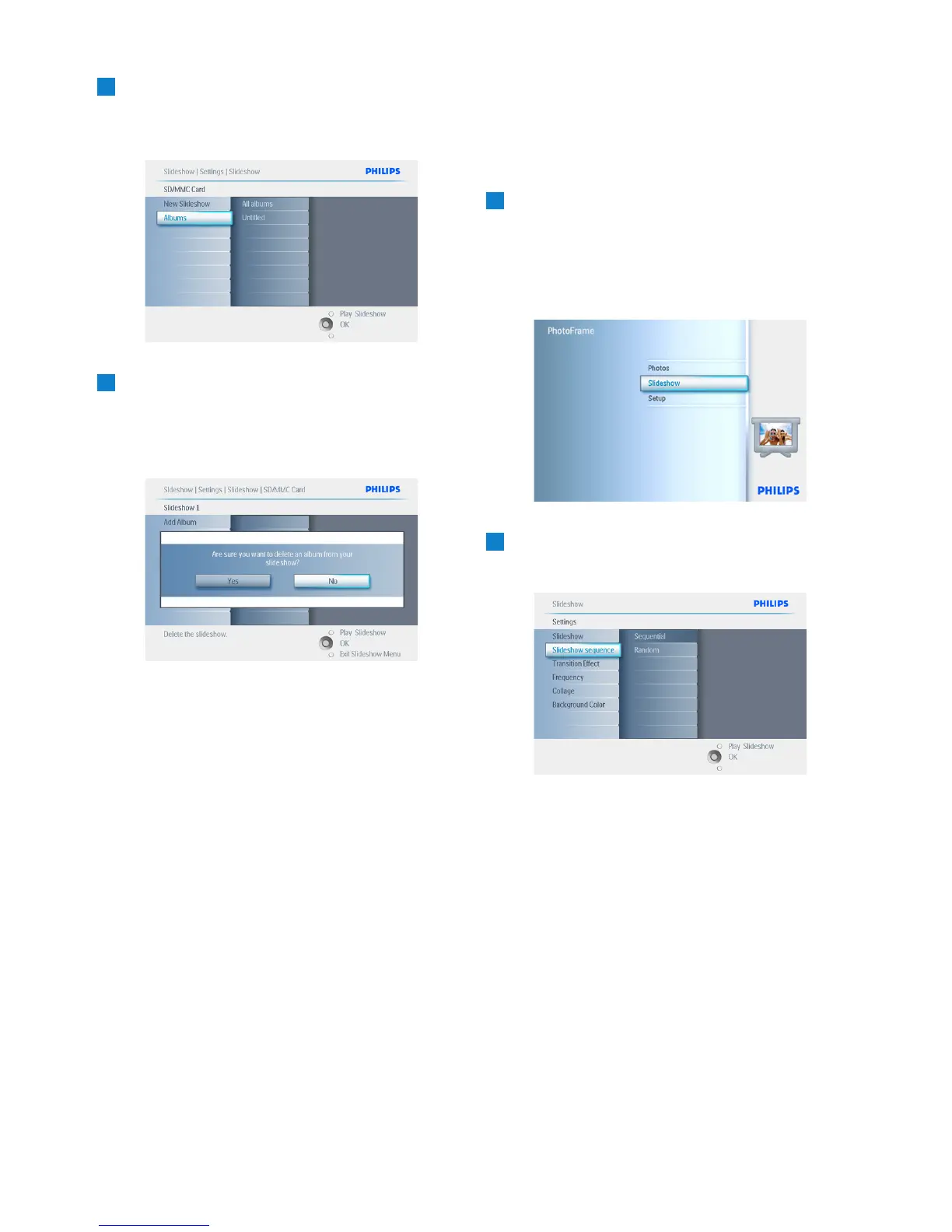
Navigate down to go to the slideshow
you want to delete and press the menu
button.
5
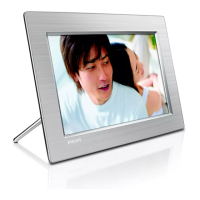
• Navigate down to go to Delete slideshow,
• Navigate right to go to Yes or No.
• Navigate down to go to Yes and press
OK to validate.
Press Play Slideshow to leave this menu and
play the slideshow.
5.4.6 Slideshow Sequence
Slideshows can be played in one of two ways
randomly or sequentially.
1
• Press the menu button to access the
Main Menu.
• Navigate down to highlight the setup icon.
• Navigate right or OK button to access
the slideshow menu.
2
Navigate down to access the sequence
menu.
Press Play Slideshow to leave this menu and
play the slideshowo select Show.
32
Using more of your PhotoFrame


 To Next Page