5
Navigate right to select either set On or
Off.
6
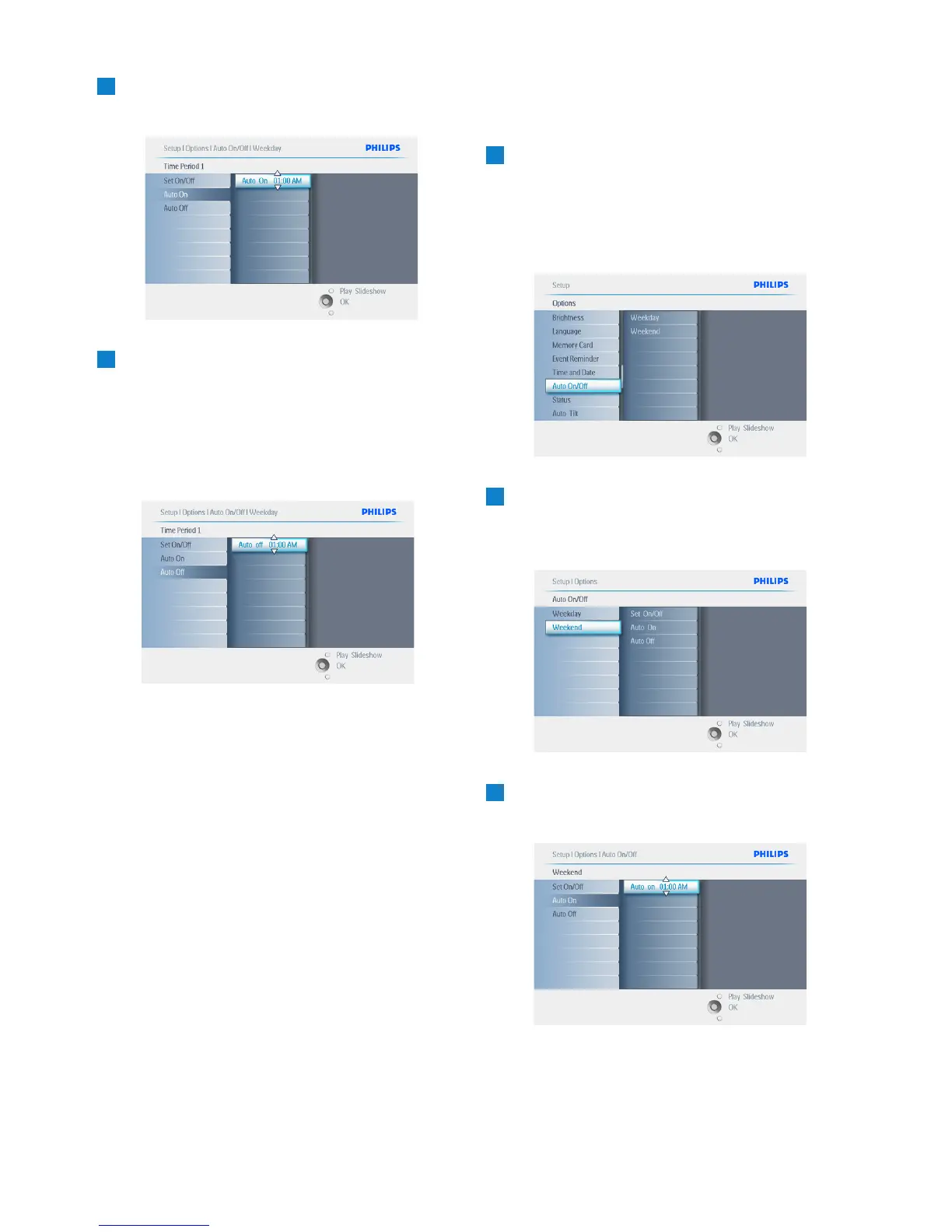
• Navigate down to go to Auto On.
• Navigate up and down to change the
time. Navigate right to move between the
hours and minutes.
• Press the OK button to confirm.
• Repeat to change Auto Off.
Press Play Slideshow to leave this menu and
play the slideshow.
Weekend – Saturday 00:00 to Sunday
23:59
1
• Press the menu button to access the
Main Menu.
• Navigate down to highlight the setup icon.
• Navigate right or press the OK button
to access the setup menu.
2
• Navigate down to select the Auto On/Off
function.
• Navigate right to select the weekend.
3
Navigate right to select Auto ON/ OFF
time.
46
Settings


 To Next Page