Special installation functions
You can select one of the following installation functions in
order to adapt your TV-Video Combi to your own specific
requirements.
Automatic TV channel search (Autoinstall)
Your TV-Video Combi will search for all TV channels. It
arranges them in the following sequence into memory: BBC1,
BBC2, ITV, CH4, CH5, SKY, others.
DIf you want to start the automatic TV channel search
again, follow the instructions below.
a Press the MENU button on the remote control. The main
menu will appear.
b Select the line ’AUTO INSTALL’ with the menu buttons
=P r or ;P q .
c Press the SqP button. ’Autoinstall’ starts.
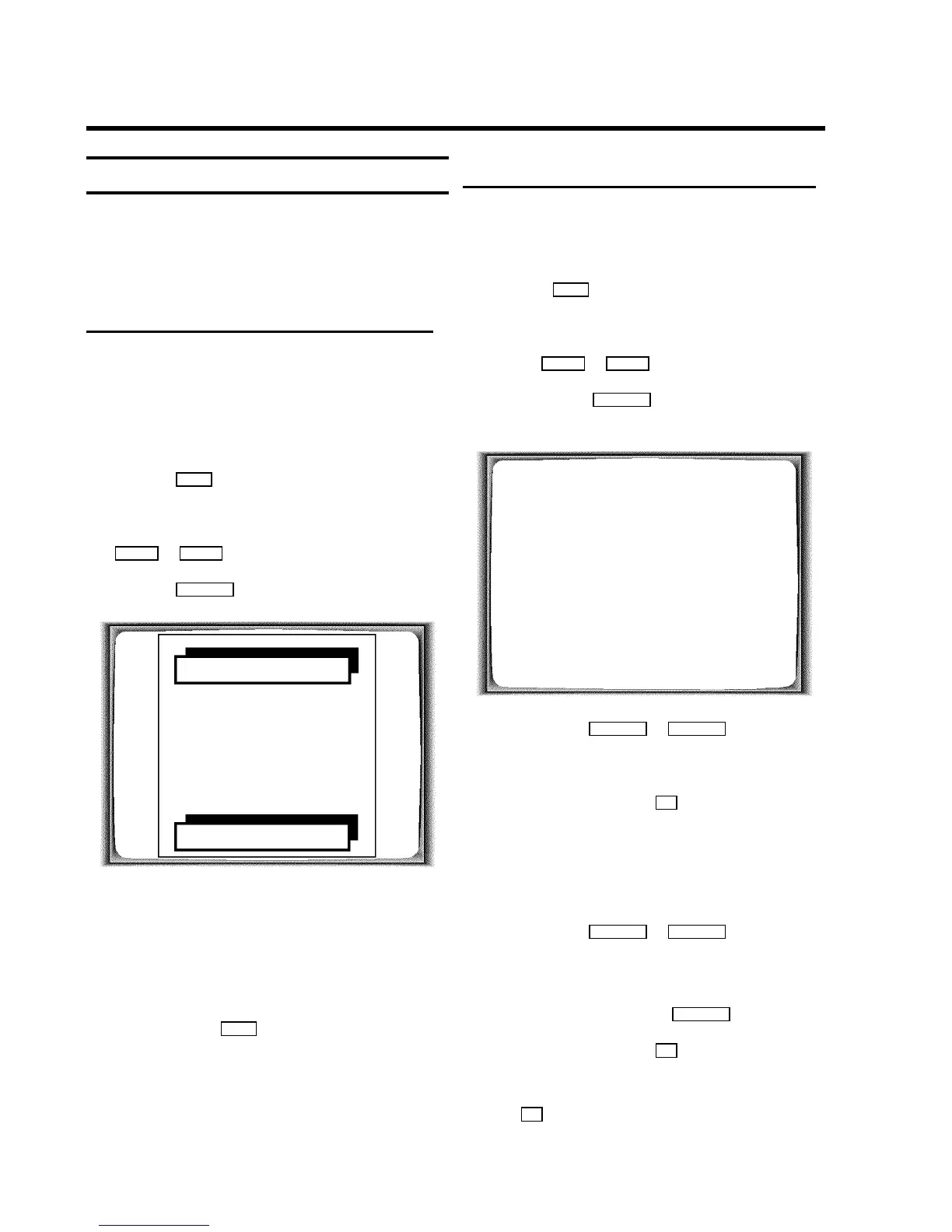
AUTO INSTALL
SEARCHING
ƒƒƒƒƒƒƒ__________________
PLEASE WAIT...
Wait until all TV channels have been found. This can take
several minutes.
d When Autoinstall is complete, ’STORED’ will briefly
appear on the TV screen.
The time and date information have been set.
e To end, press the MENU button.
Information on how to search for a TV channel manually can
be found in the section ’Manual TV channel search’.
Sorting and clearing TV channels manually
You can allocate a programmed TV channel to a random
programme number (e.g.: ’P01’) or you can delete a TV
programme recorded by mistake.
a Press the MENU button on the remote control. The main
menu will appear.
b Select the line ’TV CHANNEL ALLOC.’ with the menu
buttons =P r or ;P q .
c Confirm with the SqP button.
’ALLOCATE ON P01’ will appear in the display.
TV CHANNEL ALLOC.
ALLOCATE ON P01
FREQUENCY/NAME W BBC1 X
EXIT: MENU STORE: OK
d Use the buttons QSr or SqP to select the
stored TV channel to which you wish to allocate the
programme number ’P01’.
e Confirm this allocation with OK . The following message
will briefly appear on the TV screen: ’STORED’.
f After that, the allocation for the next-highest programme
number will appear on the screen, e.g.: ’ALLOCATE
ON P02’.
g Use the buttons QSr or SqP to select the
stored TV channel which you wish to allocate the
programme number to, ’ e.g.: P02’.
DIf you want to delete a TV programme recorded by
mistake, press the button CLEAR (CL) .
h Confirm this allocation with OK . The following message
will briefly appear on the TV screen: ’STORED’.
DIf you confirm the last possible allocation using the
OK button, you will automatically be taken back to
the main menu. Continue at step k .
8












 To Next Page