Automatic volume control
(Automatic Volume Leveller AVL)
The function ’Automatic Volume Leveller’ (AVL) regulates the
volume automatically. This will minimise sudden changes in TV
volume, e.g. when commercial spots are being transmitted or
when switching TV channels.
a To switch this function on, select ’ON’ in the line ’AVL’
using the button SqP .
DIf you select ’OFF’, the function will be switched off.
How do I read TELETEXT?
Many TV channels transmit TELETEXT information along with
their TV channels. With this TV-Video Combi you can retrieve
this information and display it on the screen using the built-in
TELETEXT decoder.
a Press the TELETEXT e button to switch the TELETEXT
decoder on. Your TV-Video Combi will now show
TELETEXT for the TV channel you have selected.
b If you want to select another page, type in the number of
the page with the number buttons 0..9 on the remote
control.
DWith the colour buttons on your remote control you
can directly select the page numbers shown at the
bottom of the TV screen.
DThe button CLEAR (CL) takes you back to the start
page.
c Press the TELETEXT e button to switch the TELETEXT
decoder off.
Special TELETEXT functions
In TELETEXT mode you can use the special TELETEXT
functions. These are shown along the bottom of the TV screen.
a During TELETEXT operation, press the MENU button.
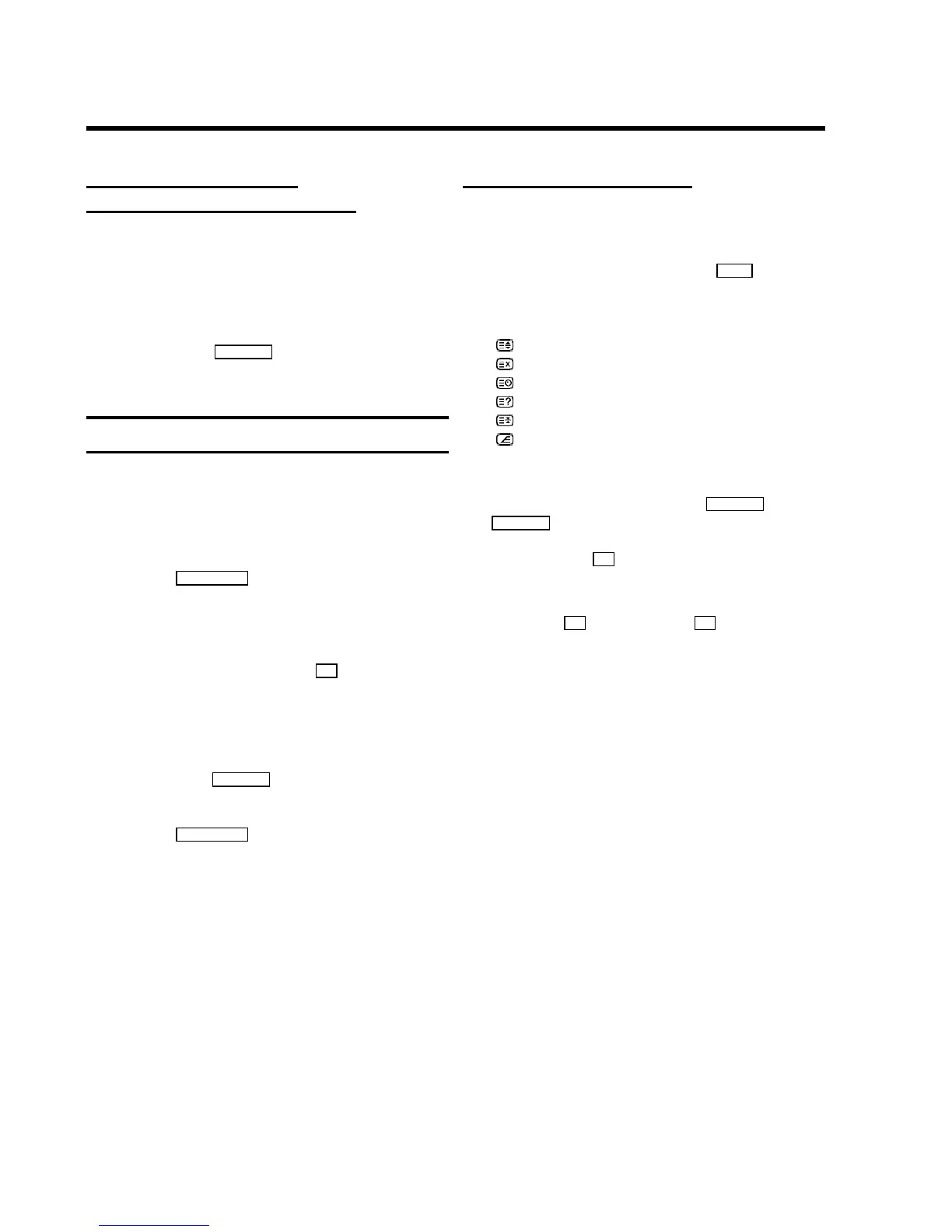
The following symbols are shown along the bottom edge
of the TV screen:
: enlarge font
: switch TELETEXT decoder off temporarily
: select TELETEXT sub-page
: recall hidden information
: stop page changes
: show TELETEXT in transparent mode
b Select the respective function using QSr or
SqP .
c Confirm with the OK button.
DTo call up a TELETEXT sub-page enter the number of
the sub-page after confirming the entry with the
button OK using the buttons 0..9 .
e.g.: for sub-page 5 enter ’0005’.
11












 To Next Page