Selecting a TV channel
Select the required TV channel (= the programme number)
with the ;P q , =P r buttons or with the digit buttons
0..9 on the remote control.
Channel number of the scart socket
a Select the channel number ’E1’ using the button 0 on
the remote control.
Channel number of the sockets A/V on the
front
a Select channel number ’E1’ using the button 0 on the
remote control and then select channel number ’AV’
using the button =P r .
b Use the number buttons 0..9 on the remote control to
select the channels on the TV-Video Combi.
Volume control
You can adjust the volume using the QSr , SqP
buttons on the remote control.
DIf you would like to change the volume on the
machine, press the button P /S on the TV-Video
Combi and change the volume using the buttons
q or r .
DIf you want to mute the sound temporarily (e.g.:
during a telephone call), press the MUTE y button
on the remote control. When you press the
MUTE y button again, the sound will return at its
original volume level.
DWhile the sound is turned off, ’y’ will appear on the
screen.
Picture settings
The picture can be adjusted according to your personal
preferences.
These settings are automatically stored after exiting the main
menu.
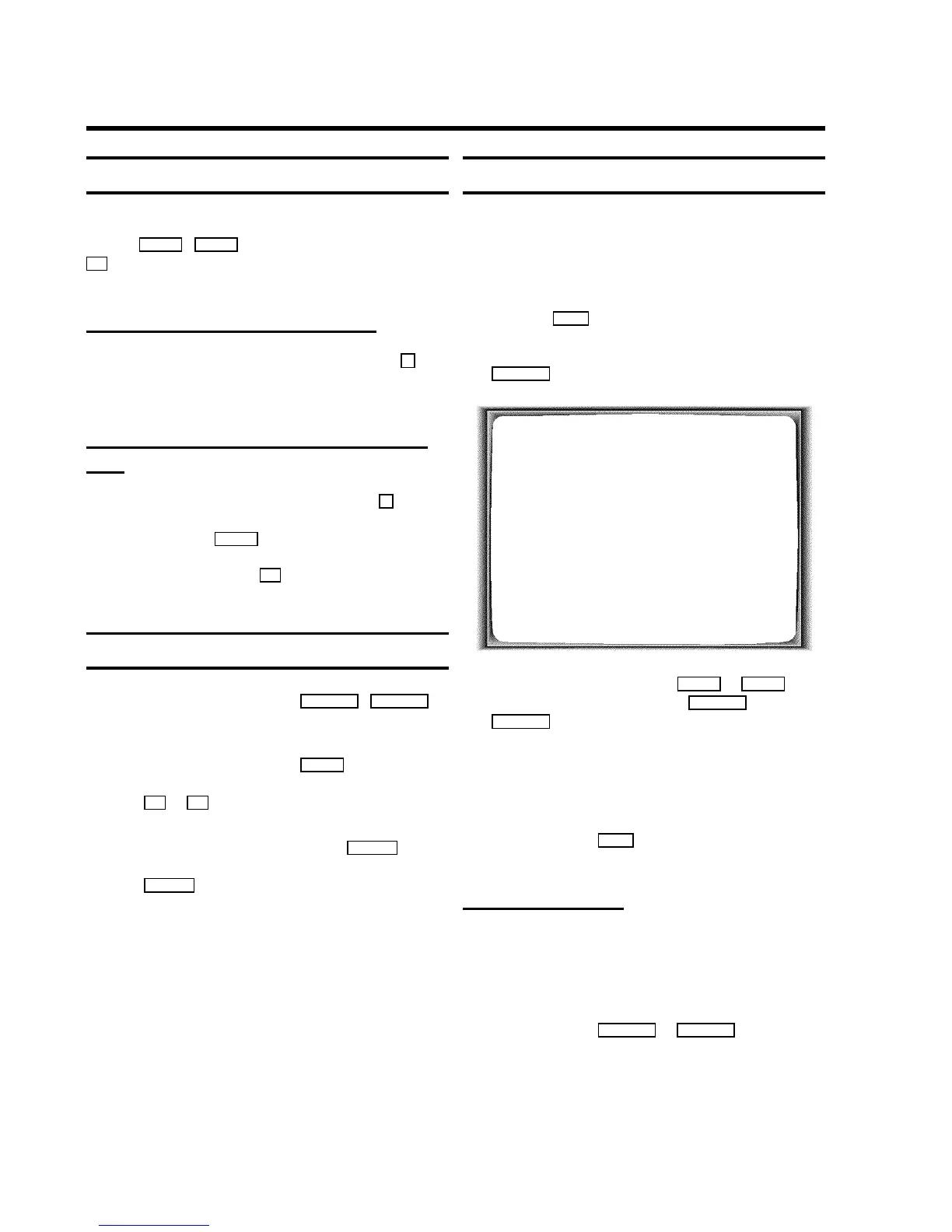
a Press the MENU button. The main menu appears.
b Confirm the line ’TV SETTINGS’ using the button
SqP .
TV SETTINGS
BRIGHTNESS W(,=,,$X
COLOUR (,,=,$
CONTRAST (,=,,$
SHARPNESS (,,=,$
START UP VOLUME (=,,,$
AVL ON
EXIT: MENU
c Select the desired line with the =P r or ;P q button
and modify the settings using the QSr or
SqP button.
DIf you TV-Video Combi also has the function:
START UP VOLUME(Switch-on volume) ,
AVL(Automatic volume control) , please read more
detailed information in the respective section.
d To end, press the MENU button.
(Switch-on volume)
The function ’START UP VOLUME’ (switch-on volume)
regulates the volume when turning on the TV-Video Combi to
this preset value.
a In the line ’START UP VOLUME’ change the volume
using the buttons QSr or SqP .
3. TV SET FUNCTIONS
10












 To Next Page