Wake up function (WAKE-UP)
You can programme your TV-Video Combi to switch on at a
predetermined time and wake you up.
The TV-Video Combi will switch on at the predetermined time
playing the channel last selected and switches itself off
automatically after one hour.
a Press the MENU button on the remote control.
The main menu will appear.
b Select the line ’WAKE UP’ with the menu buttons
=P r or ;P q and confirm with the SqP
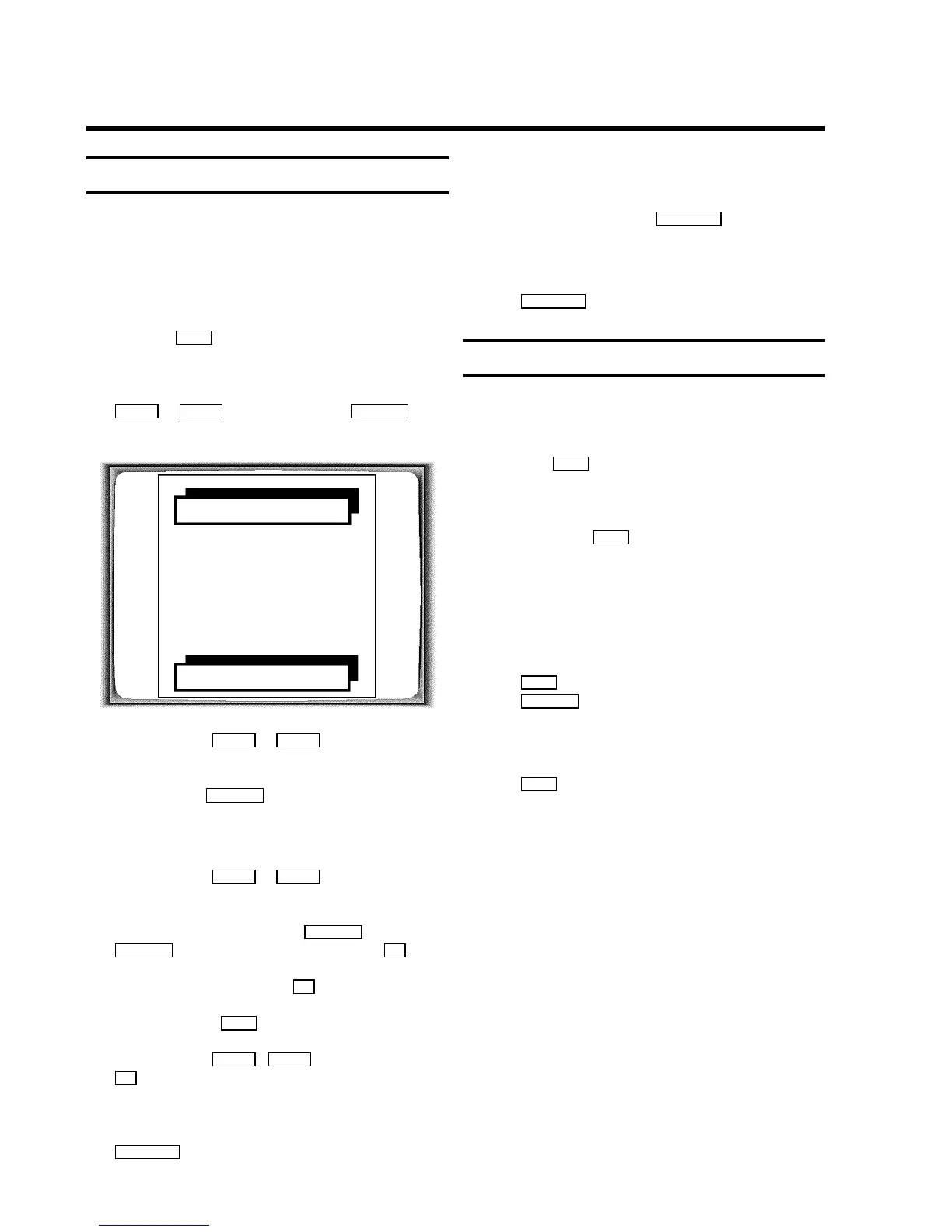
button. This picture will appear on the screen:
WAKE UP
ON/OFF W OFF X
WAKE UP TIME 00:00
EXIT: MENU STORE: OK
c Use the buttons =P r or ;P q to select the line ’TV
ON/OFF’.
d Use the button SqP in the line to select ’ON’ (wake
up timer activated).
DIf you select ’OFF’ the timer will be switched off.
e Use the buttons =P r or ;P q to select the line: ’TV
WAKE UP TIME’ for the wake up time of the TV set.
f Enter the desired time using the QSr or
SqP buttons or with the number buttons 0..9 .
g Store these settings using the OK button.
h To end, press the MENU button.
i Use the buttons ;P q , =P r or the numeric buttons
0..9 of the remote control to select the programme which
you want to be woken up to.
j Switch off the TV-Video Combi with the button
STANDBY m .
DIf you do not press a button, the alarm (TV-Video
Combi) is switched off automatically after one hour.
DIf you press the button STANDBY m the current alarm
is (TV-Video Combi) switched off.
DIf you want to continue to use the TV-Video Combi,
press another button besides the button
STANDBY m .
Switch-off function (SLEEP TIMER)
You can programme your set to switch-off automatically after
a predetermined period.
a Press the SLEEP button on the remote control.
The screen will show the time remaining until switch-off,
e.g.: ’+0:15’
b Press the button SLEEP repeatedly to extend the time
until switch-off in 15 minute increments.
DThe maximum time period to be set until switch-off is
4 hours.
The machine now counts backwards to the switch-off time.
DIf you would like to turn this function off, push the
SLEEP button on the remote control and then press
CLEAR (CL) when the time remaining until switch-off
appears.
’--:--’ will appear on the screen.
DTo check the time until switch-off, press the
SLEEP button on the remote control.
DIf a recording is in process, only the screen will be
switched off by the switch-off function.
12













 To Next Page