Initial installation
a After you have connected the aerial, confirm the picture
on the TV screen with OK on the remote control.
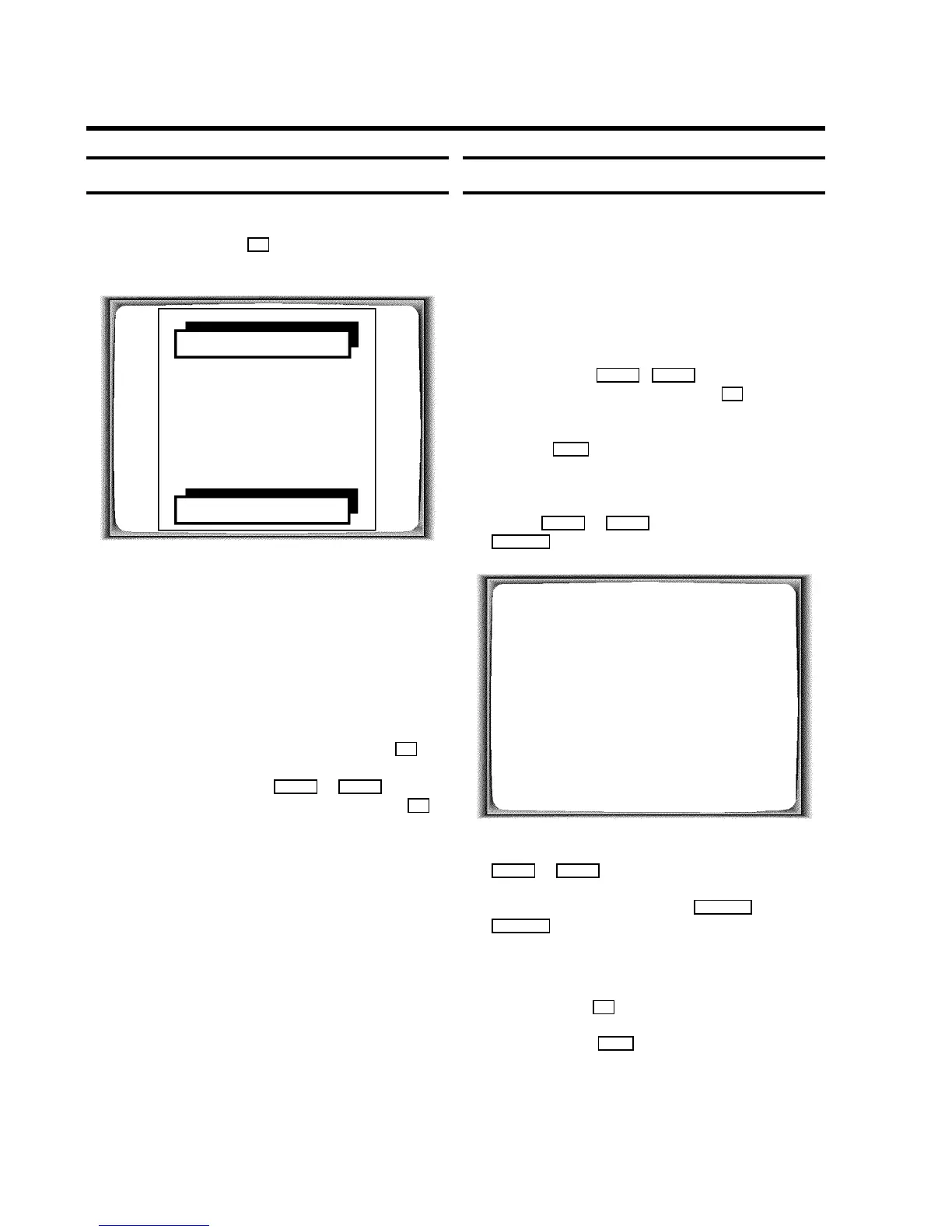
’Autoinstall’ starts. This picture will appear on the screen:
AUTO INSTALL
SEARCHING
ƒƒƒƒƒƒƒ__________________
PLEASE WAIT...
Wait until all TV channels have been found. This can take
several minutes.
b When Autoinstall is complete, ’STORED’ will briefly
appear on the TV screen.
The initial installation is now complete.
DIf ’YEAR’, ’MONTH’, ’DATE’, ’TIME’, appear on the
screen, date/time could not be transferred from the
teletext information.
Change the data using the number buttons 0..9 on
the remote control.
Select the lines using =P r or ;P q .
When all information is correct, confirm with OK .
DIf you have connected a satellite receiver, please
read the section ’satellite receiver’.
DIf you have connected a decoder, you must install it
as described in the next section.
DSeveral functions can be blocked for certain
applications. Read ’Hotel mode’ in chapter
’ADDITIONAL FUNCTIONS’.
Allocating a decoder
Some TV stations will send coded TV channels, that you can
only watch when you use a purchased or hired decoder. You
can connect such a decoder (descrambler) to your TV-Video
Combi. With the following function, the connected decoder
will automatically be activated for the TV channel you want to
watch.
a Select the TV channel for which you want to use the
decoder with the ;P q , =P r button on the
TV-Video Combi or the number buttons 0..9 on the
remote control.
b Press the MENU button on the remote control. The main
menu will appear.
c Select the line ’MANUAL SEARCH’ with the menu
buttons ;P q or =P r and confirm with the
SqP button.
MANUAL SEARCH
PROGRAMME NUMBER W P01 X
FREQUENCY 754
DECODER OFF
EXIT: MENU STORE: OK
d Select the line ’DECODER’ with the menu buttons
=P r or ;P q .
e Select ’ON’ with the menu buttons QSr or
SqP .
DWhen you select ’OFF’, the decoder will not be
allocated.
f Confirm with the OK button.
g To end, press the MENU button.
Your decoder has now been allocated to this TV channel.
2. INSTALLATION
6











 To Next Page