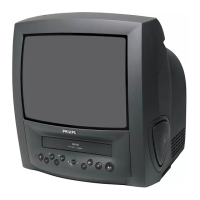
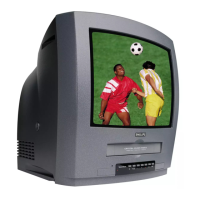
Special functions on your TV-Video Combi
If a TV channel which transmits Teletext/PDC is stored under programme
number ’P01’, time and date will automatically be taken from Teletext/PDC
information.
This system ensures that your picture will be of the best possible quality. This is
made possible by a combination of Philips’ very latest technologies: Natural
Colour, Smart Picture, Digital Studio Picture Control and laser-cut video heads.
Philips has developed a system which produces the best possible playback
quality. The interferences are reduced in old, frequently used video cassettes.
The details are enhanced with very good cassettes.
When you have plugged your TV-Video Combi into the mains, you will be
welcomed with an OSD picture. All you have to do is follow the instructions in
the "intelligent help line" for the next step. Enjoy the automatic channel
search/store.
Automatic Volume Leveller. This prevents a sudden increase of the volume, for
example, during commercials.
Simple programming system for TV-Video Combis. Makes programming as easy
as making a telephone call. Enter the respective programme number. You will
find this number in your favourite listings magazine.
If you would like to be woken up by the TV, you can easily programme your
TV-Video Combi. It will switch on at the desired time.
The tape speed for the recordings is cut in half, thus you can record 8 hours
onto a 4-hour-cassette. For playback, the correct recording speed will
automatically be selected.
With this set you can playback cassettes that have been recorded on another
video recorder in the NTSC standard (for example, American cassettes).
Switching between the different TV Systems takes place automatically.
The TV-Video Combi shuts itself off automatically after a certain
pre-programmed time period has elapsed (max. 4 hours).
Sleep timer settings can be programmed in steps of 15 minutes each.
2











 To Next Page