EasyManua.ls Logo

Philips 42PFL7342B/78 - User Manual

Philips 42PFL7342B/78
50 pages
Print Icon
To Next Page IconTo Next Page
Loading...
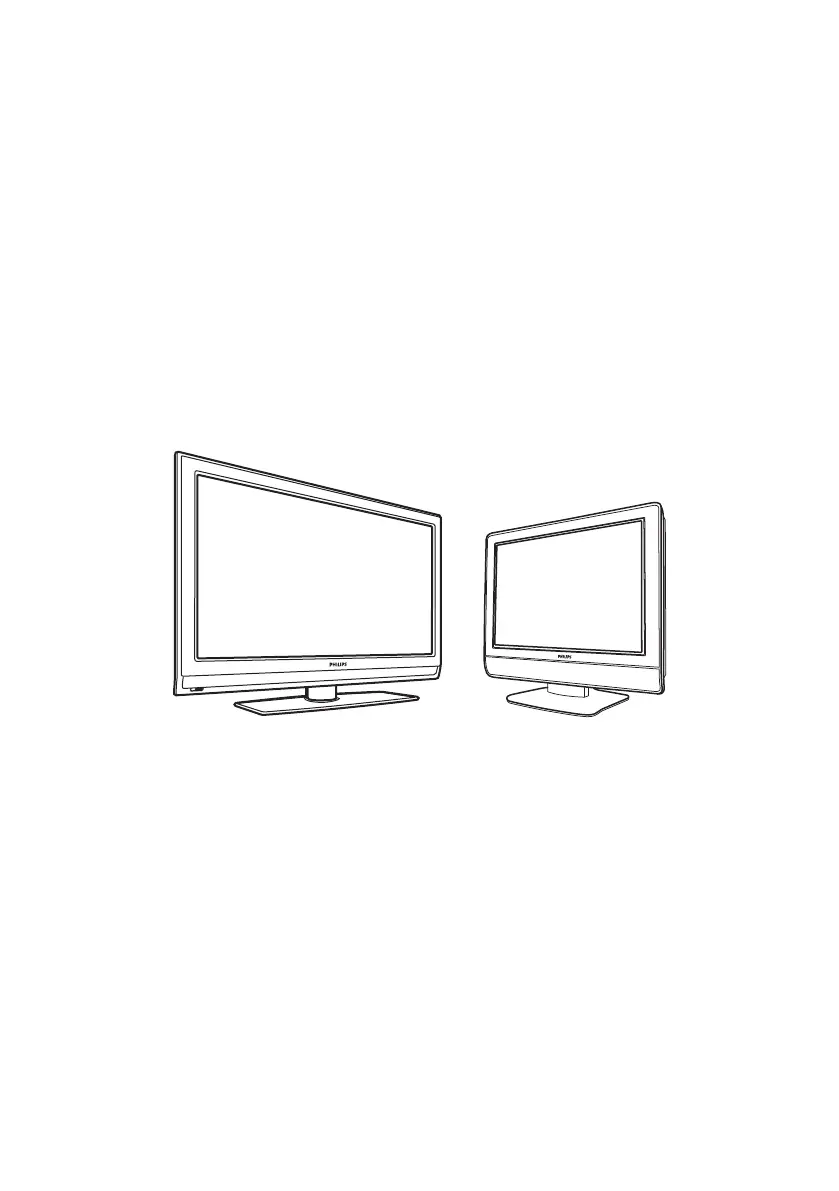
FLAT TV
User Manual
philips
26PFL5322
32PFL5332
32PFL7342
37PFL5332
37PFL7342
42PFL5332
42PFL5432
42PFL7342
52PFL5432

Table of Contents

Questions and Answers

  • S
    Steven BakerAug 19, 2025
    What to do if there is no picture on my Philips LCD TV?
    • K
      Kelly HamiltonAug 19, 2025
      If your Philips LCD TV displays no picture, ensure the supplied cables, including the aerial cable and power cables, are correctly connected. Also, verify that you have selected the correct AV source and that Child Lock is disabled.
  • L
    lindseymackAug 21, 2025
    How to fix no display on Philips LCD TV screen?
    • X
      Xavier RoseAug 21, 2025
      If your Philips LCD TV screen is blank, make sure the power cord is properly connected to both the TV and the mains socket. If it remains off, disconnect the plug, wait 60 seconds, reconnect it, and then switch the TV on again. Also, try pressing the power button on the remote control.
  • D
    David JonesAug 23, 2025
    What to do if there is no sound on my Philips 42PFL7342B/78?
    • M
      melissalunaAug 23, 2025
      If you have no sound on your Philips LCD TV, first check that the volume isn't set to the minimum. Then, ensure that mute is not enabled. Finally, verify that all connections between any optional equipment and the TV are correctly connected.
  • M
    Mike LeeAug 26, 2025
    Why is my Philips 42PFL7342B/78 picture snowy?
    • J
      James KempAug 26, 2025
      If your Philips LCD TV picture is snowy, check the antenna connection to both the TV and the wall socket. Try manually adjusting the picture settings and ensure you have selected the correct TV system. You can also press the STATUS button to check the signal strength.
  • M
    Mary SmithAug 28, 2025
    How to stop sound interference on Philips LCD TV?
    • M
      Ms. Julie DavisAug 28, 2025
      If your Philips LCD TV has sound interference, try switching off nearby electrical appliances like hairdryers or vacuum cleaners to prevent interference.
  • C
    Christopher MontgomeryAug 30, 2025
    How to fix picture interference on Philips 42PFL7342B/78 LCD TV?
    • R
      rcrawfordAug 30, 2025
      If your Philips LCD TV has picture interference, try switching off any nearby electrical appliances to prevent interference. Move any operating electrical appliances such as hairdryers or vacuum cleaners away from the TV.
  • J
    john86Sep 1, 2025
    Why is my Philips 42PFL7342B/78 LCD TV not responding to the remote control?
    • E
      Eric JenkinsSep 1, 2025
      If your Philips LCD TV remote control isn't working, try moving closer to the receiver on the front of the TV. Check that the batteries are correctly installed in the remote, and replace them if needed.
  • K
    Kristin TaylorSep 4, 2025
    What to do if Philips 42PFL7342B/78 LCD TV has red light but no sound or picture?
    • M
      Michael BarnesSep 4, 2025
      If your Philips LCD TV has no sound or picture but the front panel red light is lit, press the power button on the remote control.
  • M
    Matthew WilliamsSep 6, 2025
    Why is my Philips LCD TV flickering in HD mode?
    • D
      Dr. Russell Boyd PhDSep 6, 2025
      If you experience intermittent flickering when your Philips LCD TV is in HD mode, picture noise may be caused by the connected digital equipment, such as a DVD player or set-top box. Check the user manual for that equipment. Also, ensure you are using a standard-compliant (high-quality) HDMI cable.
  • J
    Jason MorrisonSep 8, 2025
    Why is there no sound on certain channels on my Philips LCD TV?
    • J
      Joshua ScottSep 9, 2025
      If your Philips LCD TV has no sound on certain channels, verify that the correct TV system is selected in the settings.

Summary

Important Safety Instructions

Philips Limited Warranty

Television Controls Overview

Side Controls

Identifies physical buttons located on the side of the television set.

Remote Control Overview

Key Functions Explained

Details the purpose and operation of each button on the remote control.

On-Screen Menu Navigation

Automatic Channel Setup

Manual TV Installation

Tuner Mode Settings

Instructions for selecting the appropriate tuner mode (Auto, Antenna, Cable).

TV System Configuration

Guide to setting the TV's system for different regions or broadcast standards.

Fine-Tuning Channels

Steps to manually adjust channel reception for optimal clarity.

Channel Naming Feature

Favorite Channel List Management

Picture Settings Adjustment

Sound Settings Adjustment

Timer Functionality

Sleep Timer Setup

How to set the TV to automatically switch to standby mode after a specified time.

TV Time Settings

Procedure for setting and displaying the current time on the television.

Displaying Current Time

How to enable the TV to continuously display the current time.

Wake-Up Clock Setup

Instructions for programming the TV to turn on at a specific time and channel.

Child Lock Feature

Enabling Child Lock

Steps to activate the child lock to prevent unauthorized access to TV functions.

Disabling Child Lock

Procedure to deactivate the child lock feature.

Parental Control Access

Accessing Parental Lock

How to gain access to parental lock features using the access code.

Access Code Management

Managing the parental control access code, including changing and resetting.

Locking TV Channels

Instructions for blocking specific TV channels using parental controls.

Program Access Control

Movie Rating Lock

How to block programs based on MPAA movie rating classifications.

TV Rating Lock

Procedure to block programs based on broadcaster-defined TV rating categories.

Blocking Other Programs

How to block unrated programs or those with no advisory data.

Active Control Feature

Turning Off Active Control

Steps to disable the automatic picture adjustment feature.

Ambilight Feature

Ambilight On;Off Control

Instructions for enabling and disabling the Ambilight ambient lighting feature.

Adjusting Ambilight Brightness

How to modify the brightness level of the Ambilight lighting.

Selecting Ambilight Modes

Guide to choosing different Ambilight modes for varied visual experiences.

Ambilight Color Selection

How to choose predefined colors or set up custom Ambilight colors.

Customizing Ambilight Color

Detailed steps for using the Custom Color menu for Ambilight settings.

Setting Ambilight Balance

How to adjust the color intensity balance between the left and right Ambilight sources.

Closed Captions Setup

Picture Format Selection

Auto Sound & Picture Features

Surf Feature Usage

Managing Surf List Channels

Steps for adding and removing channels from the Surf list for quick access.

Source List Selection

TV as Computer Monitor

HD Mode Operation

Connecting HD Equipment

Guide for connecting HDMI or DVI devices for High Definition viewing.

HD Mode Selections

Options for optimizing HD input signals, including PC/HD modes and native 1080p.

Troubleshooting Guide

Product Specifications

Product Dimensions & Weight

Physical dimensions, set weight, and stand dimensions of the television models.

Warranty Details & Service

Philips 42PFL7342B/78 Specifications

General IconGeneral
Display TypeLCD
Screen Size42 inches
Aspect Ratio16:9
Brightness500 cd/m²
Component Video Input1
S-Video Input1
Composite Video Input1
Refresh Rate60 Hz
Number of Speakers2
VGA Port1
Headphone Jack1
Ethernet Port1
Wi-FiNo
Smart TVNo
Standby Power Consumption0.5 W
Resolution1920 x 1080
Viewing Angle176° (H) / 176° (V)

Related product manuals