5
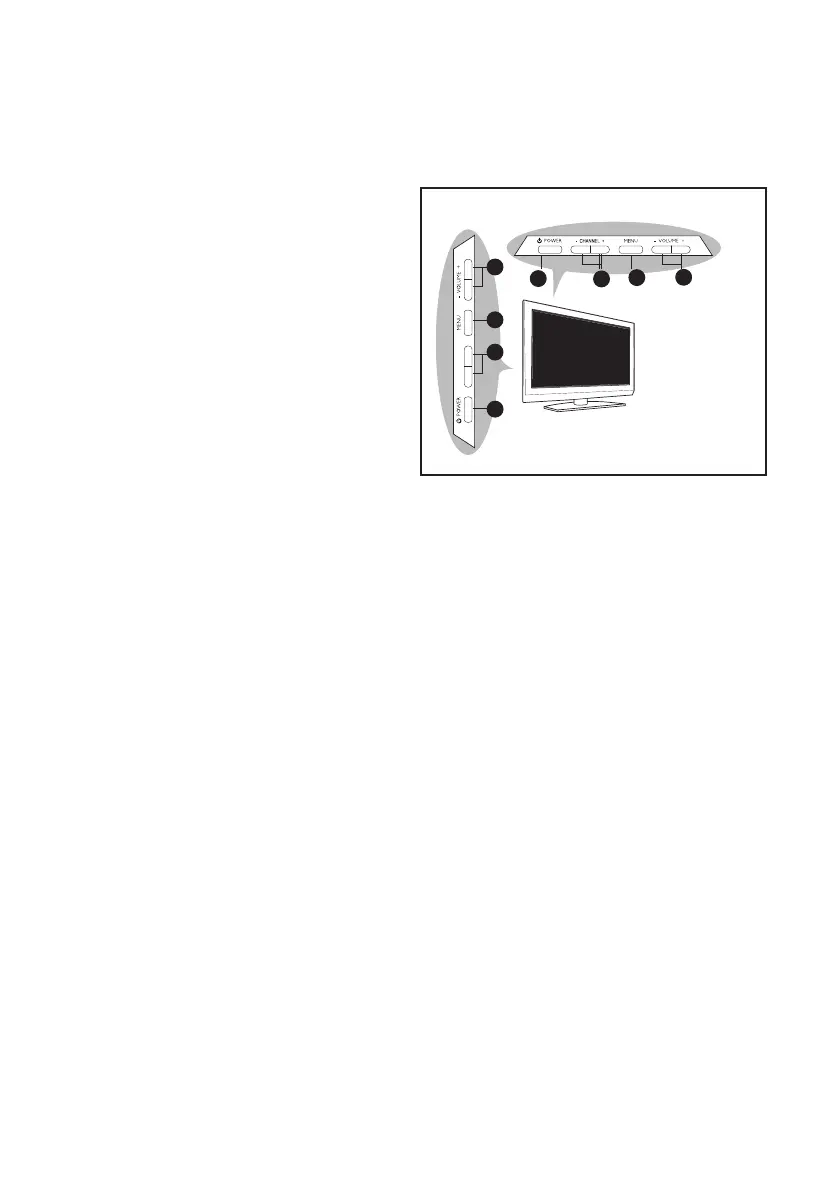
Overview of television controls and connectors
2
3
4
1
- CHANNEL +
1
2
3
4
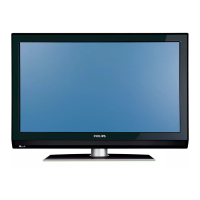
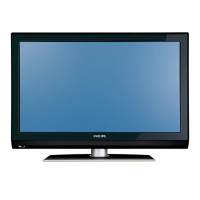
26PFL5322 (Mexico), 32PFL5332, 32PFL7342
37PFL5332, 37PFL7342, 42PFL5332, 42PFL7342
26PFL5322
Side controls
The side controls are on the left side or top
of the TV set.
VOLUME + / -1.
To increase volume level, press VOLUME
+, to decrease level, press VOLUME -.
MENU2.
To display the on-screen menus or to
exit from the on-screen menus.
The CHANNEL + /- buttons can be
used to navigate the menu items.
The VOLUME + / - buttons can be used
to select the menu items.
CHANNEL + / -3.
To select the TV channel numbers up-
wards or downwards.
POWER 4. .
To turn off or turn on the TV set.







 To Next Page