24
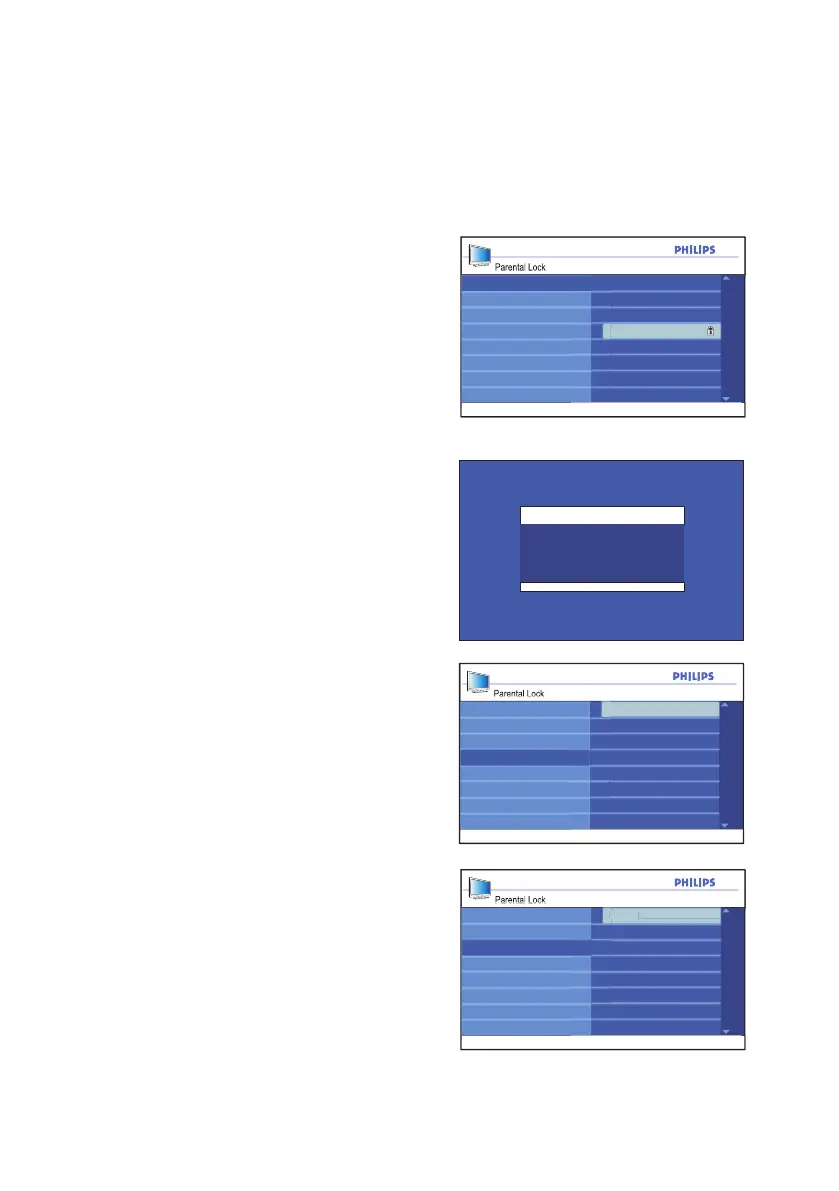
Controlling access to TV channels
Parental Lock
004
006
007
008
009
002
Clear All
Lock All
Movie Rating
TV Rating
Block Options
Change Code
003
005
Lock Channel
Parental Lock
Clear All
Movie Rating
TV Rating
Block Options
Change Code
Locked
Lock Channel
Lock All
Y e s
Parental Lock
Clear All
Movie Rating
TV Rating
Block Options
Change Code
Cleared
Lock Channel
Lock All
Y e s
Channel 2
Blocked By
Channel Blocking
Access Code : ----
Locking channels
Use your current access code to gain entry
to the Parental Lock sub-menu.
Press 1. u button to select Lock
Channel.
The list of all the available channels will
be displayed on the right panel.
Press 2. ï button until Parental Lock is
highlighted.
Press 3. u button to select Parental
Lock.
If you are using Parental Lock for the first
time, you must enter the factory default
code 0711.







 To Next Page