Alignments
EN 35QM16.3A LA 6.
2016-Jun-08
Table 2-1
This group setting of colour temperature will be applied
automatically to the TV / VGA / HDMI / AV sources.
6.4 Option Settings
6.4.1 Introduction
The microprocessor communicates with a large number of I
2
C
ICs in the set. To ensure good communication and to make
digital diagnosis possible, the microprocessor has to know
which ICs to address. The presence / absence of these
MT5561 ICs is made known by the option codes.
Notes:
• After changing the option(s), save them by pressing the OK
button on the RC before the cursor is moved to the left,
select STORE and press OK on the RC.
• The new option setting is only active after the TV is
switched “off” / “stand-by” and “on” again with the mains
switch (the NVM is then read again).
6.4.2 Option Code Overview
Enter SAM mode to check the option codes. they could be
edited in the NVM.
6.4.3 Display Code Overview
Press the following key sequence on a standard RC
transmitter: “062598” directly followed by MENU and “xxx”,
where “xxx” is a 3 digit decimal value of the panel type: see
column “Display Code” in Table 6-3
. After resetting the Display
Code, restart the set immediately.
Table 6-3 Display code overview
6.5 Reset of Repaired SSB
A very important issue towards a repaired SSB from a Service
repair shop (SSB repair on component level) implies the reset
of the NVM on the SSB.
A repaired SSB in Service should get the service Set type
“00PF0000000000” and Production code “00000000000000”.
Also the virgin bit is to be set. To set all this, you can use the
“NVM editor” and “Dealer options” items in SAM (do not forget
to “store”).
After a repaired SSB has been mounted in the set (set repair
on board level), the type number (CTN) and production code of
the TV has to be set according to the type plate of the set. For
this, you can use the NVM editor in SAM.
In case of a display replacement, reset the “Operation hours
display” to “0”, or to the operation hours of the replacement
display.
Remark:
- After the NVM has been replaced, go to SAM and scroll to the
<Reload MAC address> (see figure 1*).
- Select the item and press <OK> on the RC.
6.5.1 Reset of Repaired SSB
Instruction
After NVM replacement, reload MAC address via SAM
menu.This ensures the correct MAC address to be available in
CSM for future repair actions.
Way of working:
• After the NVM has been replaced, go to SAM and scroll to
the <Reload MAC address> .
• Select the item and press <OK> on the RC.
Notes:
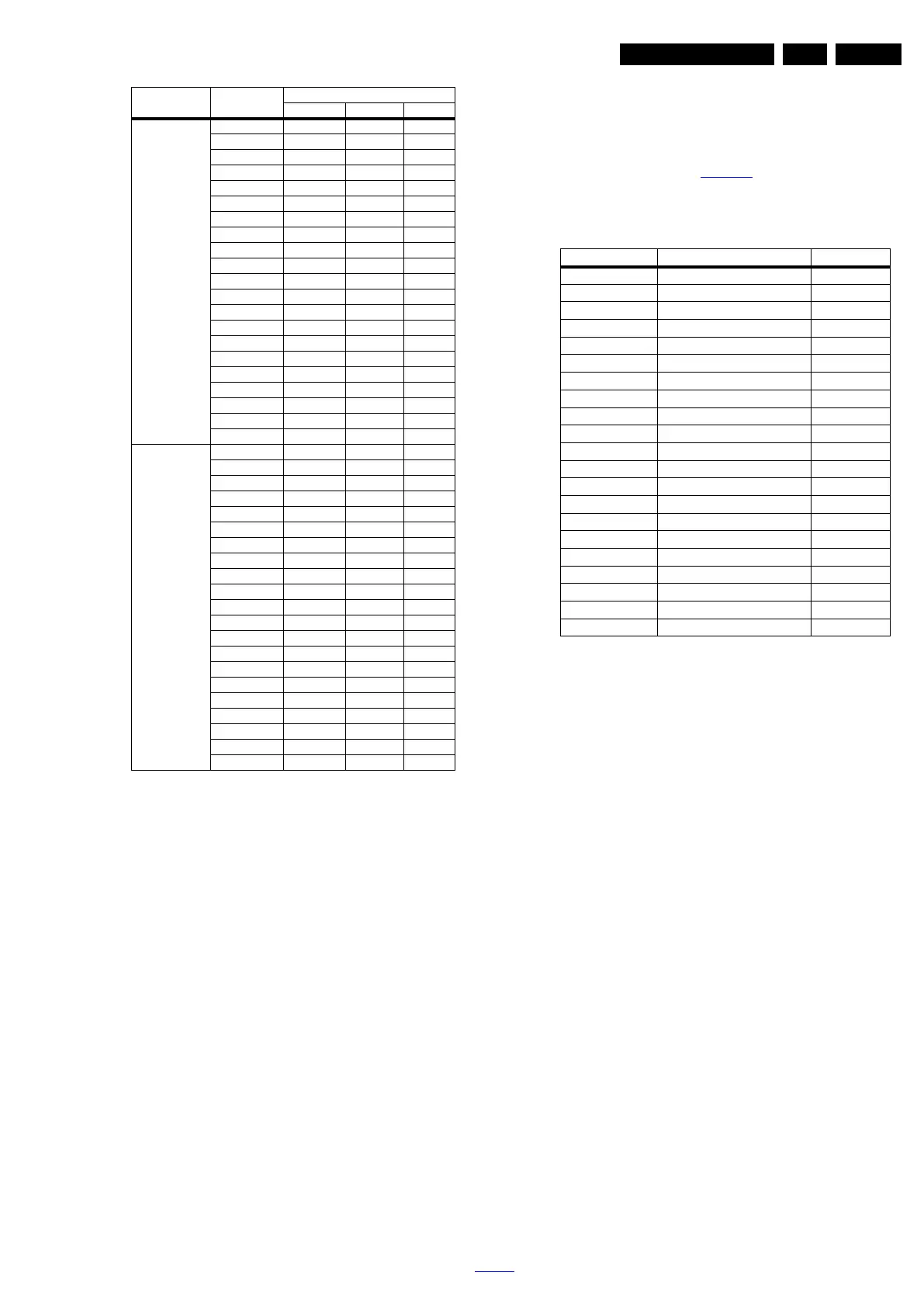
Cool (11000K) 43PUT6801/98 108 92 122
43PUT6801/56 107 93 121
43PUT6801/79 107 92 120
49PUT6801/98 99 102 125
49PUT6801/56 98 101 126
49PUT6801/79 97 102 125
55PUT6801/98 104 97 118
55PUT6801/56 103 98 119
55PUT6801/79 101 99 117
55PUT7101/98 121 118 125
55PUT7101/79 122 119 123
55PUT7101/56 120 119 124
65PUT7101/79 100 92 127
65PUT7101/98 102 93 125
65PUT7101/56 101 94 123
65PUT7601/98 122 100 106
65PUT7601/79 123 101 104
65PUT7601/56 121 102 103
75PUT7101/79 105 108 116
75PUT7101/98 105 107 114
75PUT7101/56 103 106 115
Warm (6500K) 43PUT6801/98 119 111 112
43PUT6801/56 118 110 112
43PUT6801/79 119 109 111
49PUT6801/98 122 114 107
49PUT6801/56 121 115 106
49PUT6801/79 123 116 108
55PUT6801/98 120 111 101
55PUT6801/56 121 115 102
55PUT6801/79 123 116 101
55PUT7101/98 123 102 74
55PUT7101/79 122 103 74
55PUT7101/56 127 100 75
65PUT7101/79 126 111 100
65PUT7101/98 125 112 102
65PUT7101/56 124 113 101
65PUT7601/98 127 92 84
65PUT7601/79 127 93 85
65PUT7601/56 126 91 86
75PUT7101/79 122 115 106
75PUT7101/98 121 114 105
75PUT7101/56 120 112 104
Picture mode Screen size
Colour temperature
Red Green Blue
CTN_ALT BOM# Panel Type Display Code
43PUT6801/98 TPT430U3-EQYSHM.G S1J 230
43PUT6801/56 TPT430U3-EQYSHM.G S1J 230
43PUT6801/79 TPT430U3-EQYSHM.G S1J 230
49PUT6801/98 TPT490U2-EQYSHM.G SC1B 238
49PUT6801/56 TPT490U2-EQYSHM.G SC1B 238
49PUT6801/79 TPT490U2-EQYSHM.G SC1B 238
55PUT6801/98 TPT550J1-QUBN0.K S8850A 47
55PUT6801/56 TPT550J1-QUBN0.K S8850A 47
55PUT6801/79 TPT550J1-QUBN0.K S8850A 47
55PUT7101/98 TPT550U2-EQLSJA.G SC4A 132
55PUT7101/79 TPT550U2-EQLSJA.G SC4A 132
55PUT7101/56 TPT550U2-EQLSJA.G SC4A 132
65PUT7101/79 TPT650UA-QVN04.U S400A 129
65PUT7101/98 TPT650UA-QVN04.U S400A 129
65PUT7101/56 TPT650UA-QVN04.U S400A 129
65PUT7601/98 TPT650US-FF02.S SG01A 136
65PUT7601/79 TPT650US-FF02.S SG01A 136
65PUT7601/56 TPT650US-FF02.S SG01A 136
75PUT7101/79 LC750EQF-FJM2 KR LGD 130
75PUT7101/98 LC750EQF-FJM2 KR LGD 130
75PUT7101/56 LC750EQF-FJM2 KR LGD 130





 To Next Page