14
PLAYBACK
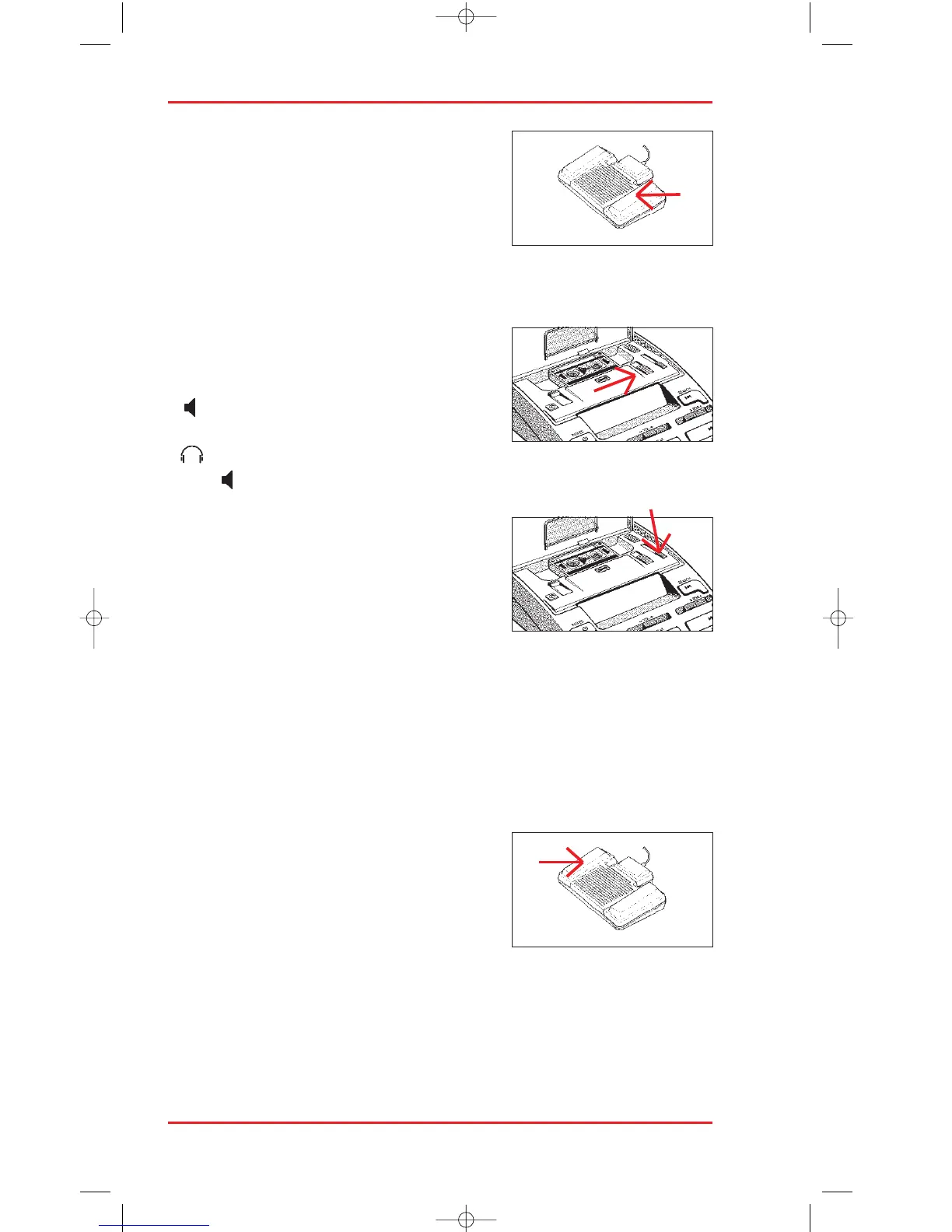
Play back dictation by pressing the right pedal
of the foot control. Adjust the volume (5) tone
(6) and speed (4) controls for optimal clarity.
Note that the speed control is effective only in
playback mode controlled by the STOP/PLAY
key or by a foot control.
SPEAKER ON / OFF
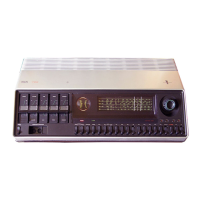
Set the loudspeaker switch (16) in the cassette
compartment to the required setting:
– if you wish to listen via the 725’s built-in
loudspeaker,
– if you wish to listen via headphones, or
– MIC if you wish to listen via the microphone loudspeaker.
AUTOMATIC BACKSPACE
During transcription with the foot control, the
automatic backspace function allows you to
play back the last few seconds of recording
each time you pause so you can pick up the
thread again before continuing. This useful
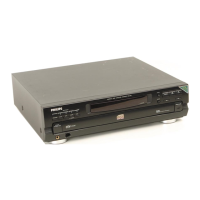
function is controlled by the ABS slider (15) in the cassette compartment.
Turn it off by setting this slider to 0, or set a variable backspace value of
anything up to approximately 8 seconds.
As long as this switch is not set to 0, each time you pause during
transcription, the 725 plays back the last few seconds for you when you press
play pedal again.
BACKSPACE
If you do not use the automatic backspace
function, you can backspace the tape by
pressing the left pedal of the foot control briefly.
When you press the play pedal again the tape
will have been backed up a small amount.
REWIND
Rewind the tape by depressing the left pedal of the foot control. The tape
rewinds for as long as you keep this pedal depressed. As the tape rewinds you
can hear it played back at speed, helping you to relocate a piece of dictation.












 To Next Page