9
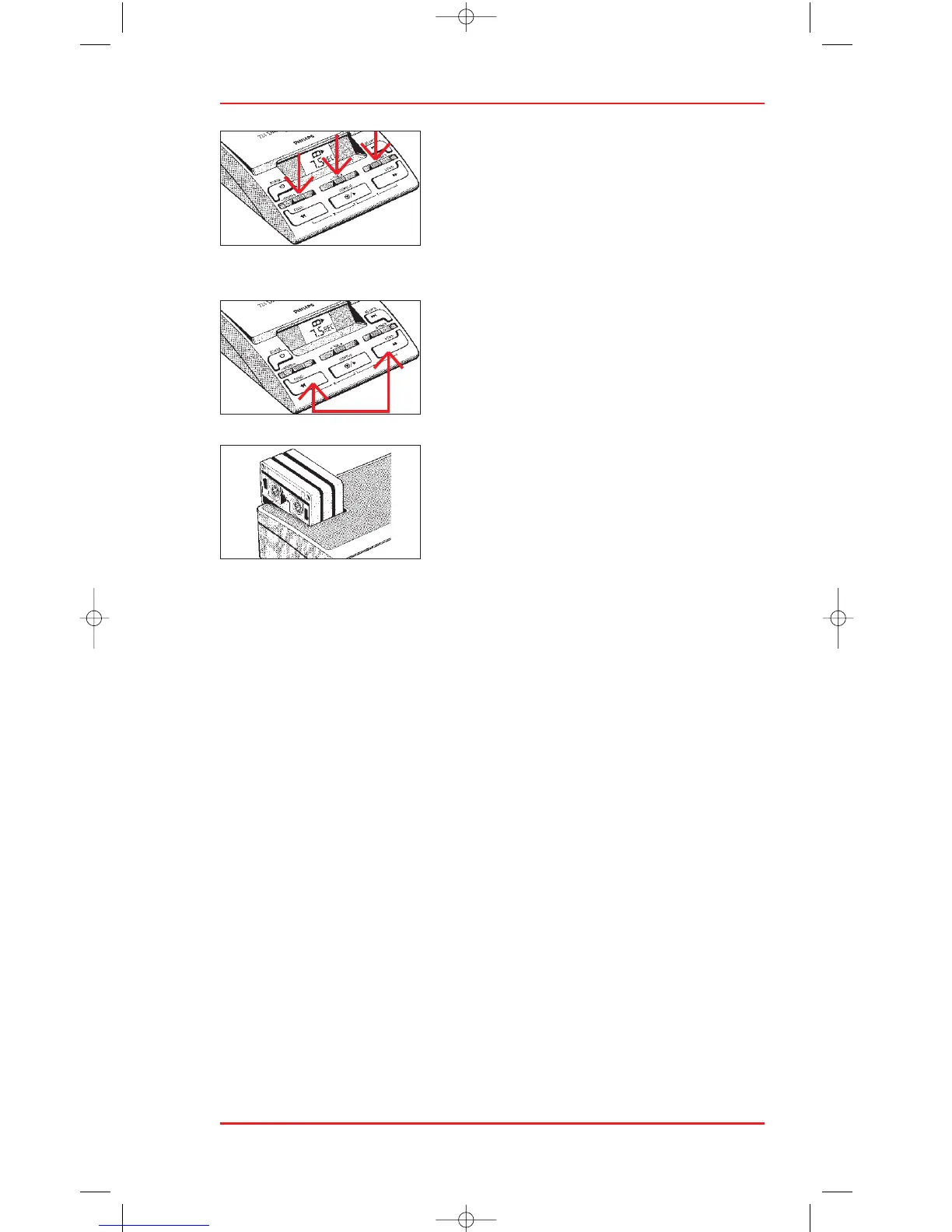
VOLUME /TONE / SPEED
Adjust the volume and tone sliders (5&6) for
maximum playback quality . The speed cannot
be adjusted during recording, and playback
speed can only be adjusted during playback
using the STOP/PLAY key (8) or foot control.
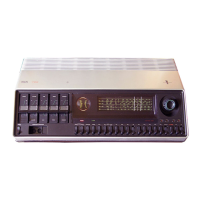
RESET TAPE COUNTER
The tape counter can be reset to zero at any
time by pressing the fast forward and fast
rewind keys simultaneously.
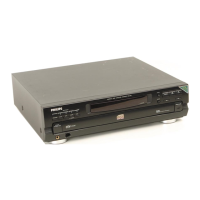
CASSETTE TRAY
The cassette tray (1) can be used to keep the
cassettes you are currently working with in a
convenient place.












 To Next Page