65BDL3052E/75BDL3052E/86BDL3052E
20
9
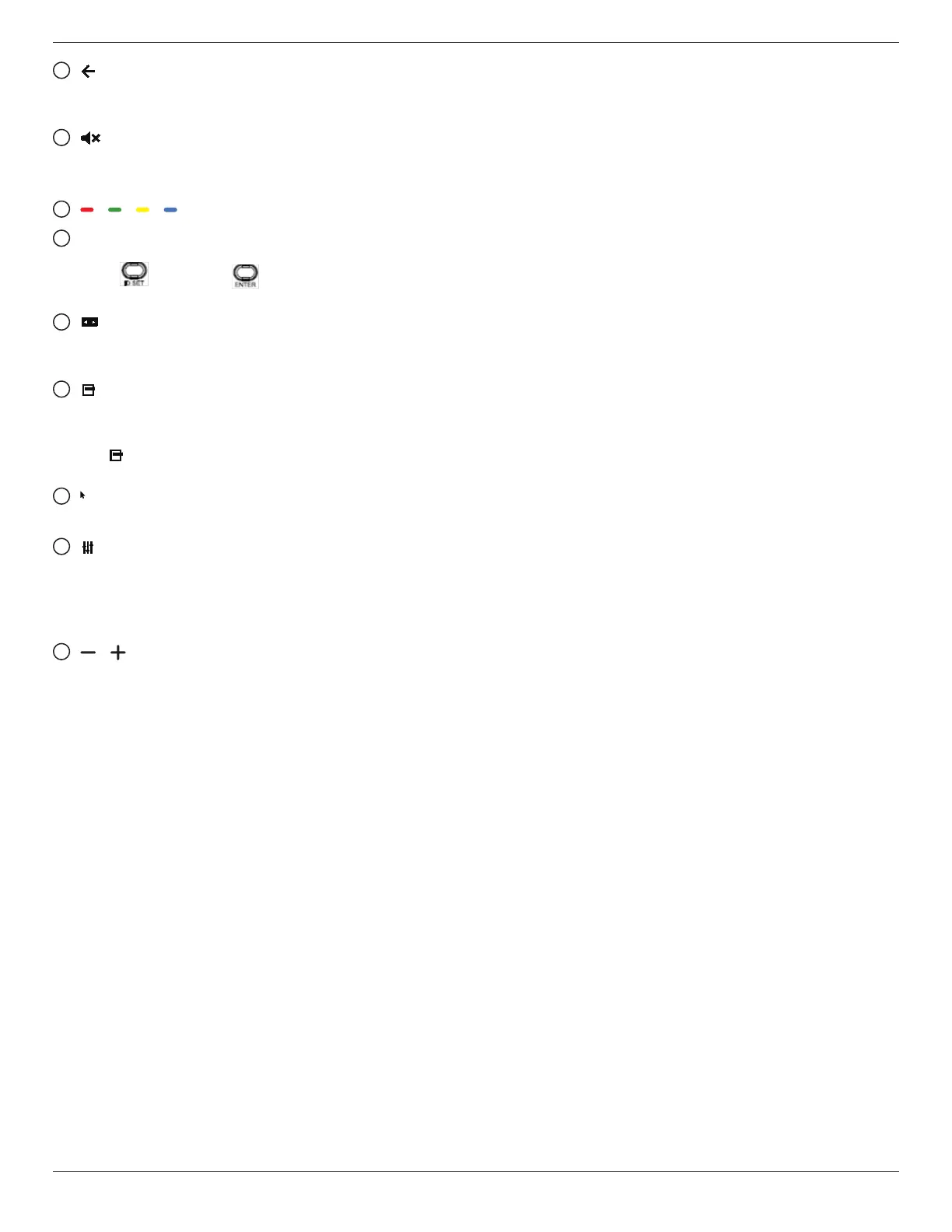
[ ] BACK button
Return to the previous page or exit from the previous
function.
10
[ ] MUTE button
Mute or unmute the sound.
The button is only controlled by Scalar.
11
[ ] [ ] [ ] [ ] COLOR buttons
12
[Number/ ID SET/ ENTER] button
ID SET and ENTER are reserved on Android
source. These buttons are only controlled by Scalar.
13
[ ] FORMAT button
Change picture format. The button is only controlled by
Scalar.
14
[ ] OPTIONS button
Open the toolbox from Media Player.
1. Media Player ->Compose -> Edit or add a new playlist ->
press to open a toolbox. The toolbox will slide from the
left side of the screen.
15
[ ] POINTER buttons
Mouse function for Android.
16
[ ] ADJUST button
1. In the content of the web page, move the focus down to
the next selectable items.
2. Move the focus down to the next control or widget such
as buttons.
17
[ ] [ ] VOLUME button
Adjust volume level. The buttons are only controlled by
Scalar.








 To Next Page