75BDL3151T
16
3.6. Touch Operation
Thisdisplayisequippedwithatouch-sensitivescreenandsupports
theWindows Touchfeatureseitherbysingletouchormultitouch
operation.Youcantouchthepicturesorwordsonthedisplaygently
withyourngers,andyourcomputerwillreact.
Thefollowingdescriptionillustratesometypicaltouchoperation
behavior.Forfurtherdetailonhowtorunthetouchoperation,please
refertotheWindowsoperationinstruction.
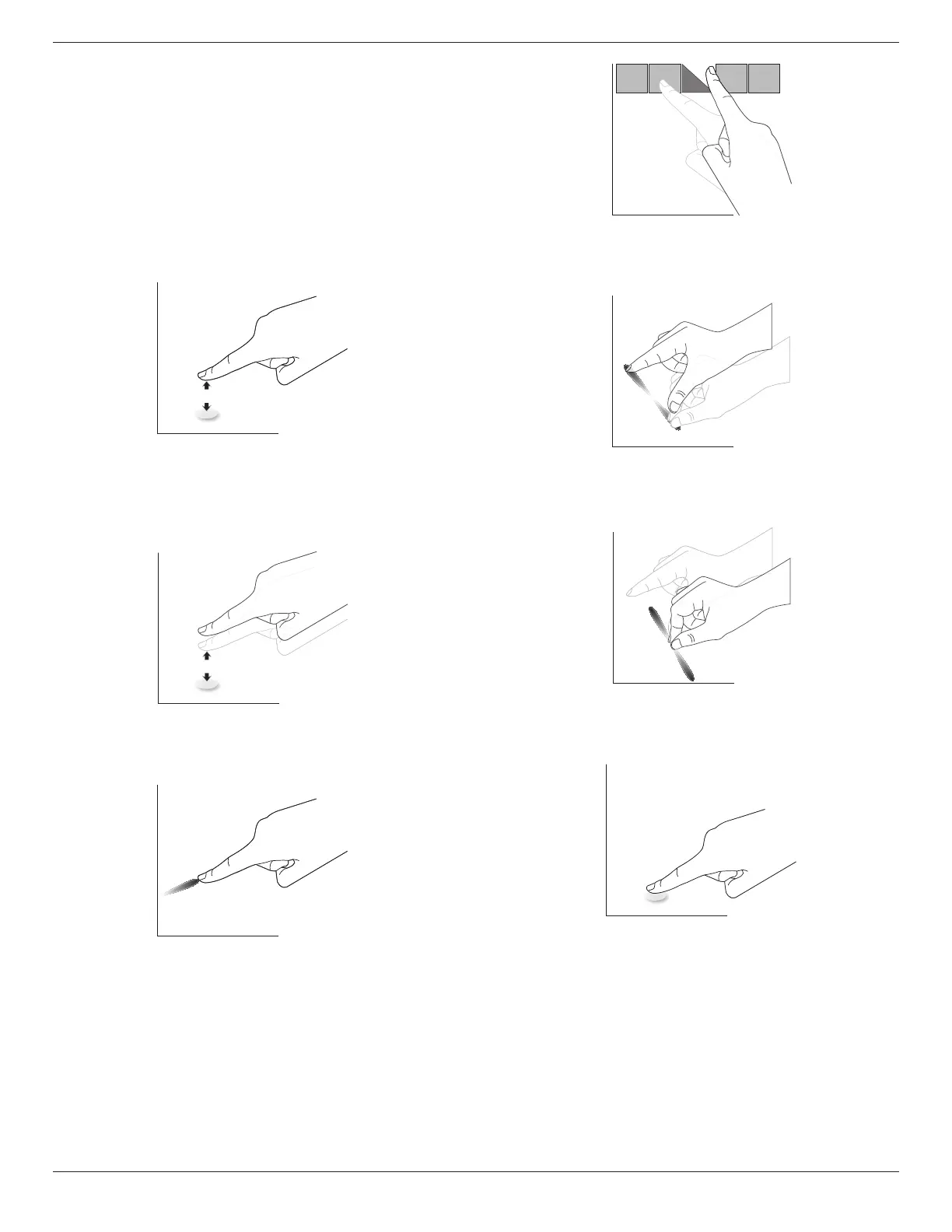
Single Tap
Touchthetargetonthescreenwithonengertipforonequicktap,
thenrelease.
Pleasenotethatatouchscreenwillrespondtoalighttouchfromyour
ngertipwhentappingwithin4mmabovetouchscreen.
Double Tap
Touchthetargetonthescreenwithonengertipfortwoquicktaps,
thenrelease.
Pan
Touchthetargetonthescreenwithonengertipandmoveacrossthe
targetwithoutlosingdirectcontact,thenrelease.
Flick
Touchthetargetonthescreenwithonengertipandbrushthesurface
quickly.
Zoom in
Touchthetargetonthescreenwithtwongertipsholdedtogetherand
movethemaparttozoomin(magnify)thescreenimage.
Zoom out
Touchthetargetonthescreenwithtwongertipsstretchedapartand
movethemclosertozoomout(shrink)thescreenimage.
Touch and Hold
Touchandholdthetargetonthescreenwithonengertipforawhile
todisplayacontextmenuoroptionspageforanitem.
Avoid
• Avoidscratchingwithsharpobjectonthescreen.Onlyyour
ngertipsareallowedtodothetouchcontrol.
• Avoidintensivelight,spotlight,orwide-spreadlightfromdirect
beamingonthescreen.
• Avoidinstallationlocationclosetothewindowsorglass-doorsas
thedirectsunlightmayaffectthetouch-controlperformance.
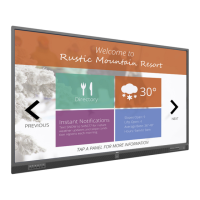
• Toavoidscreensinterferewihteachother,donotmake2touch
screenssidebysideasthefollowingpicture.







 To Next Page