Philips Electronics
- 16 -
The number of photos accepted in this directory may be limited due to limited internal memory
on PhotoFrame™. Therefore, it is highly recommended to put the photos on a memory card
and copy the photos to PhotoFrame™ from that memory card.
• Disconnect the USB cable.
For Windows 2000 systems, remember to safely remove hardware before
disconnection
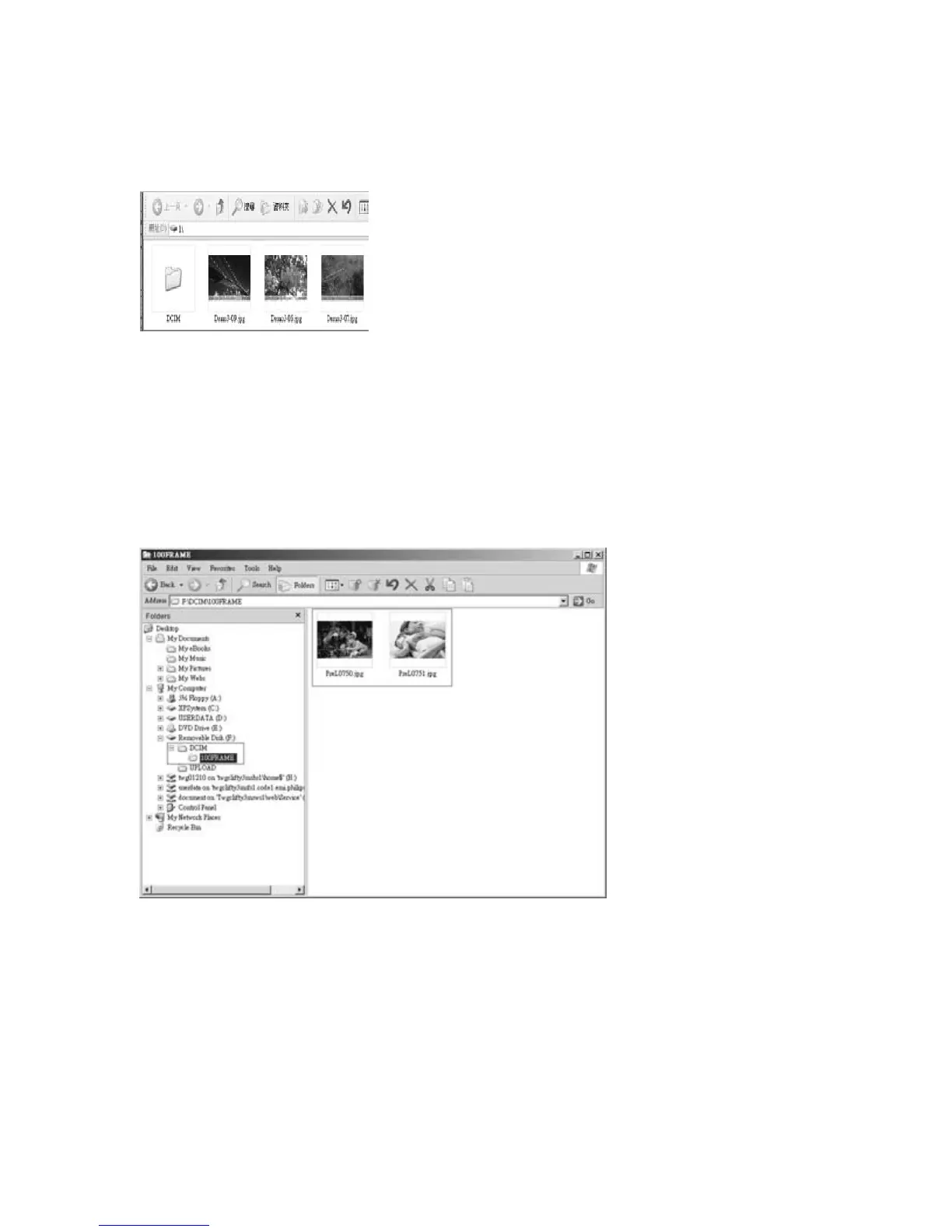
After a few seconds, all photos in the root directory will be automatically added to
PhotoFrame™ and the root directory will be emptied.
To copy from PhotoFrame™ to PC
• Copy the photos on PhotoFrame™ to PC the same way you transfer the contents of a
digital camera to PC. All photos are stored in the sub-directories of the \DCIM\on the
PhotoFrame™ drive.



 To Next Page