Philips Electronics
- 33 -
4.1.2 Play All albums or selected slideshow
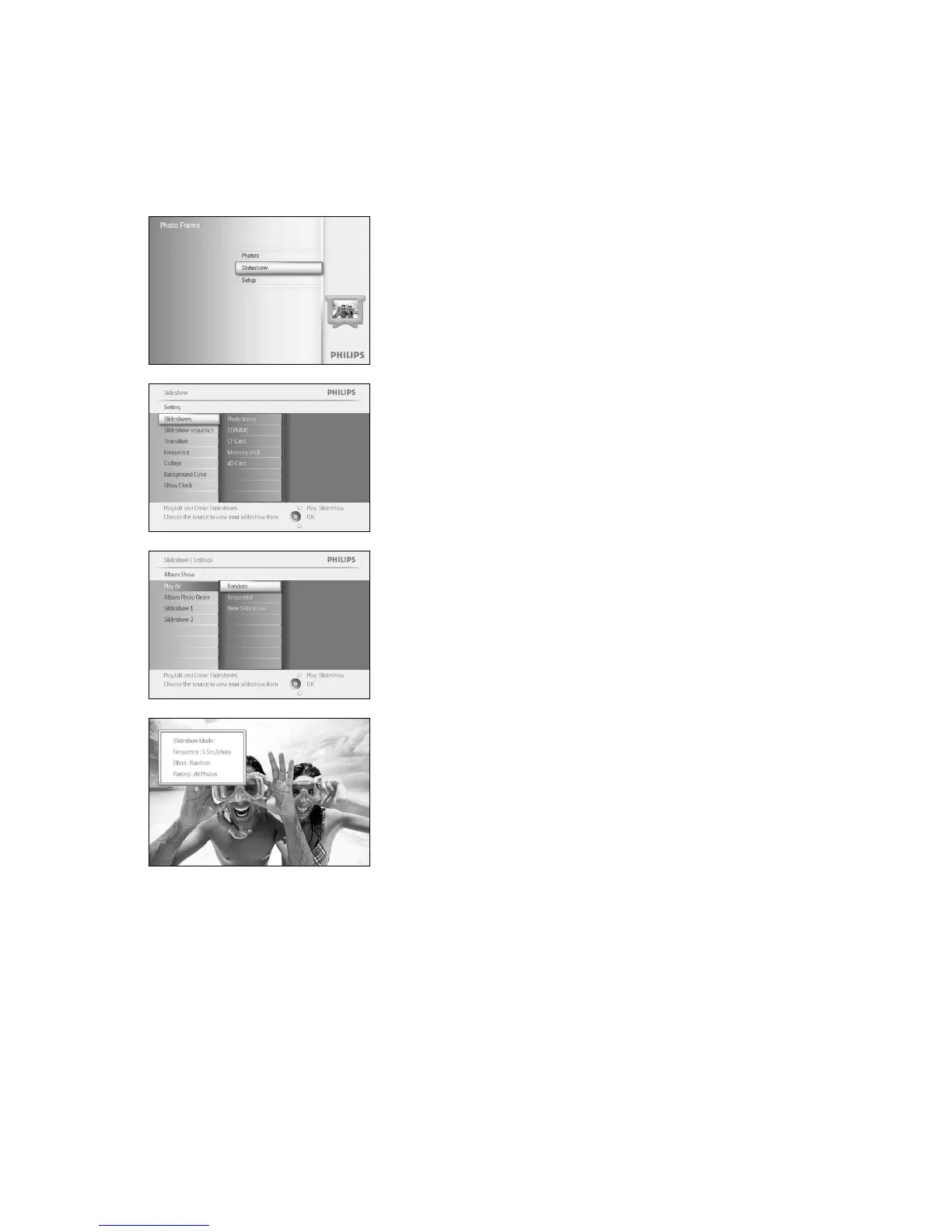
To play all the albums in the PhotoFrame™ follow the instructions below.
Press the menu button to access the Main Menu.
Navigate down to highlight the setup icon.
Navigate right or OK button to access the slideshow menu.
Slideshow menu shows the settings available for slideshows.
Navigate right and to album list.
Navigate up and down to select all albums or individual albums.
Press slideshow to start playing the slideshow.
Press Play Slideshow to leave this menu and play the slideshow



 To Next Page