Philips Electronics
- 53 -
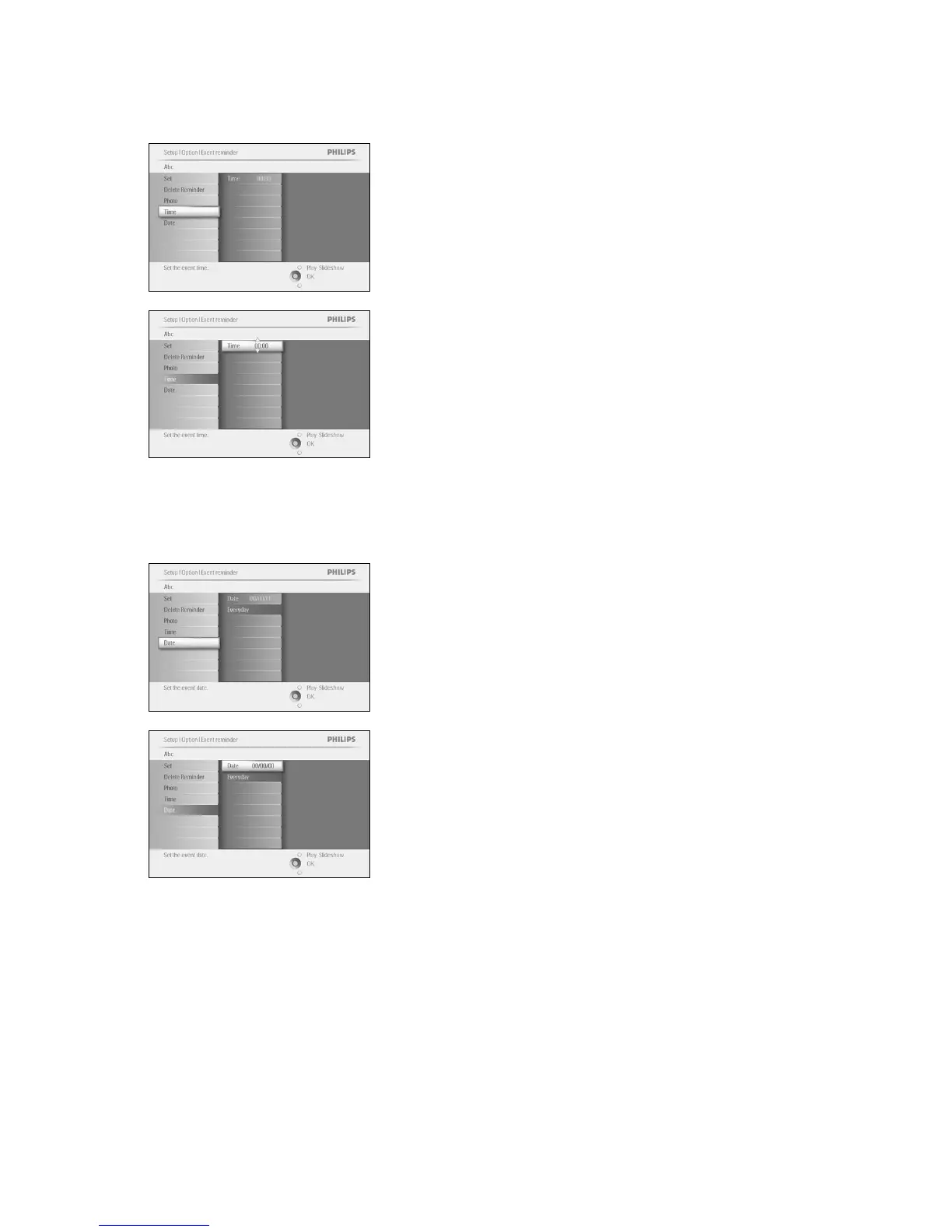
Define the time of the day when the reminder will start.
Navigate right and down to go to Time.
Press the OK button to confirm selection.
Navigate Up and down to move between hours, minutes and AM/PM.
Step 4 Event Reminder Date
Select the date when the Event reminder will start.
Navigate right and down to go to Date.
Press the OK button to confirm selection.
You can choose to have this alarm every day or to schedule a specific
date.
Navigate left and right to select the days, months, years.
Navigate up and down to move between days, months and years.
Press Play Slideshow to leave this menu and play the slideshow



 To Next Page