18 EN
Create your favorite list
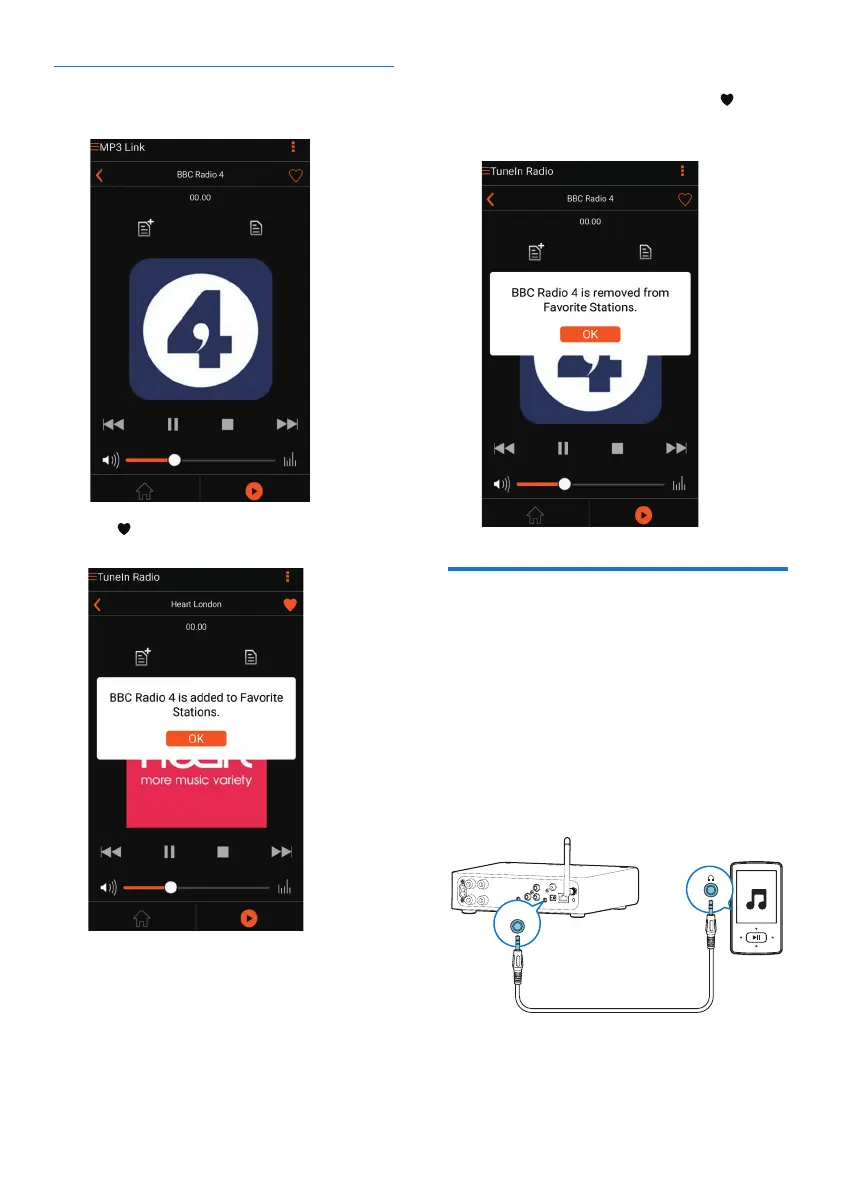
1 Tune to an Internet radio station.
2 Tap to add the station into your favorite
list directly.
3 Repeat the above procedures to add more
favorite stations.
To tune to a favorite radio station
• GotoFavorite stations on the app screen
and tap one of your favorite stations to
start play.
To delete a favorite radio station
1 Tune to the radio station and tap .
» The radio station if removed from your
favorite list directly.
Play from an external device
You can also listen to an external audio device
through AW2000.
Connect through the MP3-LINK socket:
1 Connect a 3.5mm audio cable (not
supplied) to:
• the MP3-LINK socket on the back of
AW2000.
• the headphone socket on an external
audio device.
MP3 LINK



 To Next Page