User Manual BDL4251V
24
Basic Operation
Power ON and OFF Modes
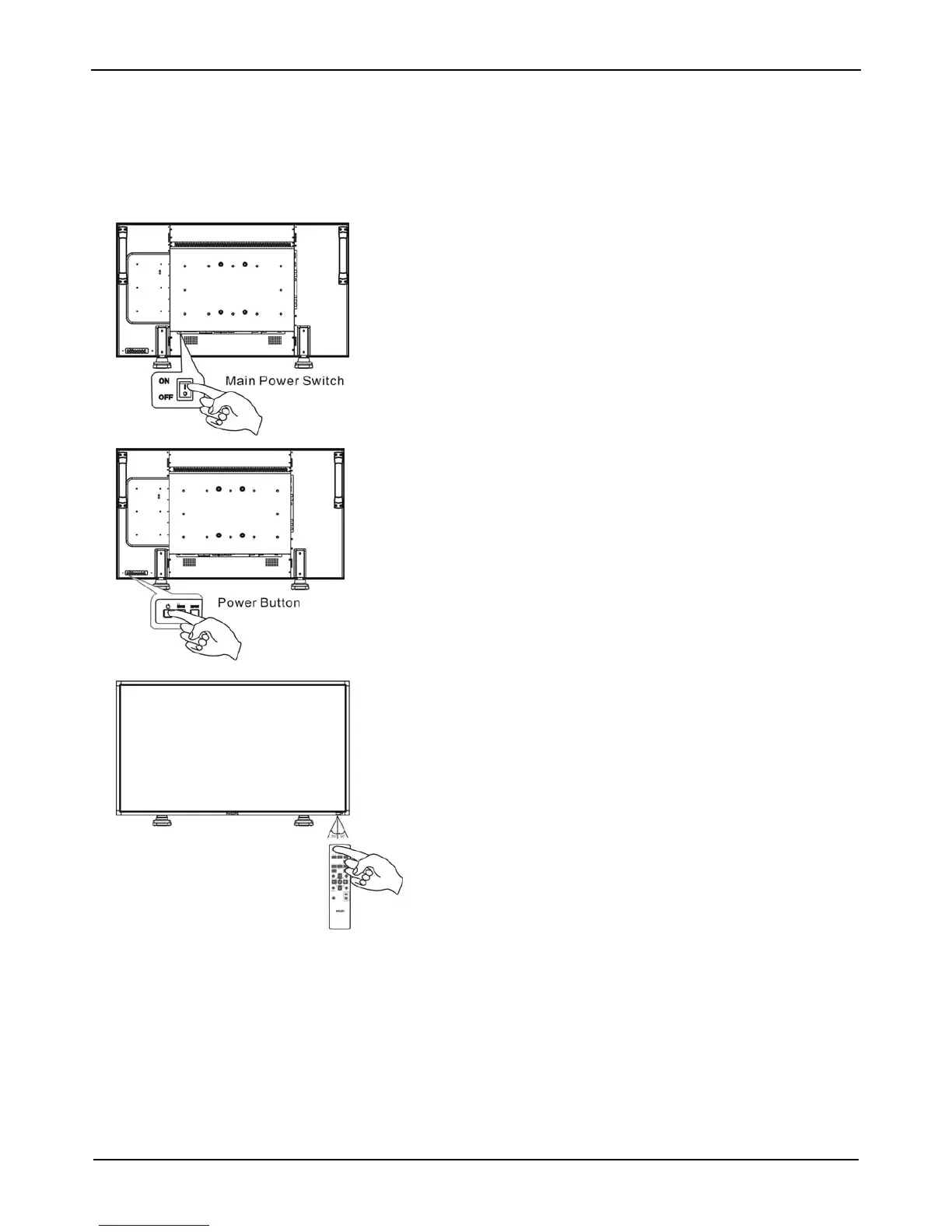
The LCD monitor power indicator will turn green while powered on and will turn red while powered off. The monitor can be powered on or off
using the following three options:
1. Pressing the Main Power Switch.
NOTE:
When the Main Power Switch is used to power off the LCD monitor,
the remote control, the power button and the indicator will not work.
Make sure to turn the Main Power Switch on before using the other
two options.
2. Pressing the power button.
NOTE:
Before pressing the power button, be sure to turn on the Main Power
button on the LCD monitor.
3. Using the remote control.
NOTE:
Before operating the remote control, be sure to turn on the Main
Power Switch on the LCD monitor.












 To Next Page