User Manual BDL4251V
33
Main-Menu
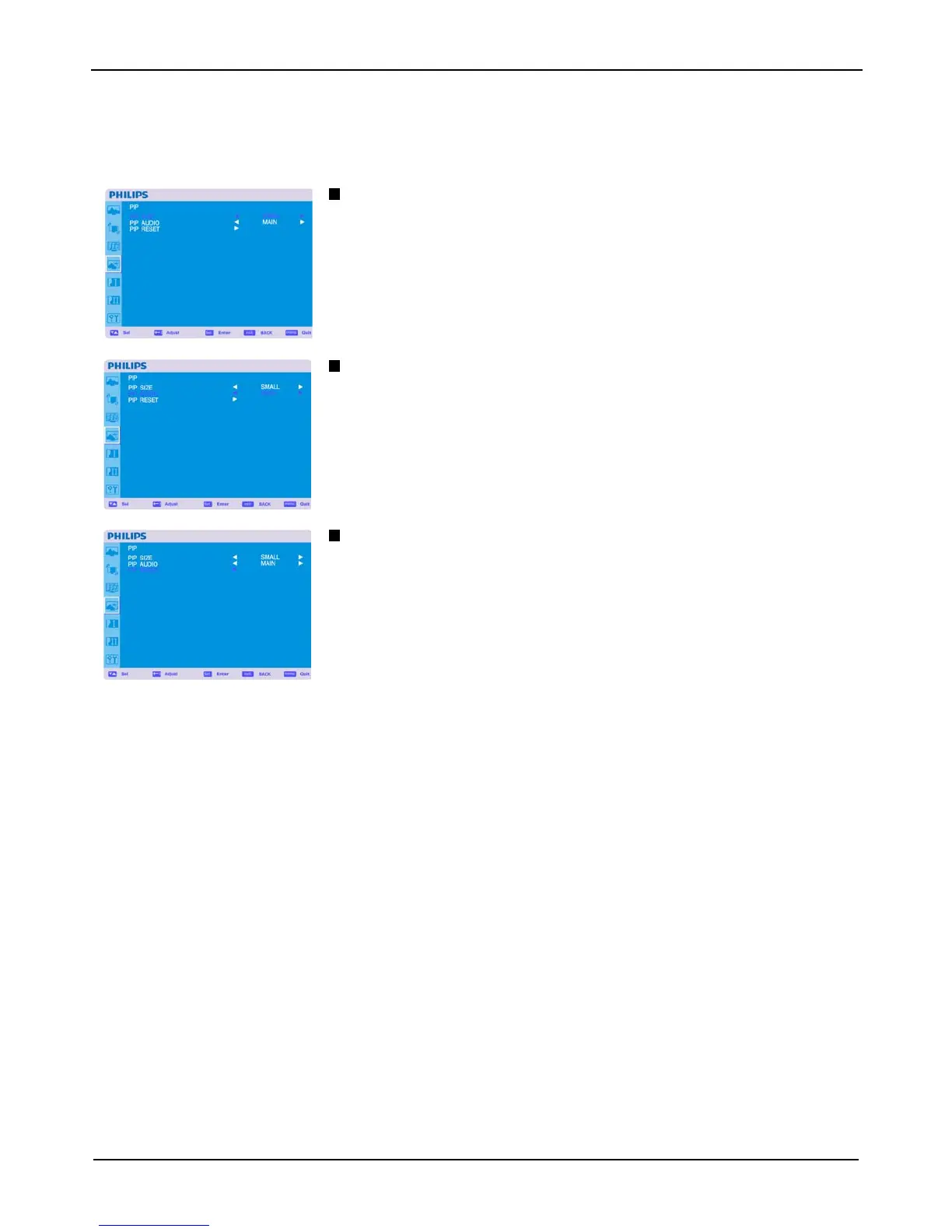
PIP (PICTURE IN PICTURE)
Note: The “PIP” and “POP” modes do not function when the screen size is “CUSTOM” or “REAL”.
PIP SIZE
Selecting the size of picture inserted at the “Picture-in-Picture” (PIP) mode.
“Large”, “Middle” and “Small” are available.
PIP AUDIO
Selecting the sound source in PIP mode.
When selecting “MAIN AUDIO”, you will get the sound for the main picture and when selecting
“PIP AUDIO”, you will get the sound for the picture instead.
PIP RESET
Selecting PIP Reset allows you to reset all OSD settings from PIP setting.
Select “Yes” and press “SET” button to restore the factory preset data.
Press “EXIT” button to cancel and then return to the previous menu.












 To Next Page