User Manual BDL4251V
28
Main-Menu
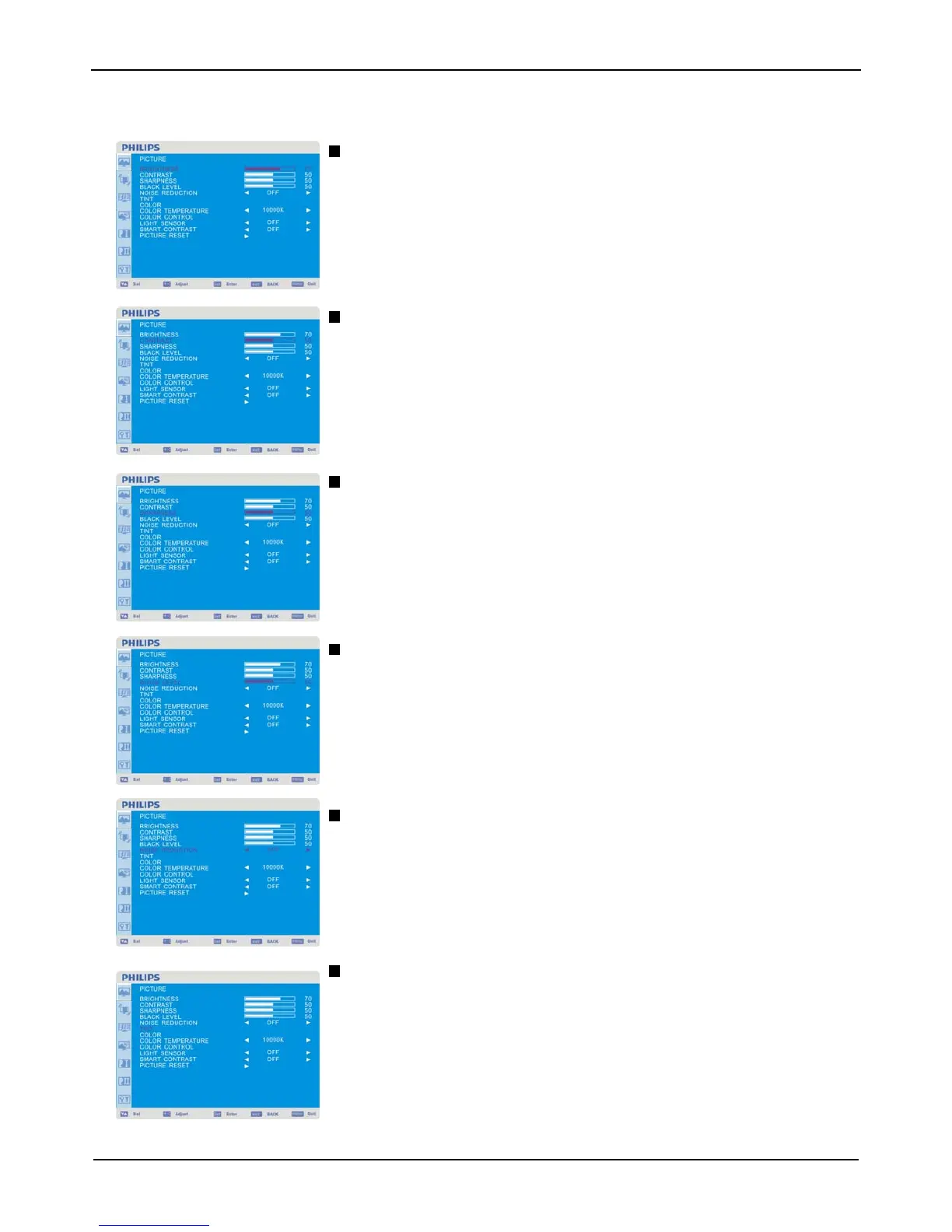
PICTURE
BRIGHTNESS
Adjusts the overall image and background screen brightness.
Press + button to increase brightness.
Press - button to decrease brightness.
CONTRAST
Adjusts the image brightness for the input signal.
Press + button to increase contrast.
Press - button to decrease contrast.
SHARPNESS
This function is digitally capable to keep crisp images at any timing.
It is adjustable to get a distinct image or a soft one as you prefer and set independently for each
picture mode.
Press + button to increase sharpness.
Press - button to decrease sharpness.
BLACK LEVEL
Adjusts the image brightness for the background.
Press + button to increase black level.
Press - button to decrease black level.
NOTE: sRGB picture mode is standard and cannot be changed.
NOISE REDUCTION
Adjusts the noise reduction level.
Press + button to increase reduction level.
Press - button to decrease reduction level.
TINT
* : INPUT HDMI , (HDMI INPUT MODE-HD), COMPONENT, S-VIDEO, VIDEO only
Adjusts the tint of the screen.
Press + button the flesh tone color becomes greenish.
Press - button the flesh tone color becomes purplish.












 To Next Page