User Manual BDL4251V
38
Main-Menu
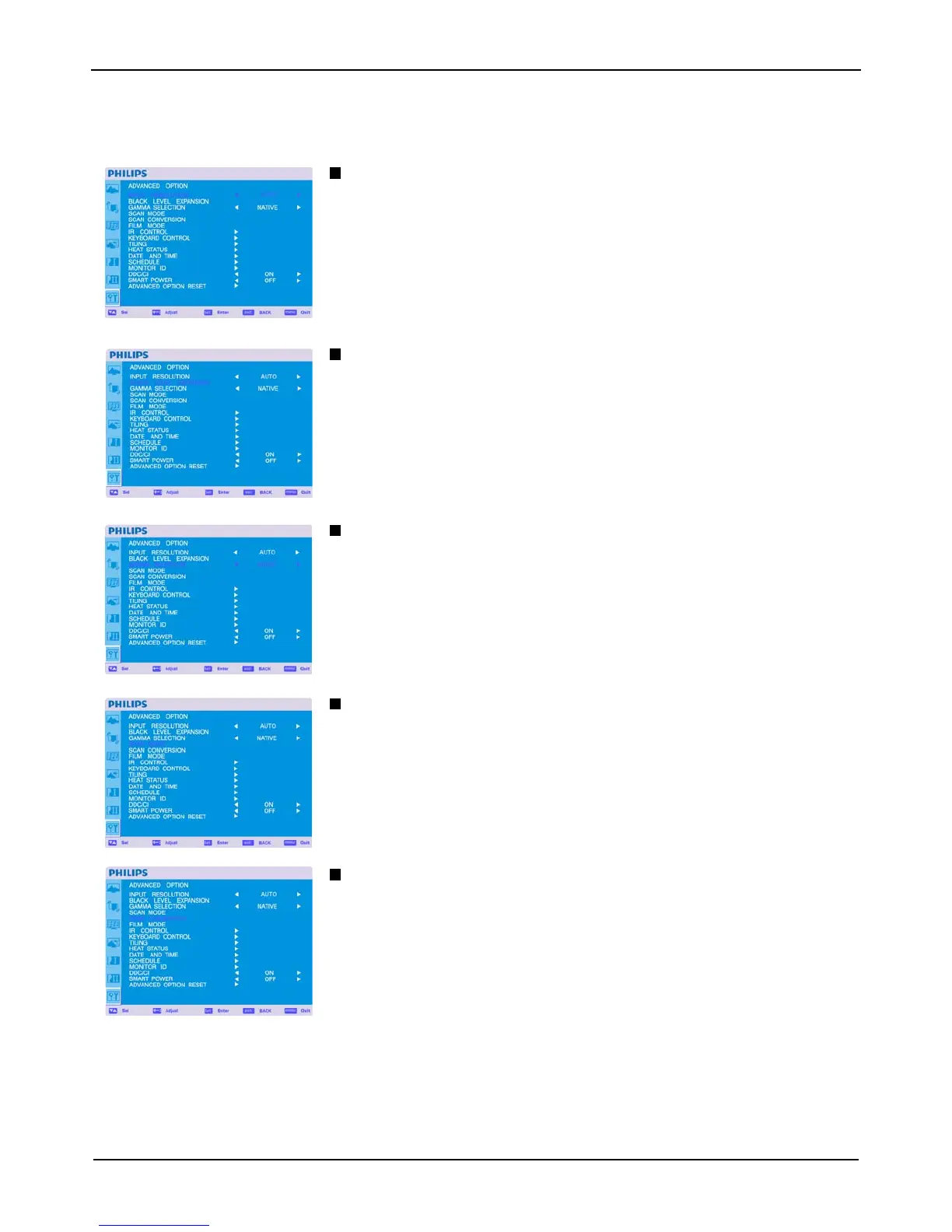
ADVANCED OPTION
INPUT RESOLUTION * : INPUT VGA only
This feature makes the display controlling the source in order to match display capabilities by choice or
automatically. You can select one of the following timings:
(1)1024x768, 1280x768, 1360x768 and 1366x768.
(2) 640x480, 720x480 and 852x480
(3) 800x600, 1064x600 and 720x576
(4) 1400x1050 and 1864x1050
(5) 720x400 and 640x400
AUTO: Determines the resolution automatically.
The setting you select becomes effective when POWER is turned OFF and ON again.
BLACK LEVEL EXPANSION * : INPUT HDMI, DVI-D(MODE-HD), S-VIDEO, VIDEO only
Selects a level of black expansion from “OFF”,”LOW”, “MIDDLE” and “HIGH”.
In case of go under the black cut-off level, please adjust the “Black level” in moderation on OSD menu.
GAMMA SELECTION
Selects a display gamma. It refers to the brightness performance curve of signal input.
2.2
2.4
S gamma
Native
NOTE: sRGB picture mode is standard and cannot be changed.
SCAN MODE * : INPUT HDMI, DVI-D(MODE-HD), S-VIDEO, VIDEO only
Changes the display area of the image.
OVERSCAN: Set to display area about 95%
UNDERSCAN: Set to display area about 100%
SCAN CONVERSION
* : INPUT HDMI, DVI-D(MODE-HD), S-VIDEO, VIDEO only
Selects IP (Interlace to Progressive) converter function.
PROGRESSIVE: Enable the IP function, to convert interlace signal to progressive. Normally use
this setting.
INTERLACE*: Disable the IP function.
*NOTE: This mode is better suited for motion pictures, but it increases chance of image retention.












 To Next Page